Build Your No-Code Forms in Minutes
Design, automate, and connect forms seamlessly within Salesforce. Capture customer data, approvals, and feedback no code required.
Talk to our ExpertsDelays in approvals often happen when requests are missing details or are hard to understand. A well-designed Approval Form removes this friction by gathering all necessary information at the start, allowing approvers to review and decide without back-and-forth.
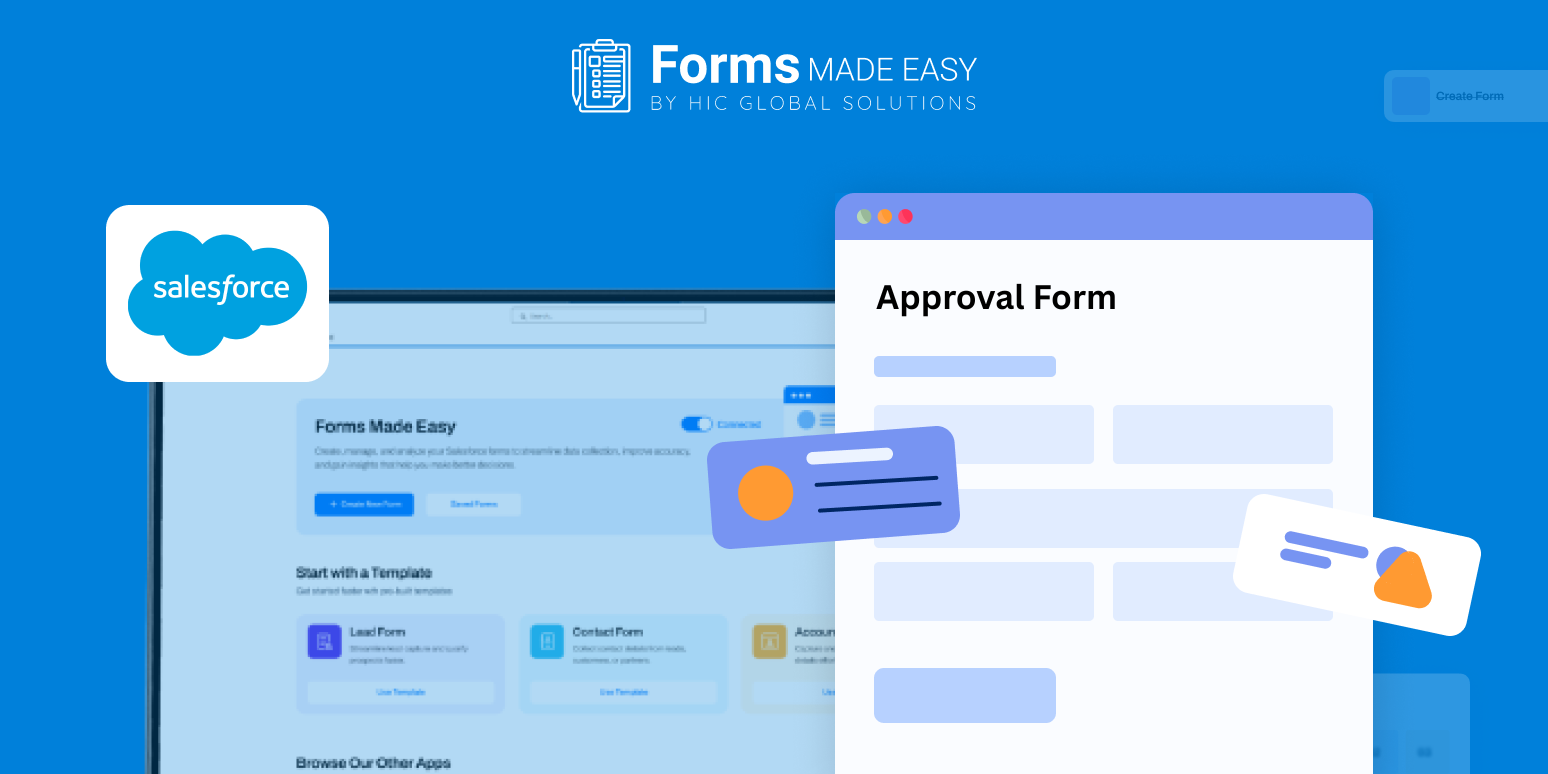
To show how a structured approval flow should look, we’ve shared a sample approval form template. It demonstrates how to clearly capture request information such as purpose, justification, urgency, and approver details in a simple, organized format.
Check out our Approval Form Template using Forms Made Easy.
Build Your Approval Form from the Ground Up
With Forms Made Easy, teams can create an approval form from scratch using an intuitive drag-and-drop interface. The Salesforce form builder requires no coding, making it ideal for teams that want to move fast while keeping requests consistent and easy to understand.
The template serves as a reference point, helping you decide which details must be included before an approval request is submitted.
Add Approval Fields with Ease
Salesforce forms let you quickly add fields such as request name, department, request description, required date, approval category, and supporting comments. This setup works well for common use cases like expense approvals, access requests, or even a pre approval form.
Since the form is built using forms for Salesforce, every approval request form submission stays structured and easily accessible within Salesforce.
Customize the Layout to Fit Your Workflow
After adding fields, you can refine the layout to match your internal process. Rearrange sections, rename labels, and apply branding elements to improve clarity. Forms Made Easy allows you to design a professional-looking approval form that feels natural to use without unnecessary complexity.
Use Rules to Support Better Decisions
You can also apply logic to make the form dynamic. For instance, additional approval fields can appear only for high-value or high-risk requests, or follow-up questions can be shown based on the request type. This ensures approvers see only the information that matters.
Publish and Share to Speed Up Approvals
Once your Approval Form is ready, publish it and share it via links, email, or embedded pages. With Salesforce forms, both submitting and reviewing approvals becomes quicker, clearer, and more transparent across teams.
Conclusion
This sample template illustrates how approval data should be collected and organized for efficient decision-making. Using Forms Made Easy, you can transform that structure into a functional approval request form through a flexible no-code approach. The result is faster approvals, clearer submissions, and a smoother workflow for everyone involved.