Build Your No-Code Forms in Minutes
Design, automate, and connect forms seamlessly within Salesforce. Capture customer data, approvals, and feedback no code required.
Talk to our ExpertsNothing frustrates customers more than a slow or confusing checkout. Missed details, wrong quantities, or unclear delivery information can turn eager buyers into lost sales. This Checkout and Order Placement Template shows how to capture every order detail clearly and guide customers smoothly through the purchase process.
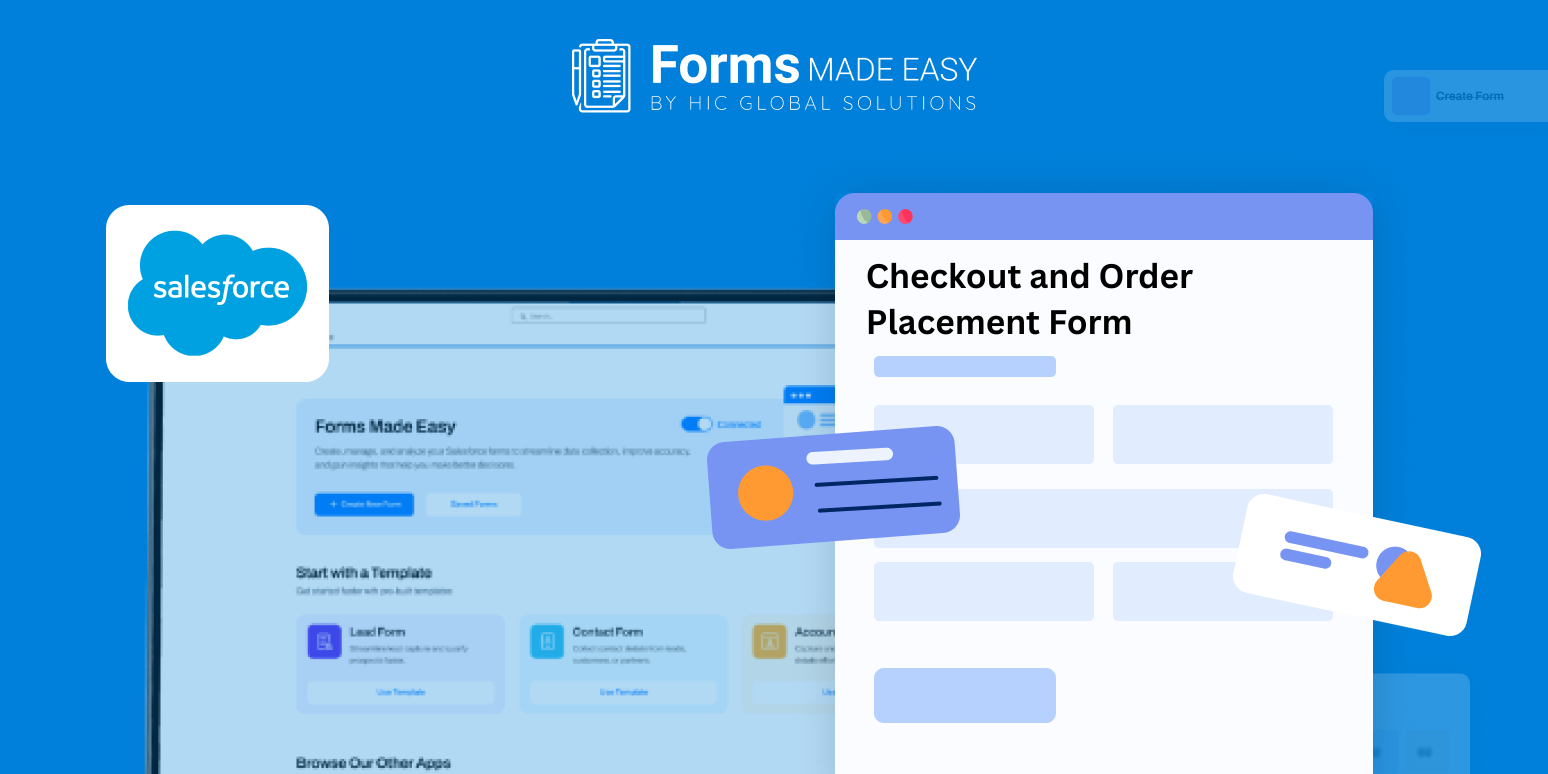
Check out our Checkout and Order Placement Template using Forms Made Easy.
In this blog, we’ll cover how to plan and structure a checkout form, decide which order fields to include, customize the design to match your brand, and apply simple rules to make the form dynamic, all using a drag and drop approach that requires no coding. The result is faster orders, fewer mistakes, and happier shoppers.
Design Your Checkout Form from Scratch
With Forms Made Easy, you can create a checkout experience entirely from the ground up. The Salesforce form builder provides a no-code setup, giving you full control over how the order placement form works while avoiding technical barriers.
This reference template helps visualize the flow of order collection, making it easier to decide which fields are critical before adding them.
Add Essential Order Fields
Using Salesforce forms, include fields such as product name, quantity, price, delivery address, payment method, and order notes. This ensures each checkout form template captures all necessary information for fulfilling orders accurately.
For businesses managing rentals or asset tracking, the same structure can be adapted into a check out equipment form, keeping entries organized and easy to review. All order details are collected centrally in Salesforce for smooth tracking and reporting.
Tailor the Checkout Appearance
After defining fields, adjust the form’s design to improve the customer experience. Add your logo, set brand colors, and arrange sections logically so users can focus on completing the order. Forms Made Easy helps you create a checkout flow that feels clear, reliable, and professional.
Add Rules to Make the Form Adaptive
Rules can be applied to make the checkout form dynamic. For instance, shipping fields can appear only when delivery is selected, or equipment return dates can be shown for rentals. This ensures users see only what is relevant, making the checkout process faster and reducing errors.
Publish and Accept Orders
Once the form setup is complete, share it wherever your customers expect it. Embed it on your website, distribute links in emails, or provide direct access to buyers. With Salesforce forms, your checkout works across devices, ensuring seamless order placement from any location.
Conclusion
A smooth checkout experience is key to keeping customers satisfied and completing more sales. By using this Checkout and Order Placement Template, businesses can design forms that collect all necessary order details, adapt dynamically to different situations, and reduce errors. Leveraging Forms Made Easy and Salesforce ensures every order is captured accurately, making order management simpler and faster, while keeping the buying process seamless for customers.