Build Your No-Code Forms in Minutes
Design, automate, and connect forms seamlessly within Salesforce. Capture customer data, approvals, and feedback no code required.
Talk to our ExpertsHiring or collecting applications often becomes messy when forms are unclear or inconsistent. A simple, well-structured general application form helps you collect the right details from applicants without confusion or back-and-forth. Whether it’s for jobs, internships, or internal opportunities, having a clear form makes the process faster for everyone.
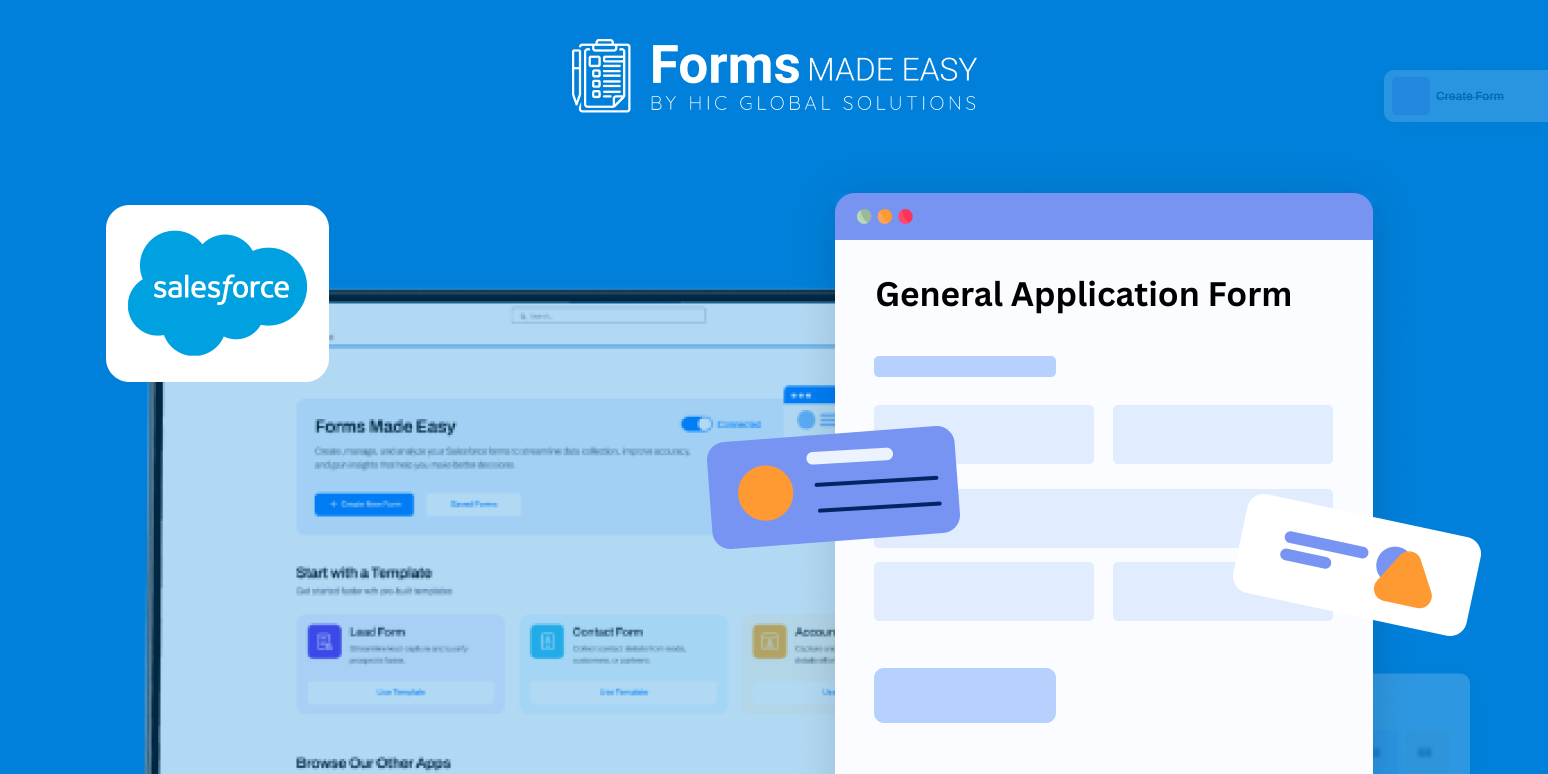
Check out our General Application Form Template using Forms Made Easy.
To help you get started, we’ve provided a sample template that shows how a general application form can be structured. It highlights essential fields, clean styling, and a logical flow so you know exactly what information to collect and how to present it.
Create the Form from Scratch
Using Forms Made Easy, you can build your form from scratch with a drag and drop experience. The Salesforce form builder lets you add fields easily without writing code, making it a true no code form solution.
Start by following the field structure shown in the template and adjust it based on your application needs.
Add Essential Fields Using Drag and Drop
With Salesforce forms, you can add key fields such as applicant name, contact details, education, work experience, skills, and availability. This makes it easy to design a general job application form that works across different roles and teams.
Since it’s built using forms for Salesforce, all submitted data stays structured and ready for review.
Customize the Look and Layout
Once your fields are in place, you can customize the form’s appearance. Add your logo, apply brand colors, and adjust spacing to create a clean and professional look. Forms Made Easy allows you to style your general application form so it matches your brand without extra effort.
Add Form Rules for Better Experience
You can also apply simple rules to turn your form into a dynamic form. Show or hide questions based on applicant responses and reduce unnecessary fields. These rules help applicants complete the form faster and improve data accuracy.
Publish and Share the Form
After your form is ready, you can publish it and share it easily. Embed it on your website, send it via email, or share it through a link or QR code. With Salesforce forms, your form is accessible anytime, from any device.
Conclusion
The sample template gives you a clear idea of required fields, layout, and styling before you build your own form. With Forms Made Easy, you can quickly create a structured general application form using a simple no code form approach and manage applications efficiently with Salesforce.