Build Your Salesforce AI Forms in Minutes
Effortlessly create, customize, and automate forms inside Salesforce no coding needed.
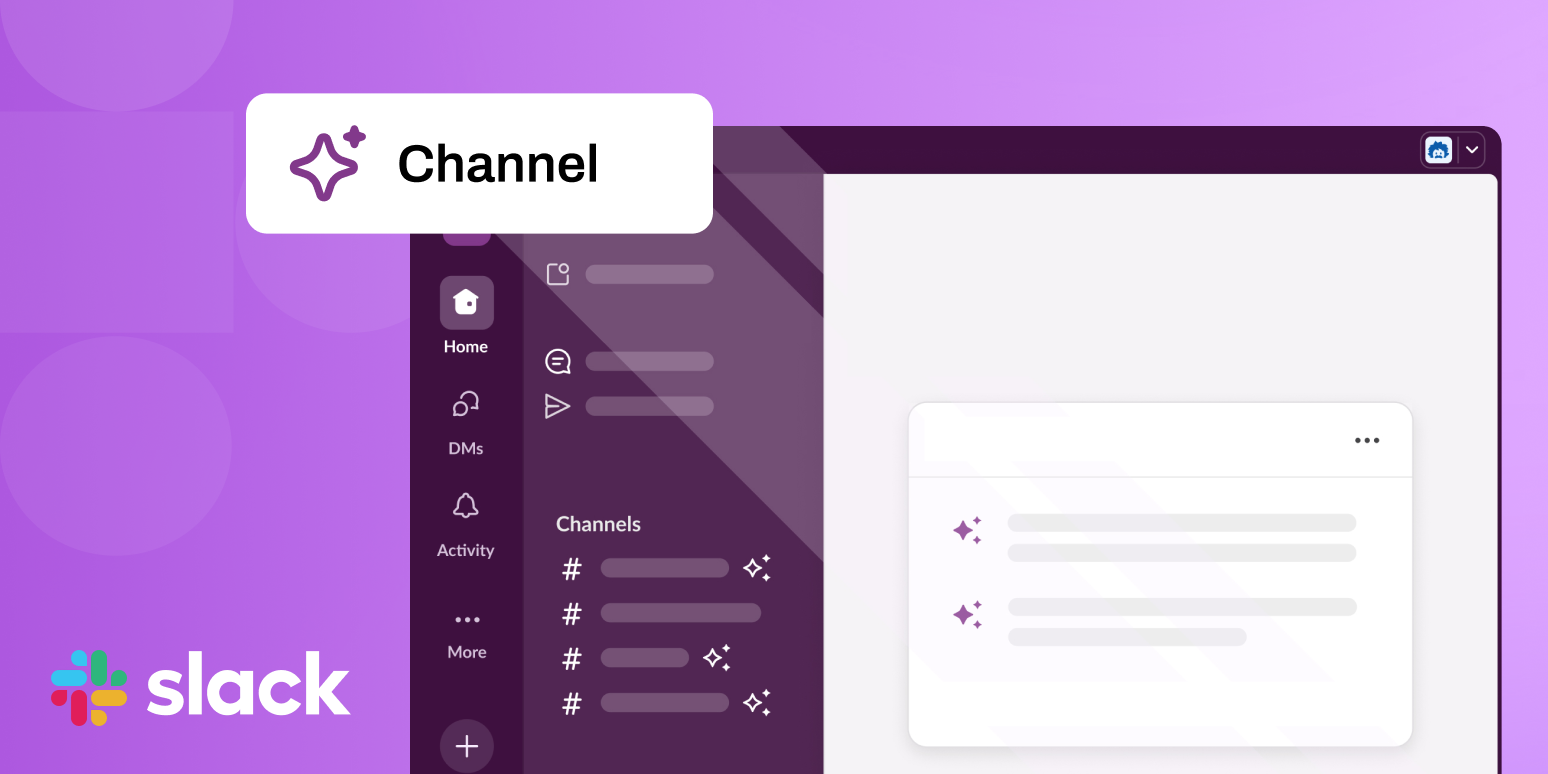
Talk to Our TeamImagine having a smart companion living inside every Slack channel — someone who instantly responds to routine queries, pulls up files you need, and escalates to humans only when it hits a limit. That’s precisely what Slack is aiming for with its new Channel Expert, an AI-powered teammate that works out of the box, no coding required.
Here’s everything you should know — and how it might change team workflows.
What Is Channel Expert?
Channel Expert is Slack’s first pre-built, AI-driven assistant for channels. Rather than requiring custom bots or manual integrations, it comes ready to deploy with just a few clicks (no deep engineering required).
Once active, Channel Expert can:
- Scour channel history to answer frequently asked questions
- Fetch relevant content from connected files and apps
- Escalate to real people when uncertain
- Continuously learn and improve as it interacts
The promise: fewer repetitive interruptions, less burden on human experts, and more time for strategic work.
Why It Matters
Slack is already a repository of critical team data conversations, decisions, and context. Instead of reinventing knowledge, Channel Expert leverages what’s already there and layers intelligence on top.
When combined with connected tools (like CRM, file repos, etc.), the assistant can tailor responses to the ongoing discussion. For example:
- A sales question could retrieve the latest pricing sheet
- A new hire’s onboarding query could point to relevant HR docs
- An IT support ask might pull up troubleshooting tips
By doing so, it moves beyond generic chatbot responses to something more context-aware and useful.
Key Use Cases to Watch
Organizations piloting Channel Expert internally have already flagged promising early use cases. Some of them:
| Use Case | What Channel Expert Can Do |
|---|---|
| IT Support | Help with password resets, basic diagnostics |
| HR / Policy FAQs | Answer leave, expense, and policy queries on demand |
| Sales Enablement | Surface decks, competitive insights, pricing research |
| Onboarding & Training | Guide new hires through processes & FAQs |
| Project Management | Highlight next steps, link docs, resolve blockers |
These are tasks with predictable patterns, making them ideal for automation with AI.
Deployment & Availability
Channel Expert is built on Slack’s partner platform Agentforce, which allows Slack customers to onboard it quickly. For many teams, the hardest step will simply be getting stakeholder buy-in; there’s minimal technical overhead.
As of now, any Slack workspace with access to Agentforce can enable it in selected channels with a few clicks.
📌 Also Read: Salesforce Form Builder for Marketing Cloud
What to Keep in Mind (Challenges & Considerations)
It’s not a silver bullet. Some caveats to consider:
🔹 Accuracy matters: Because it’s responding based on past history and integrations, mistakes or misinterpretations are possible.
🔹 Data silos/permissions: If a file or dataset is restricted, Channel Expert will need proper access to function fully.
🔹 User adoption: Teams must trust the assistant; otherwise, they’ll ignore or circumvent it.
🔹 Edge cases & nuance: Complex or context-heavy problems will still need humans.
A thoughtful rollout strategy, clear monitoring of performance, and gradual expansion will be important.
Forms Made Easy: Extending AI’s Value Beyond Collaboration
While Channel Expert improves team conversations in Slack, many organizations also struggle with data capture and documentation. This is where solutions like Forms Made Easy Sl complement Slack’s AI capabilities.
Forms Made Easy allows teams to:
- Build dynamic, Salesforce-integrated forms without coding
- Capture data directly from customers, employees, or partners and sync it instantly into Salesforce
- An IT support ask might pAutomate repetitive processes like onboarding, service requests, or feedback collectionull up troubleshooting tips
- Reduce manual errors and admin overhead with structured, validated inputs
Just like Channel Expert frees teams from repetitive questions, Forms Made Easy reduces the manual effort of gathering and managing information. Together, they represent a bigger trend: AI and automation becoming embedded in daily workflows — whether it’s in conversations, data entry, or approvals.
Looking Ahead: AI as a Coworker
Slack’s move signals a shift: AI is no longer “extra,” but becoming an embedded teammate. We’re approaching a world where every channel has a built-in assistant, proactively helping without always needing a “bot install.”
If Channel Expert proves robust, we might see similar models across collaboration platforms — elevating productivity, reducing friction, and letting human teams focus on higher-value work.