Build Your No-Code Forms in Minutes
Design, automate, and connect forms seamlessly within Salesforce. Capture customer data, approvals, and feedback no code required.
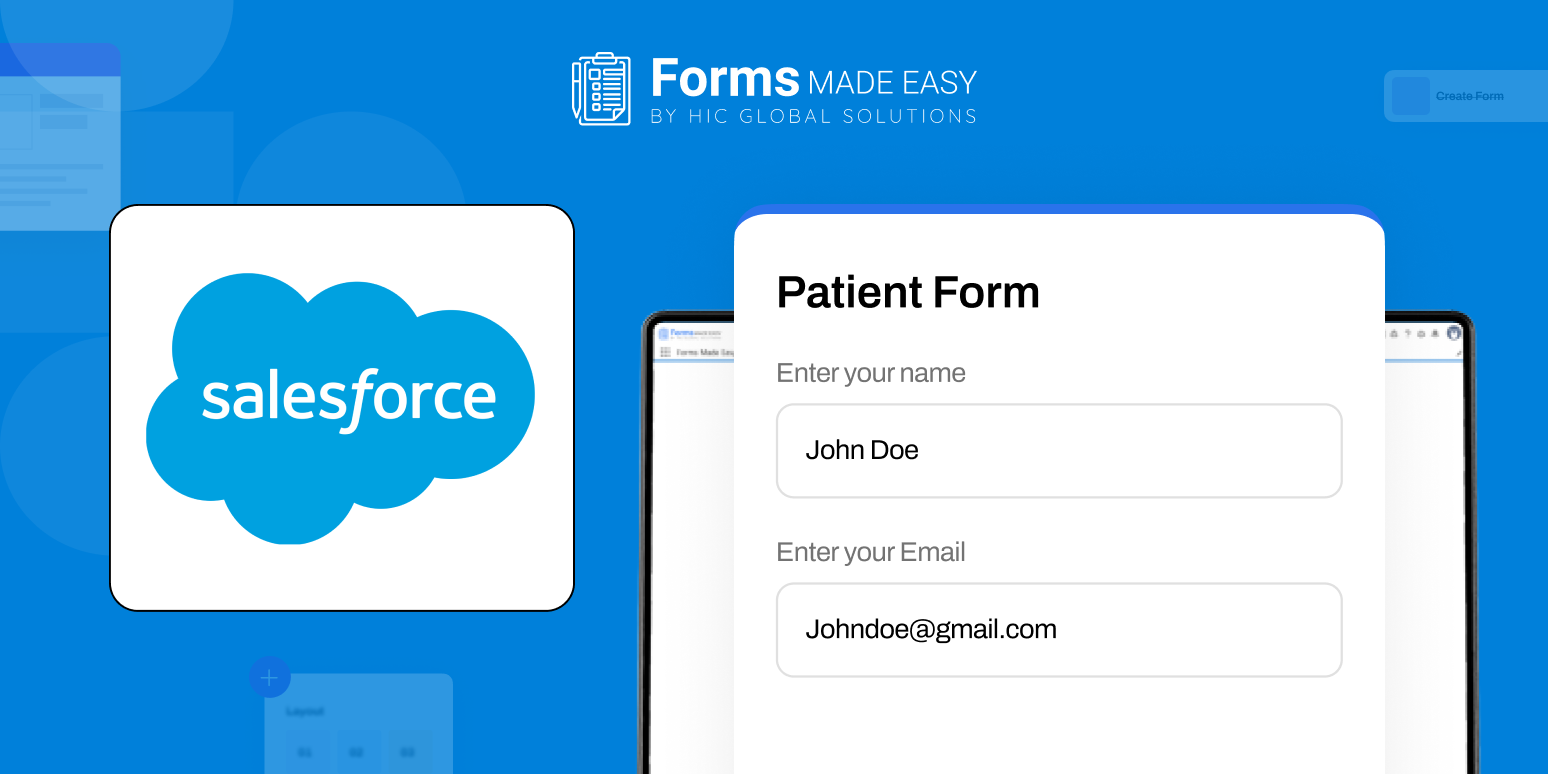
Talk to Our TeamCreate your patient intake form in minutes using a pre-designed Salesforce form template that includes all essential patient intake fields. This template is built to help healthcare organizations collect patient information in a structured and consistent format.
This covers key details to ensure no critical information is missed during form creation.
Check out our sample Patient Intake Form Template using Forms Made Easy.
Create a fully personalized patient intake form in seconds to match your clinic’s specific requirements.
Design Your Own Patient Intake Form in Seconds
Download Forms Made Easy from the Salesforce AppExchange and create your patient intake form effortlessly using a drag-and-drop builder. Add, remove, or rearrange fields to match your exact requirements, no coding or complex setup needed. Build a fully personalized Salesforce form and start collecting patient data instantly.
Your Brand, Your Design: Customization Made Easy
Once your form is ready, personalize the form to reflect your brand identity. Add your logo, apply your brand colors, and adjust the layout for a clean, professional look.
Add Conditional Logics or Rules
Using dynamic form logic, show or hide fields based on patient responses and enable pre-filled forms for returning patients, reducing repetitive data entry and improving accuracy.
Share the Form Anywhere, Anytime
Make your patient intake form accessible exactly how you need:
- Embed it directly on your website
- Share it via email
- Generate a QR code for front-desk or waiting-room use
Conclusion
This is the quick way to create forms for any industry, including healthcare, manufacturing, retail, and more. With Forms Made Easy, you can build any form your business requires, such as, Patient Intake Form, Employee Onboarding Form, Order Request Form, Feedback Form, Incident Report Form, as well as surveys like Customer Satisfaction Survey and Employee Engagement Survey.
Turn any form into a fully dynamic Salesforce form with prefill capabilities that support structured data collection and consistent submissions across your workflows.