Build Your No-Code Forms in Minutes
Design, automate, and connect forms seamlessly within Salesforce. Capture customer data, approvals, and feedback no code required.
Talk to our ExpertsProcurement works best when purchase requests are clear, complete, and easy to approve. A well-structured purchase order form template helps teams capture vendor details, item information, quantities, pricing, and approvals without back-and-forth. The provided sample template, built using Salesforce forms, showcases a clean layout and highlights the most important purchasing fields teams need. In this blog, we’ll show how to quickly create and share a purchase order form using this structure.
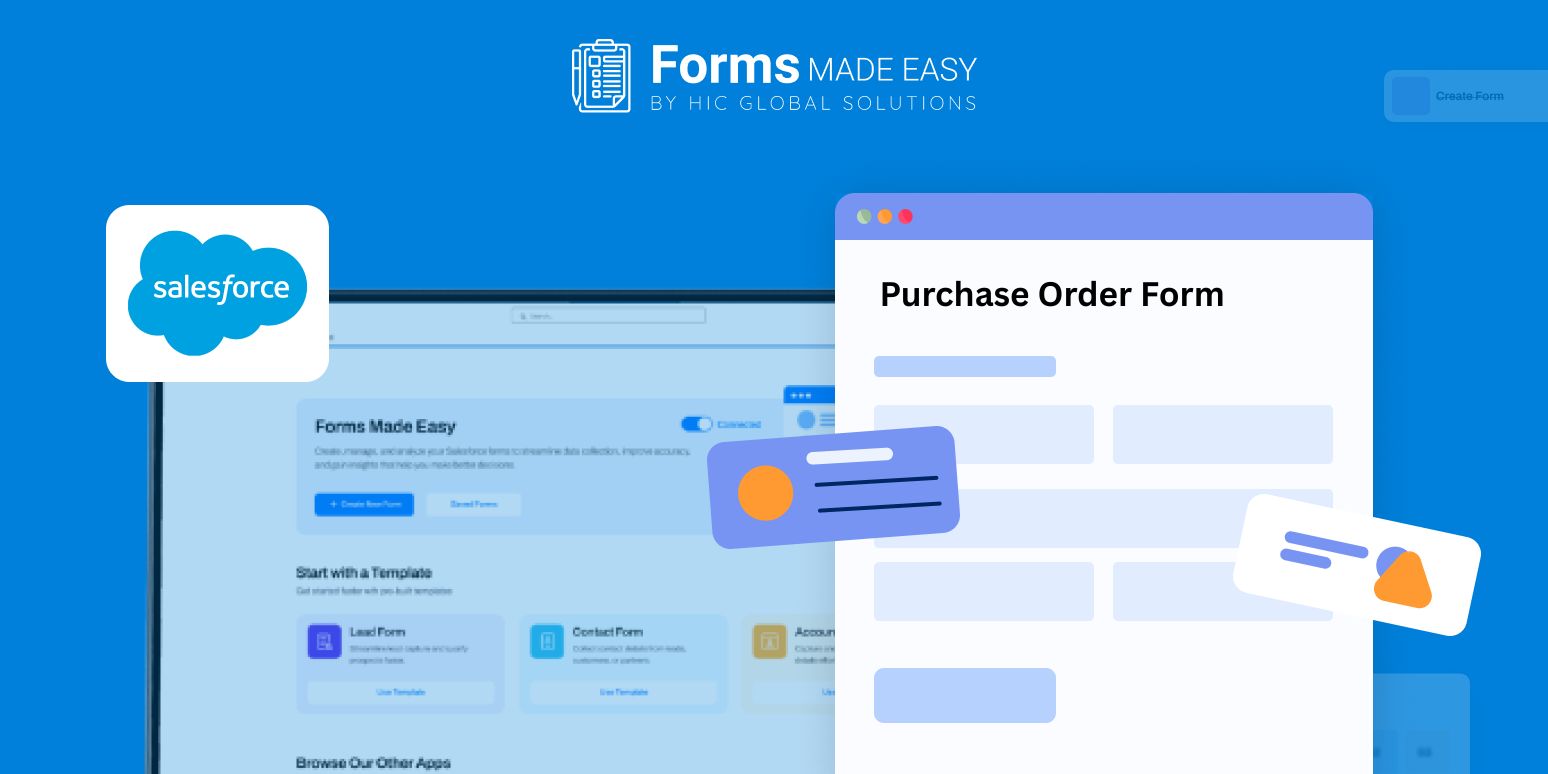
Check out our Purchase Order Form Template using Forms Made Easy.
To begin creating a purchase order template, you can follow the field order and layout shown in the template to ensure nothing important is missed.
Create Your Purchase Order Form in Minutes
Create your form from scratch using the drag and drop form builder by adding procurement-specific fields such as vendor name, item description, quantity, unit price, total amount, delivery date, and approval status. The template helps you understand which fields to include and how to structure them for faster reviews.
With a Salesforce form builder, you can create a no code form that fits your procurement process exactly, while maintaining consistency using forms for Salesforce.
Customize the Form for Your Procurement Flow
Tailor the purchase order form template to match how your organization works. Reorder sections for multi-item purchases, add cost center or budget fields, and customize labels for internal approvals. Using forms for Salesforce ensures every team follows the same structured process without rigid limitations.
Add Smart Logic for Better Control
Enhance your purchase order setup with conditional rules to create a dynamic form. Automatically show approval fields for high-value orders or display tax and shipping details only when required. A dynamic form builder reduces errors and keeps procurement reviews efficient.
Share Purchase Orders with Ease
Once your purchase order template is ready, embed it on internal portals, share it via email, or generate QR codes, making purchase submissions quick and accessible for all teams.
Conclusion
The sample template highlights essential purchasing fields, logical structure, and clean styling while demonstrating how Salesforce form builder simplify procurement workflows. With Salesforce forms and a flexible purchase order form template, organizations can replace manual documents with a scalable, controlled purchasing process without complexity.