Build Your No-Code Forms in Minutes
Effortlessly create, customize, and automate forms inside Salesforce no coding needed.
Talk to Our TeamIn today’s digital-first world, nonprofit organizations need efficient tools to connect with donors, volunteers, and beneficiaries. A Salesforce Form Builder for Nonprofit Organizations has become an essential component of any nonprofit’s technology stack, enabling seamless data collection while maintaining the robust relationship management capabilities that Salesforce provides.
Why Nonprofits Need a Dedicated Salesforce Form Creation Tool
Nonprofit organizations face unique challenges that make the right form builder crucial for their success. From donation campaigns to volunteer registrations and program applications, nonprofits constantly collect sensitive information that needs to flow directly into their Salesforce database.
A specialized Salesforce Form Builder for Nonprofit Organizations offers several key advantages:
Seamless Data Integration: Forms created with a dedicated Salesforce form builder automatically sync data directly into your Nonprofit Success Pack (NPSP) or Nonprofit Cloud, eliminating manual data entry and reducing errors.
Donor Journey Optimization: By capturing detailed information through well-designed forms, nonprofits can create personalized engagement strategies that increase retention and lifetime value.
Compliance and Security: Nonprofit form builders designed for Salesforce come with built-in security features that protect sensitive donor information and help organizations maintain compliance with data protection regulations.
Cost Efficiency: Many Salesforce form solutions offer nonprofit discounts or specialized pricing, making enterprise-level functionality accessible to organizations with limited budgets.
Top Features to Look for in a Salesforce Form Builder App
When evaluating a Salesforce Form Builder App for your nonprofit, consider these essential features that will maximize your organization’s efficiency:
Native Salesforce Integration: The best form builders offer native integration with Salesforce, meaning data flows directly into your CRM without middleware or complex API configurations. This ensures real-time updates and maintains data integrity across your systems.
Conditional Logic and Smart Forms: Conditional logic allows you to create dynamic forms that adapt based on user responses. For example, a donation form can show different payment options based on donation amount, or a volunteer application can reveal additional questions based on the program selected.
Mobile Responsiveness: With over 60% of web traffic coming from mobile devices, your Online Salesforce Form Builder Form must create forms that work flawlessly on smartphones and tablets. Mobile-optimized forms increase completion rates and improve user experience.
Customizable Design Templates: Your forms should reflect your brand identity. Look for form builders that offer customizable templates, color schemes, and the ability to add your logo and images without requiring coding knowledge.
Advanced Field Mapping: Sophisticated field mapping ensures that every piece of information collected through your forms lands in exactly the right place within Salesforce, whether it’s a standard field, custom field, or related object.
Forms Made Easy: Best Salesforce Form Builder Solutions for Nonprofits in 2026
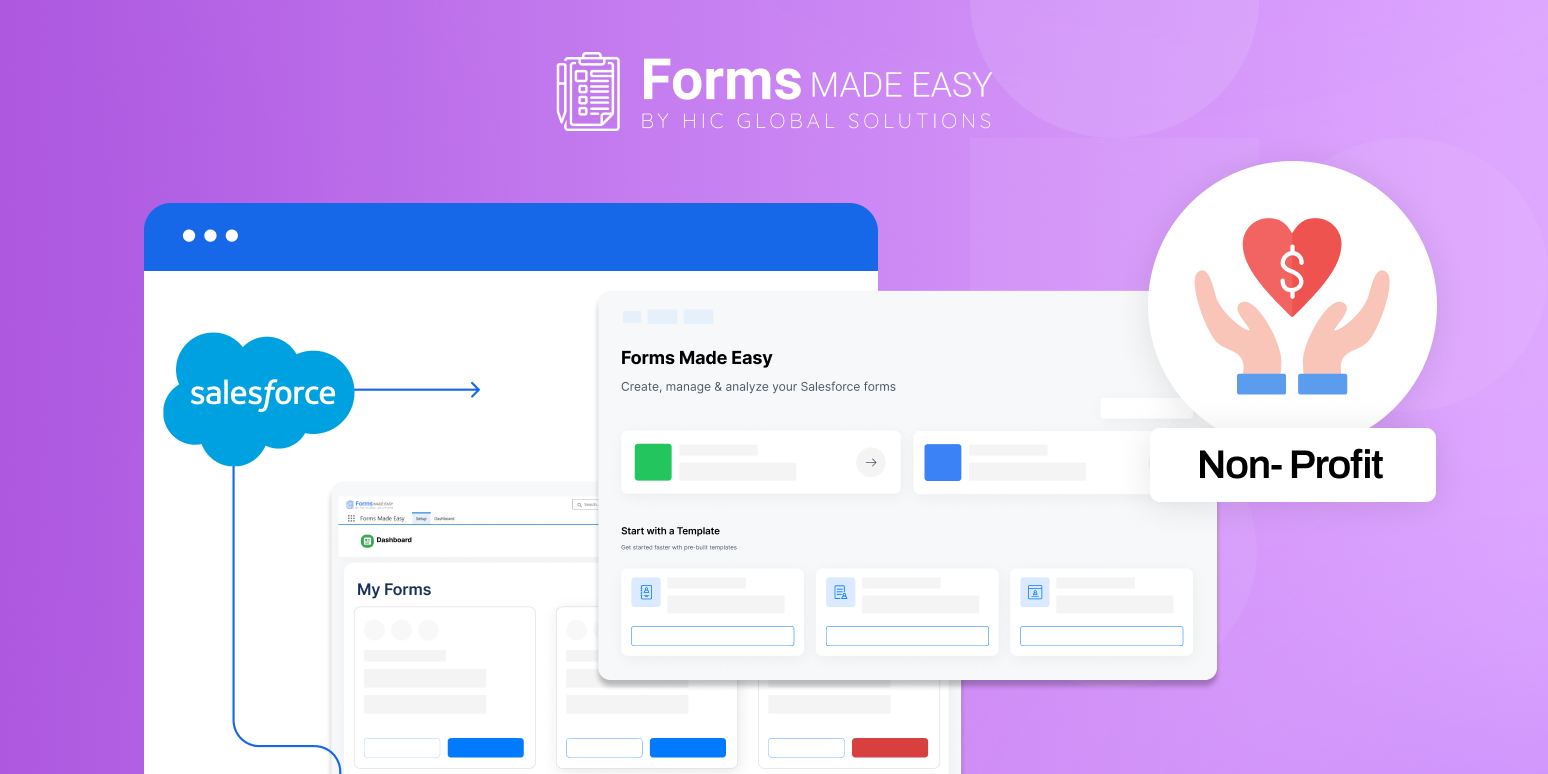
Forms Made Easy is one of the best Salesforce Form Builder solutions for nonprofit organizations in 2026, offering a fully native Salesforce experience for seamless data collection. It allows nonprofits to create donation, volunteer, and event forms with an easy drag-and-drop builder. Every submission syncs instantly with Salesforce, reducing manual work and data errors. Its multi-object support, dynamic fields, and automation features help nonprofits streamline workflows effortlessly. With strong security, responsive design, and prefilled field options, Forms Made Easy empowers nonprofits to enhance engagement and operate more efficiently.
Implementing Your Salesforce Form Creation Tool: Best Practices
Successfully implementing a Salesforce Form Creation Tool requires strategic planning and attention to detail. Follow these best practices to maximize your investment:
Start with Clear Objectives: Before building forms, identify exactly what information you need and why. Every field should serve a specific purpose in your constituent relationship management strategy. Longer forms typically have lower completion rates, so prioritize essential information.
Design for Conversion: Apply conversion optimization principles to your forms. Use clear, action-oriented language for buttons like “Make an Impact” instead of “Submit.” Break long forms into multiple pages with progress indicators to reduce abandonment.
Test Across Devices and Browsers: Always test your Online Salesforce Form Builder Form across different devices, browsers, and operating systems before launching. What works perfectly on desktop Chrome might display incorrectly on mobile Safari.
Implement Progressive Profiling: Rather than asking for all information upfront, use progressive profiling to gradually build comprehensive constituent profiles. Ask for basic information initially, then collect additional details through subsequent interactions.
Monitor and Optimize Performance: Use analytics to track form performance metrics, including views, starts, completions, and abandonment rates. Identify where users drop off and make iterative improvements based on data.
Integration Capabilities That Extend Your Form Builder’s Value
The most powerful Salesforce Form Builder for Nonprofit Organizations solutions extend beyond simple data collection through strategic integrations:
Payment Processing: Direct integration with payment gateways like Stripe, PayPal, and Authorize.net enables seamless donation processing without redirecting donors to external sites.
Email Marketing Platforms: Connect your forms with tools like Mailchimp or Constant Contact to automatically add new subscribers to segmented email lists based on their form responses.
Event Management Systems: For nonprofits running events, integration with platforms like Eventbrite or Cvent ensures registrant information flows directly into Salesforce for comprehensive attendee management.
Document Generation: Automatically generate acknowledgment letters, tax receipts, or volunteer agreements based on form submissions, saving staff time and ensuring consistency.
Security and Compliance Considerations
Nonprofits handle sensitive constituent information, making security a top priority when selecting a Salesforce Form Builder App. Ensure your chosen solution addresses these critical areas:
Data Encryption: Forms should use SSL/TLS encryption to protect data in transit, with options for encryption at rest for particularly sensitive information.
PCI Compliance: If collecting payment information, verify that your form builder is PCI DSS compliant to protect credit card data and avoid liability.
GDPR and Privacy Regulations: Look for features like consent checkboxes, data access requests, and the right to be forgotten to maintain compliance with global privacy regulations.
Access Controls: Implement role-based access controls to ensure only authorized staff members can view sensitive form data and submissions.
Cost Considerations and ROI for Nonprofits
Investing in a Salesforce Form Creation Tool requires balancing functionality with budget constraints. Here’s how to evaluate potential ROI:
Time Savings: Calculate staff hours currently spent on manual data entry and multiply by hourly rates. Most nonprofits recoup their form builder investment within months through time savings alone.
Increased Donations: Well-designed donation forms can increase completion rates by 20-30%. Even a modest improvement in conversion rates significantly impacts annual fundraising results.
Nonprofit Discounts: Many form builder vendors offer discounts ranging from 25-50% for registered 501(c)(3) organizations. Always inquire about nonprofit pricing before making a decision.
Scalability: Consider not just current needs but future growth. Choosing a solution that can scale prevents costly migrations as your nonprofit expands.
Training and Adoption Strategies The best Online Salesforce Form Builder Form is only valuable if your team uses it effectively. Implement these adoption strategies:
Designate Form Champions: Identify staff members who will become form-building experts and serve as internal resources for others.
Create Template Libraries: Build a library of approved form templates for common scenarios so staff can quickly deploy forms without starting from scratch.
Document Procedures: Develop clear documentation for form creation, publication, and data management processes to ensure consistency across your organization.
Schedule Regular Reviews: Quarterly reviews of all active forms help identify outdated content, broken integrations, or optimization opportunities.
Future Trends in Nonprofit Form Building
As we move through 2026, several emerging trends are shaping the future of Salesforce Form Builder for Nonprofit Organizations:
AI-Powered Personalization: Artificial intelligence is enabling forms that adapt in real-time based on user behavior, creating truly personalized experiences that increase engagement.
Voice-Enabled Forms: As voice assistants become more prevalent, forward-thinking nonprofits are exploring voice-enabled donation and registration forms for accessibility and convenience.
Blockchain for Transparency: Some nonprofits are beginning to experiment with blockchain-verified donation receipts and impact reporting through form submissions.
Predictive Analytics: Advanced form builders now incorporate predictive analytics that can suggest optimal ask amounts or volunteer opportunities based on constituent history and behavior patterns.
Conclusion
Selecting the ideal Salesforce Form Builder App for Nonprofit Organizations is a strategic decision that impacts your organization’s efficiency, donor experience, and fundraising success. The right solution seamlessly integrates with your Salesforce database, provides the flexibility to create forms for diverse use cases, and scales as your nonprofit grows.
Start by assessing your organization’s specific needs, budget constraints, and technical capabilities. Take advantage of free trials to test different Salesforce Form Builder App options with real-world scenarios. Involve key stakeholders from development, programs, and technology teams in the evaluation process to ensure the solution meets cross-functional requirements.