Build Your No-Code Forms in Minutes
Design, automate, and connect forms seamlessly within Salesforce. Capture customer data, approvals, and feedback no code required.
Talk to Our TeamCustomer feedback, internal assessments, partner inputs, post-service responses – all of this data already connects to Salesforce in some way. The real question is not whether surveys are needed, but where they should live. By creating surveys directly within Salesforce, every response becomes immediately actionable and tied to the right customer record.
Deloitte’s Customer Experience Study 2025 found that 92% of companies surveyed consider customer experience (CX) a high priority, highlighting that CX (which can include CRM improvements and feedback loops) is widely recognized as strategically essential.
That kind of impact shows why modern businesses are moving away from disconnected survey tools and toward solutions that live right inside the systems they use every day, especially Salesforce. In this blog, we’ll explore why creating surveys in Salesforce matters and how a tool like Forms Made Easy empowers teams without technical overhead.
Key Reasons to Create Surveys in Salesforce
If feedback doesn’t live with customer data, it loses half its value. Salesforce already holds your customer conversations, history, and context. When surveys live somewhere else, that connection breaks. When surveys live inside Salesforce, feedback becomes part of the story, not a separate document.
That idea applies perfectly to surveys. When feedback sits next to customer data, teams move faster and make better decisions. Here are the core reasons why creating surveys in Salesforce.
Centralized Feedback
Using forms for Salesforce means survey responses automatically attach to the right records, Leads, Contacts, Accounts, or Cases. There’s no exporting, no matching, and no guessing later about where a response came from.
With Salesforce forms, feedback stays connected to real business data. Sales teams see survey answers alongside opportunities. Support teams see feedback directly on cases. Nothing feels disconnected.
Real-Time Responses
Feedback is most useful when it arrives while there’s still time to act. With forms for Salesforce, responses appear in Salesforce as soon as they’re submitted.
The best Salesforce form builder allows those responses to trigger alerts, tasks, or follow-ups automatically. Instead of waiting for a report at the end of the week, teams can respond in the moment.
Less Effort for Respondents
People abandon surveys when they’re repetitive or annoying. A prefill form fixes that by automatically filling known information like name, email, or case number.
Using a prefill form improves completion rates and keeps data clean, because responses are already tied to existing Salesforce records.
Surveys should not just collect answers; they should drive outcomes.
Centralized Reporting for Better Decisions
Because responses from Salesforce surveys are stored in Salesforce, it allows building dashboards that combine feedback with operational data, customer value, service metrics, and churn rates, all in one place.
Automation That Reacts to Feedback
A negative satisfaction score can trigger an immediate follow-up task. A positive event can launch a nurturing flow. That’s the power of survey data when captured inside forms for Salesforce: responses become triggers, not just records.
Scalable Governance and Compliance
Standardizing surveys through a Salesforce no code form builder ensures surveys follow the organization’s security, compliance, and access policies from the start. That’s a big deal when roles, teams, and data access rules get complicated.
Using centralized tools also prevents disparate survey tools and scattered data, which is especially important for enterprise environments.
Whether you operate in manufacturing, retail, fashion, education, IT, transportation, hospitality, or any other industry, creating surveys in Salesforce is seamless and efficient.
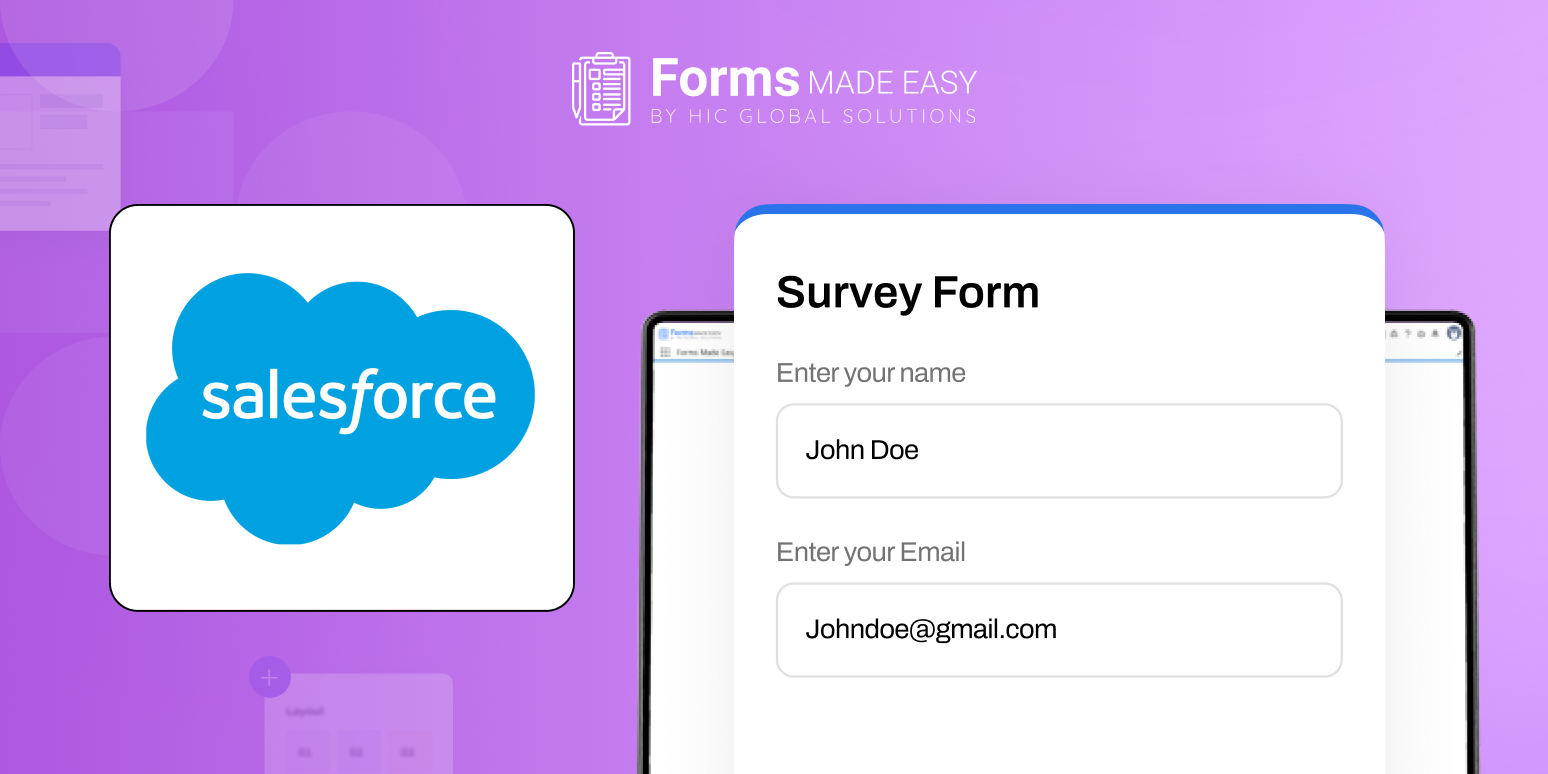
Use this event feedback template to quickly set up your own survey. It includes all key fields, so you can customize questions and start collecting responses right away.
Check out our Sample Survey Form Template using Forms Made Easy.
How Forms Made Easy Supports Survey Creation in Salesforce
Forms Made Easy is built for real Salesforce environments, not just ideal ones. External survey tools often create extra work, exporting responses, importing data, and fixing mismatches. Forms Made Easy avoids that by working directly inside Salesforce.
Salesforce-Native From Day One
Forms Made Easy is built on Salesforce, which means security rules, permissions, automation, and reporting work exactly as expected. Survey responses behave like Salesforce data, not external attachments.
This strengthens forms for Salesforce by keeping everything in one system, fully aligned.
Simple Drag-and-Drop Form Building
Using a visual Salesforce online form builder – Forms Made Easy, teams can create surveys through drag and drop. Fields, layouts, and sections are easy to adjust, even for non-technical users.
This is what teams usually mean when they ask for a reliable no-code form builder that still feels enterprise-ready.
Conditional Logic That Actually Helps
Conditional logic allows a survey or form to change dynamically based on a respondent’s previous answers. Forms Made Easy supports advanced dynamic form logic, allowing surveys to adapt in real time. Respondents only see what’s relevant, which keeps surveys focused and reduces unnecessary effort for the user.
Prefill That Improves Completion
With prefill form functionality, known Salesforce data appears automatically in surveys. That reduces typing, speeds up completion, and improves accuracy. A prefill form also ensures every response is linked to the correct Salesforce record, which is critical for reporting and automation.
Prebuilt Templates for Faster Launch
Forms Made Easy includes ready-made templates for common use cases like customer satisfaction, onboarding feedback, and internal surveys. These templates help teams deploy Salesforce forms quickly and consistently.
Advanced Customization and Branding
Salesforce’s out-of-the-box surveys offer minimal design flexibility. Forms Made Easy allows full branding control, logos, layouts, colors, backgrounds, and styles, so every survey form reflects your brand and delivers a consistent user experience.
Once surveys are running smoothly, the real value shows up in how the business uses the data.
With Forms Made Easy, creating surveys is fast and straightforward. You can design, brand, and deploy a fully functional Salesforce survey in just a few minutes, no technical expertise needed.
Final Thoughts
Surveys are no longer optional add-ons; they are essential feedback channels that shape customer experience and internal decision-making. Creating surveys directly within Salesforce ensures data accuracy, real-time visibility, and operational alignment.
With the right approach to forms for Salesforce, organizations gain more than responses; they gain insight they can act on immediately. By combining Salesforce-native architecture, intuitive design, and smart features like conditional logic and prefill, Forms Made Easy makes survey creation practical, scalable, and deeply connected to how teams already work.
When feedback lives where decisions are made, it finally delivers its complete value.