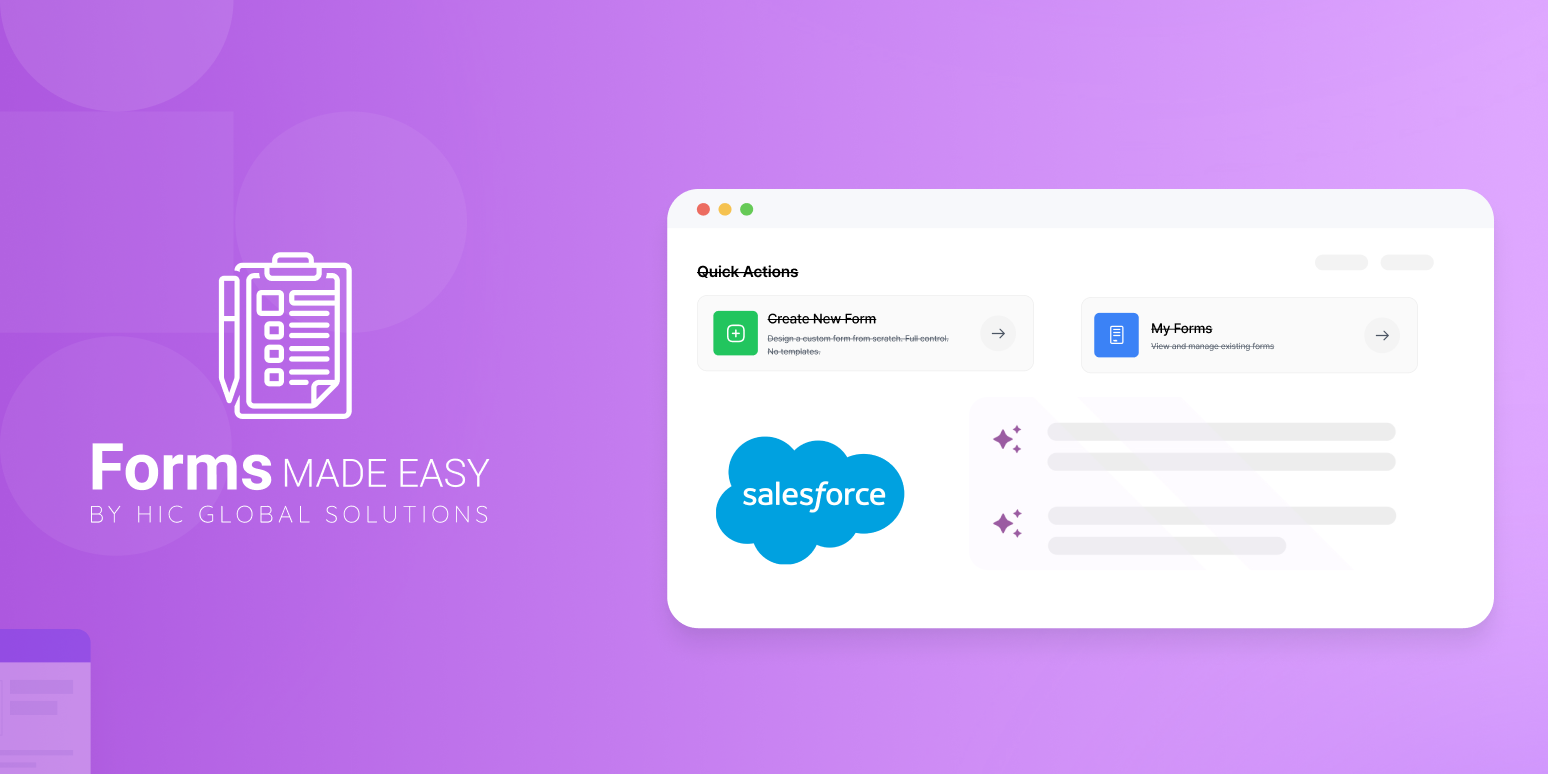
Build Your No-Code Forms in Minutes
Effortlessly create, customize, and automate forms inside Salesforce no coding needed.
Talk to Our TeamLet’s face it — managing countless forms, leads, and onboarding steps can quickly turn into a data nightmare. Without smart automation, valuable time slips away, and errors creep in when businesses need precision the most.
That’s where a Salesforce Form Creation App comes in. It helps businesses create smart, dynamic, and automated forms directly within Salesforce — without writing a single line of code. Whether you’re a marketer capturing leads, a sales rep tracking inquiries, or a support team managing cases, these tools streamline your workflows and enhance accuracy across every touchpoint.
What is a Salesforce Form Creation Tool?
A Salesforce Form Creation Tool is a no-code or low-code solution that lets you build, design, and manage forms connected directly to Salesforce objects. Unlike standalone form builders, these tools are built specifically for Salesforce environments, ensuring your data flows instantly and accurately into your CRM.
In simple terms, it’s a Salesforce Form Builder that enables anyone — not just developers — to create professional-grade forms in minutes. With its intuitive drag-and-drop interface, you can design web forms, surveys, feedback forms, or event registrations, all linked seamlessly to your Salesforce data.
As no-code form builders gain popularity, they empower teams to move faster, reduce IT dependency, and focus more on improving customer experience.
Why Businesses Need a Salesforce Form Creation Tool
Eliminate Manual Data Entry: Manual data entry is time-consuming and error-prone. A Salesforce Form Creation Tool automates this process by instantly syncing form submissions with your Salesforce records. Whether it’s a new lead or a customer feedback form, every submission is stored in real-time — no extra steps required.
Improve Data Accuracy and Quality: When data flows directly from forms into Salesforce, the chances of duplication or entry mistakes drop drastically. Built-in validation rules ensure only accurate and complete information is captured, keeping your CRM data clean and reliable.
Save Time with No-Code Functionality: Not every team has access to developers. A No Code Form Builder allows marketing and sales teams to create and publish forms independently. Its user-friendly interface and prebuilt templates mean you can go live with forms in minutes — saving both time and development costs.
Enhance Customer Experience: Your customers expect smooth, intuitive interactions. A Salesforce Form Builder helps create personalized and responsive forms for web, mobile, or email campaigns. Whether it’s capturing leads or collecting feedback, users enjoy a seamless experience — improving engagement and satisfaction.
Seamless Integration Across Workflows: One of the biggest advantages of a Salesforce Form Builder is its ability to integrate with your existing Salesforce workflows, automation rules, and objects. For example, when a lead fills out a form, it can trigger automatic follow-ups, assign tasks, or update opportunity stages — all without manual intervention.
Key Features to Look for in a Salesforce Form Builder
When selecting the right tool, look for features that balance ease of use with robust functionality:
Drag-and-Drop Form Builder: Build and customize forms without coding.
Dynamic Field Mapping: Automatically link fields with Salesforce objects and records.
Conditional Logic: Display or hide questions based on user responses.
Real-Time Salesforce Integration: Ensure instant data syncing for leads, cases, and contacts.
Mobile Responsiveness: Guarantee smooth experiences on any device.
Data Security & Compliance: Protect sensitive customer information with encryption and access controls.
The best Salesforce Form Creation Tools combine these features with an intuitive design and enterprise-grade scalability.
Real-World Use Cases of Salesforce Form Creation Tools
Here’s how businesses use Salesforce-connected forms every day:
Lead Capture Forms: Collect new leads directly from your website and route them to the right sales reps.
Customer Feedback Forms: Understand satisfaction levels and identify service gaps.
Partner or Vendor Onboarding: Simplify partner registration and approval workflows.
Event Registration Forms: Manage participants and automate follow-up sequences.
Support Case Forms: Allow customers to log issues that automatically generate cases in Salesforce.
These use cases prove that a Salesforce Form can be much more than a simple data collection tool — it’s a bridge between customer interactions and CRM automation.
Native Salesforce Forms vs. Third-Party Form Builders
Salesforce offers some native form options, but they often come with limitations in flexibility, design, or automation. That’s why many organizations turn to third-party Salesforce Form Builders like FormAssembly, Formstack, or Titan DXP — tools built to deliver deeper customization and integration.
Third-party tools offer more control, conditional logic, and branding flexibility, making them ideal for growing businesses that need advanced automation.
How a Salesforce Form Creation Tool Boosts ROI
Adopting a Salesforce Form Creation App isn’t just about convenience — it’s a smart business investment. Here’s how it drives ROI:
Faster Deployment: No-code tools reduce development costs.
Higher Productivity: Teams can focus on strategy, not repetitive tasks.
Better Conversion Rates: Clean, accurate data leads to smarter marketing and sales decisions.
Enhanced Customer Retention: Automated feedback and follow-up processes build stronger relationships.
The Future of No-Code Form Builders in Salesforce
The future of Salesforce forms lies in no-code automation and AI integration. Modern form builders will soon use predictive fields, smart recommendations, and real-time analytics — helping businesses not just collect data but also derive insights instantly.
As the no-code movement grows, tools like Salesforce Form Creation Tools will become essential for every business aiming to stay agile and data-driven.
Conclusion
In an age where speed and accuracy define success, a Salesforce Form Creation Tool is no longer optional — it’s a necessity. It eliminates manual work, ensures data integrity, and empowers non-technical teams to innovate faster.
If your organization wants to enhance customer interactions, streamline workflows, and boost efficiency, investing in a Salesforce Form Builder is the perfect first step.
Ready to simplify your Salesforce form management?
Start leveraging a powerful No Code Form Builder today and watch your productivity soar.