


Turn Forms Into Automated Workflows
Design dynamic forms, streamline operations, and eliminate repetitive manual tasks — all without code.
Talk to Our ExpertsBuild Smarter Forms Faster
Create no-code forms inside Salesforce and automate data collection, approvals, and workflows without complexity.
Get StartedSimplify Your Form Workflows
Replace manual processes with intelligent forms that capture, route, and manage data seamlessly in Salesforce.
Book a DemoBusinesses today do not struggle because they lack ways to collect data, they struggle because many forms still create friction, capture poor-quality information, and slow down the workflows Salesforce is meant to streamline. As teams rely more on automation, faster operations, and accurate CRM data, the role of Salesforce forms has become much more important than it used to be.
At the same time, AI is starting to reshape how businesses think about forms in Salesforce, moving them beyond simple data entry toward smarter, more adaptive experiences. In this blog, we will explore why no code Salesforce form are gaining momentum, how AI is beginning to influence the modern form builder, and what businesses can realistically expect from the future of Salesforce form creation.
Why No-Code Salesforce Forms Are Getting So Much Attention
If you look at what top Salesforce-focused platforms are talking about right now, the message is surprisingly consistent: teams want forms that are easy to build, easy to manage, and deeply connected to Salesforce without extra complexity.
Salesforce itself defines no-code tools as visual, drag-and-drop solutions that allow non-technical users to build apps and workflows without writing code. That same mindset is now shaping how businesses approach Salesforce forms, too.
Across major form builder pages, the same priorities keep showing up:
- Visual drag-and-drop creation
- Real-time mapping to Salesforce objects
- Conditional logic and dynamic experiences
- Multi-object support
- Secure, native data handling
- Easy embeds and multi-channel sharing
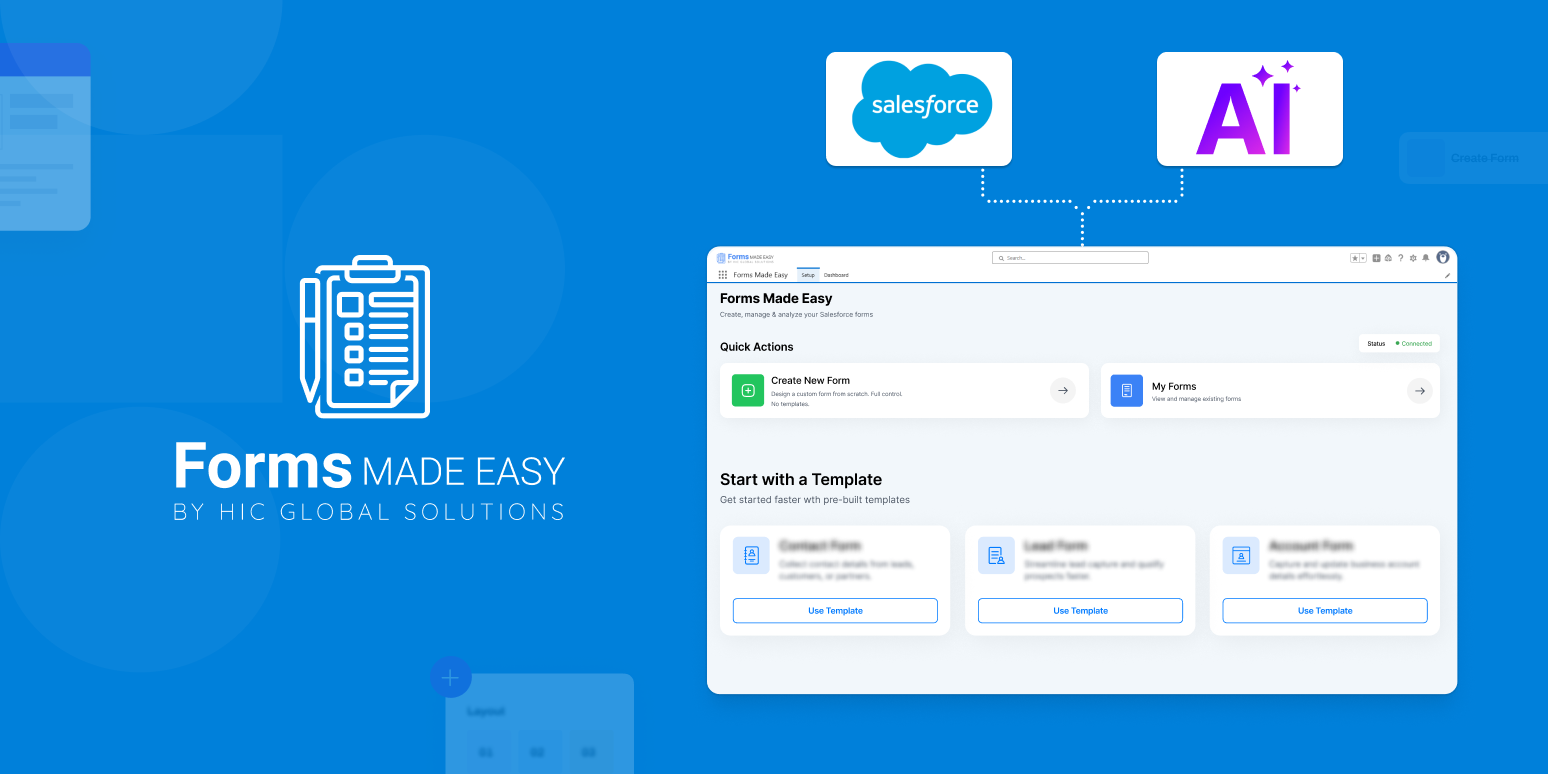
That is not a coincidence. It reflects what real teams need every day. Platforms like Forms Made Easy and other native solutions all position no-code form creation around these exact pain points, which tells us the market has matured in a very clear direction.
In simple terms, businesses are no longer asking whether they need a form builder. They are asking how quickly the form builder can help them launch something useful without creating more admin work later.
What Modern Teams Actually Expect From a Form Builder App
A few years ago, a simple web-to-lead form might have been enough. Today, that is rarely the case.
Modern teams want a form builder that can do more than just capture a few fields. They want forms that fit real processes, lead qualification, support intake, onboarding, registrations, approvals, internal requests, and even complex survey forms that change based on user responses.
That is why no-code form platforms are increasingly built around flexibility, not just simplicity.
The strongest expectations today usually include:
- The ability to create forms without developers
- Support for standard and custom Salesforce objects
- Logic that shows or hides fields dynamically
- Embedded experiences across websites and portals
- Mobile-friendly layouts
- Workflows that do not break when business needs change
This is also where the idea of an online form builder becomes much more important inside the Salesforce ecosystem. Teams do not just want forms that “connect” to Salesforce. They want forms that behave like a natural extension of the platform.
That distinction matters more than it sounds.
How AI Is Starting to Change Salesforce Forms
The shift happening in Salesforce forms is not really about making forms look more modern. It is about changing what a form can do before, during, and after submission.
For years, most forms followed a very fixed pattern. Someone filled in fields, clicked submit, and the data moved into Salesforce. If the team wanted anything more advanced, better routing, pre-filled data, smarter journeys, cleaner qualification, or follow-up actions, it usually meant extra logic, extra tools, or manual process design behind the scenes.
That is exactly where AI is beginning to reshape the experience.
The most meaningful change is not that AI can help generate a form faster. The real change is that forms are starting to become more decision-aware. Instead of acting like static entry points, they are slowly becoming smarter interfaces that can respond to intent, reduce friction, and improve the quality of what gets captured inside Salesforce.
Here’s what that really means in practice:
1. Forms Are Moving From Static Collection to Guided Data Capture
Traditional forms ask for information, and now smarter forms help users complete the process.
AI can support more thoughtful form design by identifying which fields are actually necessary at each stage, reducing unnecessary questions, and helping businesses avoid the “ask for everything upfront” habit that often hurts completion rates. That matters because better forms do not just collect more data, they collect the right data at the right time.
For sales teams, this could mean stronger lead qualification.
For service teams, it could mean better case context from the first submission.
For operations teams, it could mean fewer incomplete or misrouted requests.
That is a much more valuable shift than simply “AI helps build forms faster.”
2. The Real Opportunity Is Better Decision-Making, Not Just Better Layouts
A lot of people talk about AI in forms as if it is only about auto-generating labels or suggesting fields. That is the surface-level version.
The deeper value is that AI can make form experiences more aligned with business logic. It can support better routing paths, stronger conditional flows, and more relevant follow-up actions based on what the user is actually trying to do.
In other words, the form becomes less like a digital sheet and more like an intelligent intake layer.
That matters in forms in Salesforce because the form is often the first point where a process starts. If that starting point is smarter, everything downstream becomes cleaner too, records, workflows, handoffs, reporting, and even automation performance.
3. AI Can Help Improve Data Quality at the Point of Entry
This is one of the most practical long-term benefits, and honestly, one of the most underrated.
Most Salesforce teams do not struggle because they lack forms. They struggle because the data entering Salesforce is inconsistent, incomplete, duplicated, or poorly structured. That creates problems everywhere, automation, reporting, segmentation, ownership, and customer experience.
AI changes that by helping businesses think beyond “Was the form submitted?” and toward “Was the submission actually useful?”
That could mean:
- Identifying fields that create confusion
- Improving the sequence of questions
- Reducing abandonment through smarter logic
- Guiding cleaner input patterns
- Supporting better validation before invalid data enters the CRM
This is where AI starts becoming genuinely valuable in no code forms. It is not just assisting the builder; it is protecting the system behind the form.
4. Forms Are Becoming More Contextual, Not Just More Dynamic
Conditional logic made forms dynamic, and AI has the potential to make them contextual.
That is an important difference.
A dynamic form shows or hides fields based on rules, while a contextual form starts moving toward understanding what matters for this user, in this moment, for this workflow.
That could eventually influence:
- Which questions appear first
- What gets pre-filled based on known CRM context
- How much information is asked upfront vs later
- How submissions are prioritized after entry
- What automation should happen immediately after completion
This is where the future of a Salesforce form builder becomes much more interesting. It is no longer just about creating forms without code. It becomes about creating forms that make smarter operational decisions without increasing complexity for the team building them.
Why Conditional Logic Still Matters More Than Most People Realize
Even with all the excitement around AI, one feature still keeps showing up everywhere for a reason: conditional logic.
It is one of the most practical features users consistently want in a form builder, and even no-code communities regularly call it out as essential because it makes forms feel dynamic instead of rigid. One Reddit discussion on form tools specifically highlighted “native, customizable conditional logic” as the feature users wish every platform handled well.
That makes perfect sense.
A form should not force every user through the same path. A returning customer does not need the same questions as a new lead. A support request should not look like an event registration. A complex intake process should not feel like a long spreadsheet.
That is why strong conditional logic remains one of the biggest signals of a mature online form builder. And as AI evolves, that logic layer will likely become even smarter, not just rule-based, but more context-aware over time.
What Users Can Expect Next in Salesforce No-Code Forms
This is the part that matters most for the future. If the current direction continues, the next phase of forms in Salesforce will likely become more intelligent, more connected, and much more workflow-driven.
Here are four realistic shifts users should expect:
1. Form Building Will Become More Intent-Driven
Building a form may start with prompts, templates, or guided suggestions.
So, instead of starting with a blank canvas and manually deciding every field, more no-code platforms will likely move toward guided creation based on use case: lead qualification, service intake, onboarding, event registration, approval requests, customer feedback, and more.
2. More Adaptive Form Experiences Will Emerge
This is one of the most important shifts users should expect. For years, many businesses assumed better forms meant capturing as much information as possible. But that mindset often creates long, exhausting experiences that reduce completion rates and still lead to poor-quality data.
The future of Salesforce forms is likely to move in the opposite direction.
Smarter forms will focus on progressive capture, asking only what is necessary now, while using workflow logic, CRM context, and automation to collect or enrich the rest later. That means better conversion, better user experience, and more trust from the person filling out the form.
In many cases, the strongest online form builder will not be the one that offers the most fields. It will be the one that helps teams ask the fewest questions needed to move a process forward effectively.
3. Multi-Object Workflows Will Become Standard, Not Advanced
Right now, many teams still treat advanced workflows as something “extra.” But in the next phase of no code forms, that line will start disappearing.
Users will increasingly expect one form submission to do more than create a single record. They will want one experience to:
- Create or update multiple related Salesforce objects
- Trigger approvals or internal routing
- Pass information into flows
- Personalize what happens next based on submission type
This matters because business processes are rarely single-object in real life. As expectations rise, forms in Salesforce will need to reflect that reality much more naturally.
4. AI Will Push Forms Closer to Workflow Intelligence
This is where things become much more interesting than “AI-generated form setup.” The next real evolution is not just smarter form creation, it is smarter orchestration after submission. That means forms will increasingly become the first intelligent checkpoint in a workflow.
Users should expect platforms to move toward:
- Smarter submission prioritization
- Stronger qualification logic
- More relevant handoffs
- Better downstream automation triggers
- Precise matching between collected data and business actions
In simple words, the form will stop being just the place where data enters Salesforce. It will become the place where the system starts understanding what should happen next. That is a much deeper change in Salesforce forms than most people realize.
Conclusion
The conversation around Salesforce forms is changing for a reason. Businesses no longer want forms that are hard to build, update, or disconnected from the workflows they depend on every day. They want a modern form builder that helps teams move faster, capture correct data, and create better experiences without adding technical friction.
As AI continues to shape how forms in Salesforce are built and optimized, the future will likely belong to solutions that combine no-code simplicity with smarter automation, better logic, and stronger native alignment with Salesforce. And that is exactly why tools like Forms Made Easy are becoming more relevant in this and the next phase of form creation, because the market is clearly moving toward faster, more intelligent, and more practical no-code form experiences.








