


Turn Forms Into Automated Workflows
Design dynamic forms, streamline operations, and eliminate repetitive manual tasks — all without code.
Talk to Our ExpertsBuild Smarter Forms Faster
Create no-code forms inside Salesforce and automate data collection, approvals, and workflows without complexity.
Get StartedSimplify Your Form Workflows
Replace manual processes with intelligent forms that capture, route, and manage data seamlessly in Salesforce.
Book a DemoEvent planning moves fast, and registrations are often the first place where things go wrong. Missing attendee details, incorrect session choices, or unclear preferences can create confusion later.
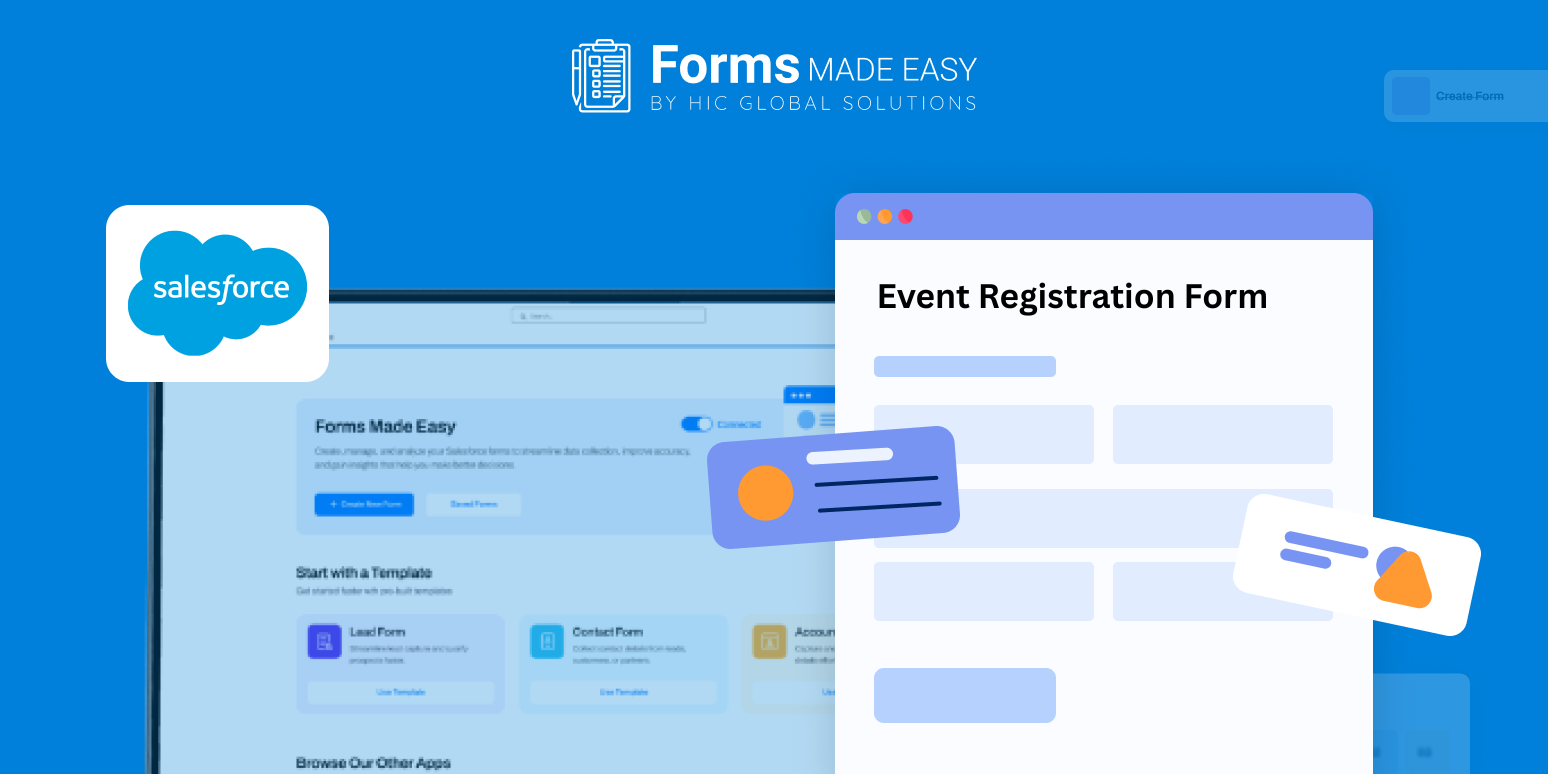
This blog focuses on an event registration form template and explains how the form can be created from scratch using a clear and structured approach. A live template preview is shared to show how an effective registration form should be organized before you start collecting sign-ups.
Check out our Event Registration Form Template using Forms Made Easy.
Why Use an Event Registration Template
A ready-made template helps define what information should be collected and in what order. It ensures consistency across registrations and reduces manual corrections.
By reviewing the template first, organizers can understand the registration flow and plan adjustments before building the final form.
Create the Registration Form from Scratch
Using the Salesforce form builder, registration forms can be built easily with a drag and drop interface. Forms Made Easy follows a no code form approach, allowing teams to set up registrations without technical support.
The template provides a clear starting point while creating the form from scratch.
Add Registration Fields with Salesforce Forms
With Salesforce forms, you can add essential fields such as attendee name, email, phone number, event category, session selection, and dietary preferences.
Because these are forms for Salesforce, all registration data stays structured and easy to manage. The same layout can also be reused as a meeting registration form template or adapted for larger events using a broader event registration template.
Customize the Registration Experience
Once the fields are in place, the form layout can be refined. Branding elements like logos and colors can be added, and sections can be organized for better readability.
Forms Made Easy helps create an event sign up template that looks professional and remains simple for attendees to complete.
Use Rules to Make Registration Smarter
Simple conditions can turn the registration into a dynamic form. Session options can appear only when relevant, or extra questions can be shown for in-person events.
This keeps the form short while collecting accurate details.
Publish and Share the Registration Form
Once the event registration form template is ready, it can be published and shared in multiple ways. You can embed the form directly on your website, copy the form URL to share anywhere, send it through email invitations, or generate a QR code for quick access during promotions or on-site events.
With Salesforce forms, attendees can complete registrations from any device without hassle.
Conclusion
A well-structured registration form makes event planning smoother and more reliable. Reviewing a template helps define the right flow, while a Salesforce no code form approach allows quick setup and updates. Using Salesforce forms, registrations remain organized inside Salesforce, helping teams manage attendees efficiently and focus on delivering a successful event.








