


Turn Forms Into Automated Workflows
Design dynamic forms, streamline operations, and eliminate repetitive manual tasks — all without code.
Talk to Our ExpertsBuild Smarter Forms Faster
Create no-code forms inside Salesforce and automate data collection, approvals, and workflows without complexity.
Get StartedSimplify Your Form Workflows
Replace manual processes with intelligent forms that capture, route, and manage data seamlessly in Salesforce.
Book a DemoManaging forms across multiple retail locations can be challenging due to inconsistencies and duplicated efforts. Centralized Forms offer a solution by allowing retail teams to create and manage forms from a single system, ensuring uniformity and simplifying data collection. This approach enhances data integrity, reduces operational overhead, and streamlines updates. By integrating with Salesforce, businesses can maintain organized data across all stores. Forms Made Easy facilitates this process, providing tools for easy form creation and customization, ultimately improving the efficiency of multi-store operations.
Running one retail store is one thing. Managing forms across 10, 50, or hundreds of stores is a completely different challenge. Every location may need to collect customer details, employee information, feedback, service requests, stock updates, or other business data. When every store uses its own way of collecting this information, things can quickly become difficult to manage.
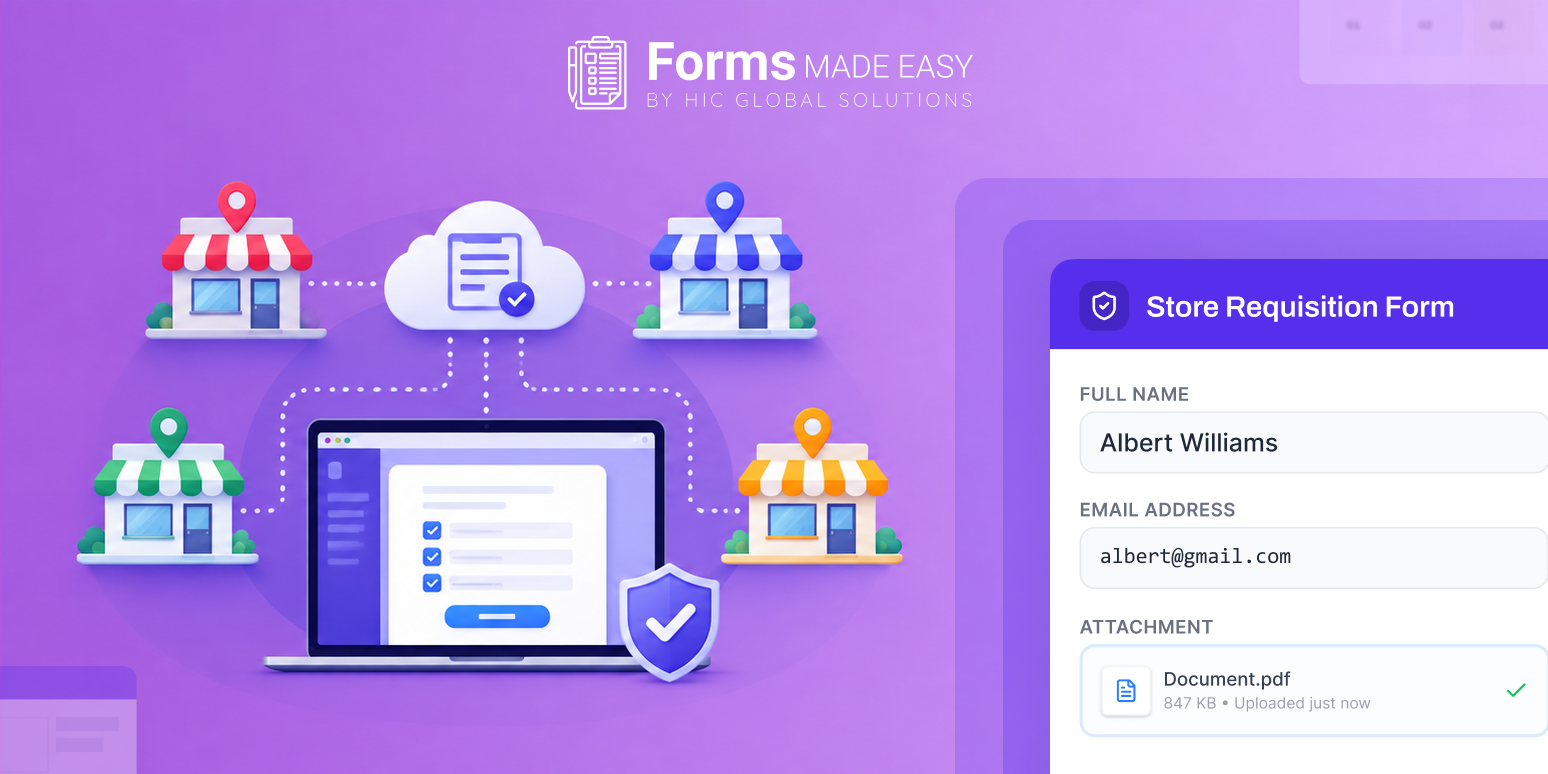
This is where Centralized Forms can make a real difference. Instead of creating separate forms for different stores and trying to keep everything consistent, retail teams can manage their forms from one place. It becomes easier to keep the same structure, collect the right information, and make sure data reaches the right Salesforce records.
For multi-store businesses, this is not only about making forms look the same. It is about creating a simpler way to collect and manage information across locations. In this blog, we will look at why retail businesses need Centralized Forms, the problems caused by disconnected forms, and how Forms Made Easy can help create a more organised form experience.
What Are Centralized Forms?
Centralized Forms are forms that are created, managed, and maintained from a common system instead of being handled separately by each store or team.
For a retail chain, this means one form structure can be used across multiple locations. If the business needs to update a field, change a question, or make an improvement, the change can be managed centrally instead of asking every store to update its own version.
This approach can be useful for customer feedback, store inspections, employee requests, lead collection, product feedback, service requests, and other retail forms.
When forms are connected with Salesforce, the collected information can also be captured in the same business system, giving teams a more consistent way to manage their data.
The Strategic Value of Centralized Forms for Retail Chains
1. Keep Every Store on the Same Page
When different stores create their own forms, the questions and information collected can vary from one location to another.
One store may ask for five customer details, while another asks for eight. Some may use old fields, while others may have already changed their forms.
Centralized Forms help retail chains follow one common structure. Stores can work with the same forms while the central team maintains control over what information is collected.
2. Reduce Duplicate Form Work
Imagine a retail business with 100 stores. If each location needs a customer feedback form, creating and maintaining 100 separate forms can take a lot of time.
The same problem comes back whenever the form needs an update.
With a centralized approach, the business can manage the form from one place rather than repeating the same work for every store. This can save time for both the central team and individual store teams.
3. Collect Consistent Customer Information
Customer data becomes much more useful when it is collected in a consistent format.
For example, if every store collects customer name, contact details, purchase information, feedback, and other required details in the same way, the business gets a clearer view of what customers are saying across different locations.
This makes Salesforce forms more useful for teams that need to review customer information across multiple stores.
4. Make Store-Level Data Easier to Compare
Retail chains often need to understand how different stores are performing.
If every location uses a different form structure, comparing the collected information can become difficult. The central team may first need to clean or reorganise the data.
Using consistent Salesforce retail forms makes it easier to bring information into a common structure. Teams can then review feedback and other collected data across stores without dealing with completely different formats.
5. Make Form Updates Easier
Retail businesses change regularly. A new product may be launched, a new service may be introduced, or the information collected from customers may need to change.
If every store has its own version of a form, even a small change can turn into a large task.
A centralized setup gives the business better control over form updates. Instead of managing every version separately, the central team can maintain the forms from one place.
6. Keep Salesforce Data Better Organised
For businesses already using Salesforce, forms are often the first step in bringing information into the CRM.
The quality of the final Salesforce data depends heavily on what is collected through the form.
A well-structured Salesforce form can help teams collect the required information in a consistent way. For multi-store retailers, this becomes even more important because the same data collection process may be happening across many locations.
“One business, many stores, one consistent way to collect data. Centralized forms keep every location on the same page.”
What Happens When Retail Forms Are Managed Separately?
Using separate forms for every store may seem manageable in the beginning. But as the number of locations grows, the problems can become more noticeable.
Some common issues include:
- Inconsistent Data Collection: Different stores collecting different information.
- Form Version Control Issues: Multiple versions of the same form in circulation.
- Legacy Process Drag: Outdated forms still being used across teams.
- Increased Operational Overhead: More manual work required from the central team.
- Aggregated Data Gaps: Difficulty comparing information across different locations.
- Poor Data Integrity: Inconsistent and unreliable customer data records.
- Redundant Effort: Extra time spent making the same updates repeatedly.
- Compliance & Oversight Risks: Greater chances of missing critical details and fields.
This is why businesses with multiple locations can benefit from moving towards Centralized Forms instead of continuing with disconnected form processes.
How a Salesforce Form Builder Helps Retail Teams
A Salesforce form builder can give retail teams a simpler way to create forms that connect with their existing Salesforce environment.
Instead of treating the form and CRM as two completely separate systems, businesses can create forms around the information they already manage in Salesforce.
For multi-store retailers, this can help create a more connected process. A customer submits information through a form, and the business can use that information within its Salesforce workflows and records.
The right Salesforce form builder can also make it easier for teams to create different forms for different purposes while still keeping control over the overall form experience.
Create Centralized Forms with Forms Made Easy
Forms Made Easy helps retail teams create Salesforce forms without relying on code or making every form from scratch. It keeps form creation simple while giving teams control over how each form looks and works.
What Makes Forms Made Easy Useful for Retail Teams?
- AI Form Builder: Create a complete form with AI using just one prompt. Simply describe the form you need, and Forms Made Easy can create it for you.
- Form Rules: Set rules based on your requirements to control what users see, enter, or do while filling out the form.
- Custom Styling: Change the look of your forms and customise the styling to match your brand and business requirements.
- Easy Form Sharing: Share forms with customers, employees, store teams, or other users based on your specific use case.
- Multiple Form Use Cases: Create forms for customer feedback, store requests, surveys, lead collection, internal processes, and more.
- Salesforce Data Integration: Keep your forms connected with Salesforce, so the information collected can be managed within the platform.
With these features, retail businesses can create different forms for different stores and purposes while managing them from one place.
If you want a simpler way to create Salesforce forms, Forms Made Easy can help you get started without adding unnecessary complexity.
Install Forms Made Easy from Salesforce AppExchange and start creating your forms today.
Wrapping Up
For multi-store retailers, forms may look like a small part of the overall business process, but they can have a big impact on how information is collected and managed. When every store uses different forms, businesses can end up with inconsistent data, repeated work, and more effort to keep everything updated.
Centralized Forms provide a more organised way to manage this process. Retail teams can maintain consistency across locations, make updates more easily, and create a better flow of information into Salesforce.
With Forms Made Easy, businesses can also simplify the form creation process with AI, form rules, and styling options, making it easier to build forms around their actual retail needs.