


Turn Forms Into Automated Workflows
Design dynamic forms, streamline operations, and eliminate repetitive manual tasks — all without code.
Talk to Our ExpertsBuild Smarter Forms Faster
Create no-code forms inside Salesforce and automate data collection, approvals, and workflows without complexity.
Get StartedSimplify Your Form Workflows
Replace manual processes with intelligent forms that capture, route, and manage data seamlessly in Salesforce.
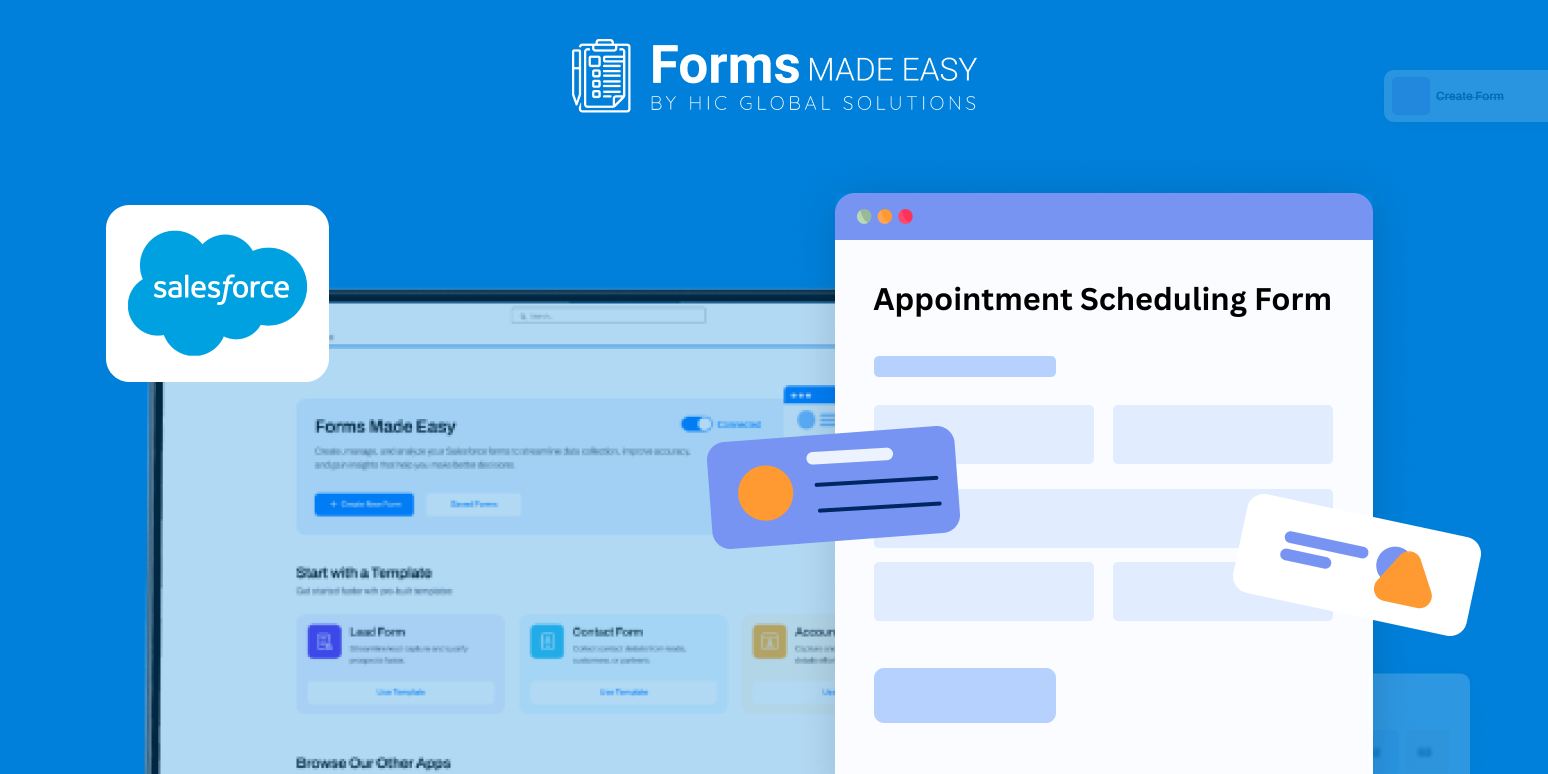
Book a DemoCreate an appointment scheduling form to capture booking details in one place. This form template highlights how customer information, preferred time slots, and basic appointment details can be organized clearly.
Using the form template, create an effective appointment scheduling Salesforce form and shape a similar setup that aligns with your scheduling process.
Check out our Appointment Scheduling Form Template using Forms Made Easy.
Build a Custom Appointment Scheduling Form in Minutes
Install Forms Made Easy from the Salesforce AppExchange and design your appointment scheduling form using an intuitive drag-and-drop form builder. Easily add, remove, or reorder fields. Create a form that fits your scheduling process perfectly and start collecting appointment requests right away.
Smart Forms with Dynamic Logic
Enhance the user experience using dynamic form rules. Show or hide fields based on appointment type, enable prefill form functionality for existing patients, and reduce manual input while improving data accuracy.
Match Your Brand with Easy Customization
Personalize your appointment scheduling form to reflect your brand identity. Add your logo, apply brand colors, and adjust the layout for a clean, professional appearance that builds trust from the first interaction.
Share the Form Wherever Patients Are
Once your form is ready, publish it instantly and make it accessible to users. Share it on your website, via email, or through a QR code for quick and easy appointment scheduling.
Conclusion
Forms Made Easy lets you create custom Salesforce forms for any industry, including healthcare, retail, manufacturing, and more. From appointment scheduling forms to feedback forms, onboarding forms, and surveys, you can build exactly what your business needs.
Create dynamic forms, prefill data effortlessly, and streamline scheduling for a smooth and accurate experience every time.








