


Turn Forms Into Automated Workflows
Design dynamic forms, streamline operations, and eliminate repetitive manual tasks — all without code.
Talk to Our ExpertsBuild Smarter Forms Faster
Create no-code forms inside Salesforce and automate data collection, approvals, and workflows without complexity.
Get StartedSimplify Your Form Workflows
Replace manual processes with intelligent forms that capture, route, and manage data seamlessly in Salesforce.
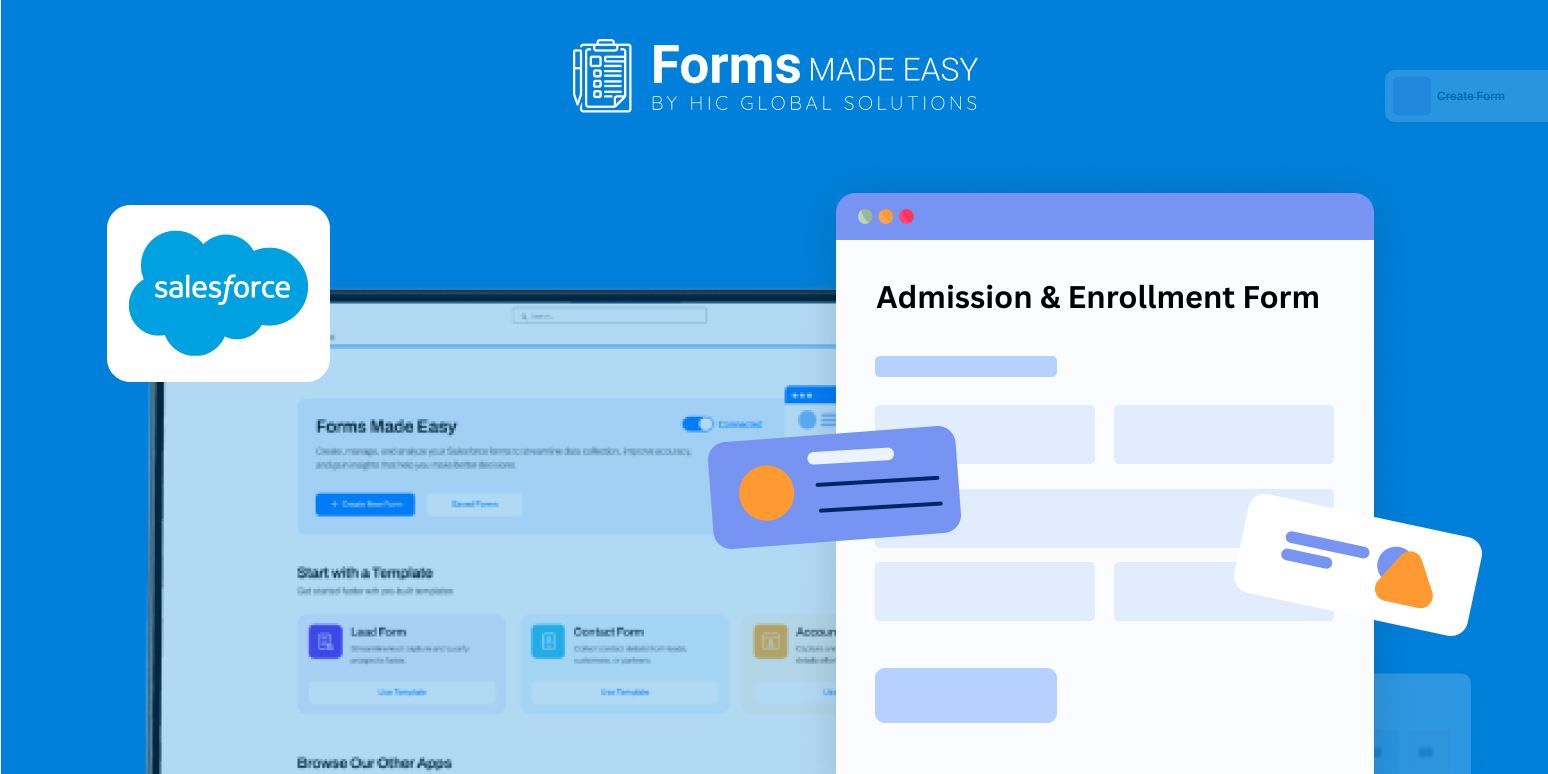
Book a DemoA smooth onboarding experience begins with a clear and structured Admission Form. The provided sample template, built using Salesforce Forms Builder – Forms Made Easy, showcases clean styling and highlights essential fields such as applicant details, program selection, academic information, and consent sections. In this blog, we’ll briefly explain how to create and share an enrollment form using this structure.
Check out our Admission & Enrollment Form Template using Forms Made Easy.
To create an enrollment form from scratch, start by using the no code form builder to add core admission fields. You can follow the field order and layout shown in the template to ensure all critical information is captured.
Build and Customize the Enrollment Form
With a Salesforce form builder, you can create a no code form by adding, removing, or rearranging sections based on your admission process. This makes it easy to move from paperwork to a fully digital enrollment form online using forms for Salesforce.
Add Smart Logic for Better Experience
Apply conditional rules to convert your Admission Form into a dynamic form. Show relevant questions based on program selection and hide unnecessary fields to reduce form length. A dynamic form improves accuracy and makes completion easier for applicants.
Share the Form Anywhere
Once your enrollment form is ready, embed it on your website, share it via email, or generate QR codes, making the enrollment form online accessible anytime, from any device.
Conclusion
The sample template highlights essential admission fields, layout, and visual structure while demonstrating how Salesforce forms simplify enrollment workflows. With forms for Salesforce, institutions can quickly launch a scalable Admission Form that replaces manual processes and delivers a seamless enrollment experience without complex setup.








