


Turn Forms Into Automated Workflows
Design dynamic forms, streamline operations, and eliminate repetitive manual tasks — all without code.
Talk to Our ExpertsBuild Smarter Forms Faster
Create no-code forms inside Salesforce and automate data collection, approvals, and workflows without complexity.
Get StartedSimplify Your Form Workflows
Replace manual processes with intelligent forms that capture, route, and manage data seamlessly in Salesforce.
Book a DemoCollecting payments and financial details requires clarity, security, and accuracy. A structured payment form helps organizations capture fee details and financial data in a consistent way. The provided sample template, built using Salesforce forms, showcases clean styling and highlights crucial fields such as payer details, fee breakdowns, payment references, and financial declarations. In this blog, we’ll briefly explain how to create and share a payment and financial information form using this structure.
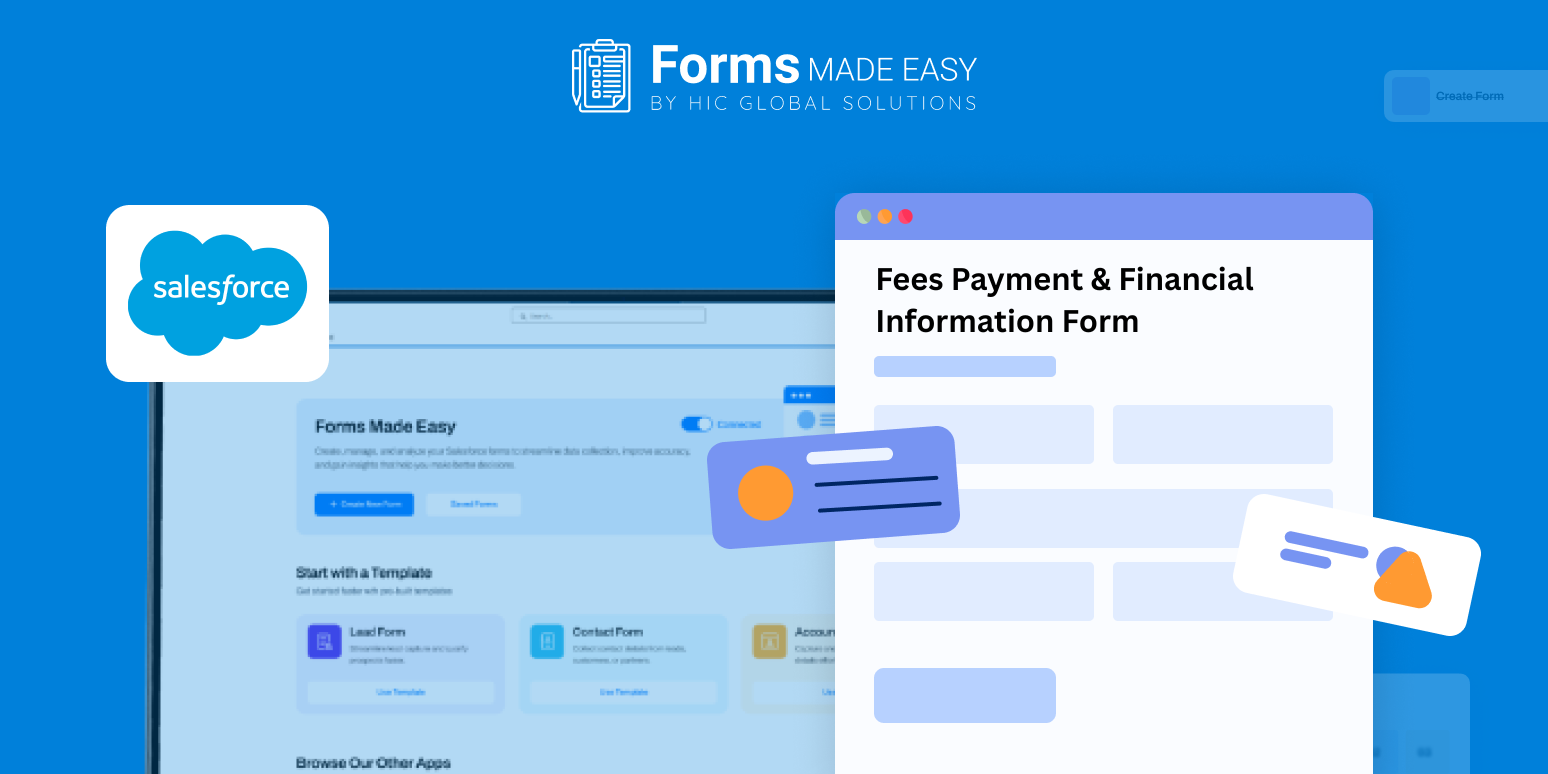
Check out our Fees Payment & Financial Information Form Template using Forms Made Easy.
To create an online payment form from scratch, start by using the drag and drop builder like Forms Made Easy to add essential payment and financial fields shown in the template, ensuring no critical information is missed.
Build and Customize the Financial Form
With a Salesforce form builder, you can create a no code form by adding, removing, or rearranging sections based on your fee structure. This allows you to design a flexible financial statement form and financial disclosure form using forms for Salesforce, aligned with your internal approval and compliance needs.
Add Smart Logic for Accuracy and Compliance
Apply conditional rules to turn your payment form into a dynamic form. Show or hide financial sections based on payment type, fee category, or user responses. A dynamic form helps ensure accurate submissions and supports the creation of a verified financial information form with clean, structured data.
Share the Form Securely Anywhere
Once your online payment form is ready, you can embed it on your website, share it via email, or generate QR codes for counters or offices, making fee payments and financial submissions easy and accessible.
Conclusion
The sample template highlights essential payment and financial fields, layout, and styling best practices while demonstrating how Salesforce forms simplify fee collection workflows. With forms for Salesforce, you can quickly deploy scalable financial disclosure form and financial statement form solutions that support secure payments, verified data collection, and efficient financial operations, without added complexity.








