


Turn Forms Into Automated Workflows
Design dynamic forms, streamline operations, and eliminate repetitive manual tasks — all without code.
Talk to Our ExpertsBuild Smarter Forms Faster
Create no-code forms inside Salesforce and automate data collection, approvals, and workflows without complexity.
Get StartedSimplify Your Form Workflows
Replace manual processes with intelligent forms that capture, route, and manage data seamlessly in Salesforce.
Book a DemoChoosing the right courses should feel clear, not confusing. When selections are handled through emails or spreadsheets, records become messy and mistakes happen. A structured course selection form helps institutions collect student choices accurately and maintain clean academic records from day one.
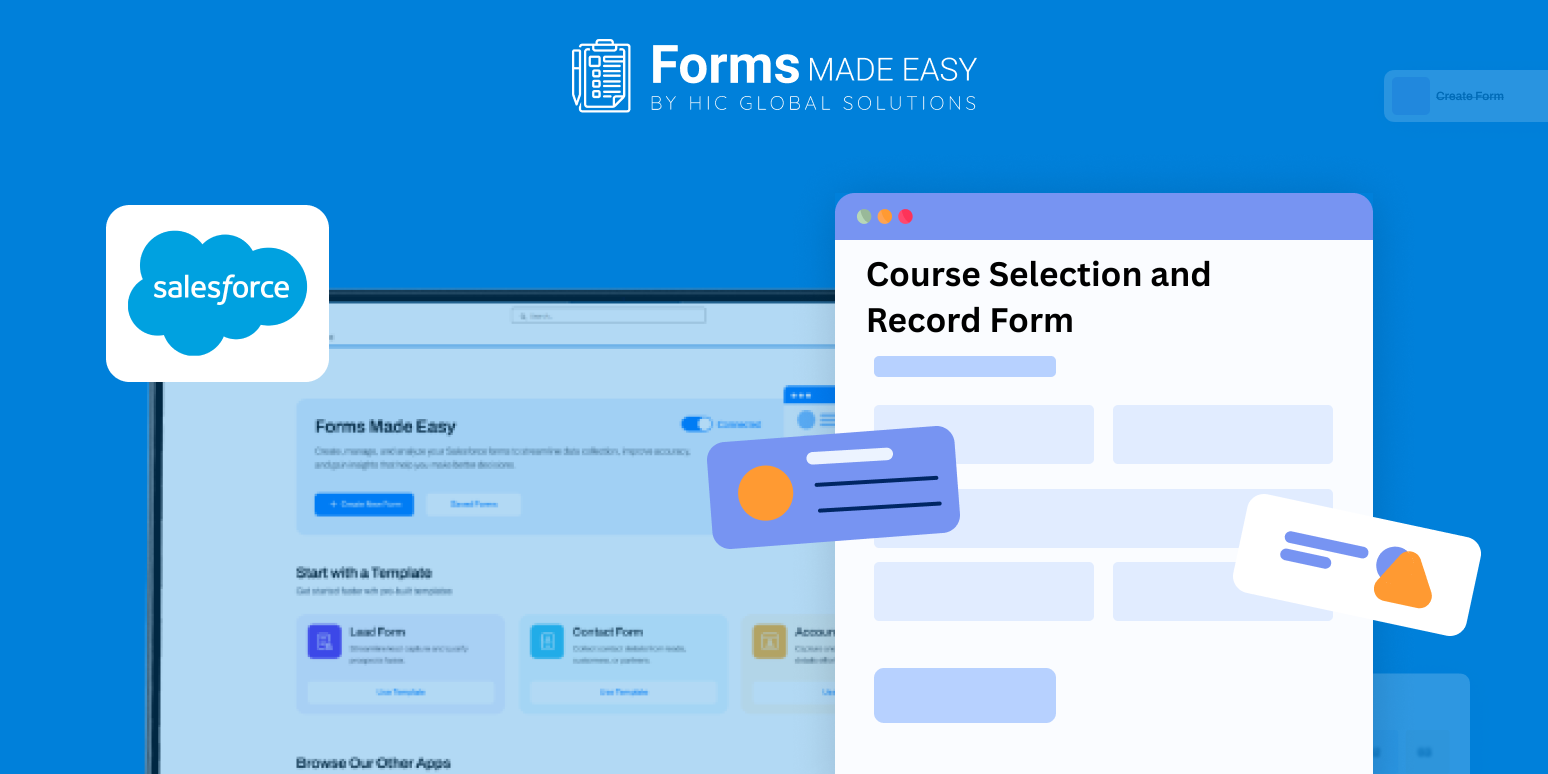
Check out our Course Selection and Record Form Template using Forms Made Easy.
To guide you, we’ve shared a sample template that shows how a course selection and record form can be laid out. It highlights how subjects are grouped, how records are maintained, and which details matter most, so you know exactly what to include before building your own form.
Create the Form from Scratch
With Forms Made Easy, you can start building your form from the ground up using a simple drag and drop experience. The Salesforce form builder allows you to design a no code form without technical setup, making it easy for academic teams to move fast.
The template helps you understand the flow before you begin adding fields.
Add Course and Subject Fields Using Drag and Drop
Using Salesforce forms, you can add fields such as student name, program, semester, course list, electives, and approval notes. This makes it easy to design a clean subject selection form or a structured subject registration form that captures accurate academic choices.
Because the form is built using forms for Salesforce, all selections remain organized and easy to review. In some cases, the same structure can also support a fundraising template for donations when institutions collect contributions during enrollment.
Customize the Layout for Academic Records
Once fields are added, you can adjust the layout to match your institution’s style. Group subjects by term, highlight mandatory courses, and keep the form easy to scan. Forms Made Easy helps you create a clear and professional course selection form that students can complete with confidence.
Add Rules for Smarter Selection
You can apply simple rules to turn the form into a dynamic form. Show electives only after a core course is selected or restrict subjects based on program type. A dynamic form reduces errors and ensures valid selections every time.
Publish and Share with Students
After the form is ready, publish it and share it through portals, email, or links. With Salesforce forms, students can submit their selections from any device, and records are updated instantly.
Conclusion
The sample template shows how course and subject data should be captured and organized for long-term use. With Forms Made Easy, you can quickly build a reliable course selection form using a flexible no code form approach and manage academic records efficiently within Salesforce, without manual follow-ups or data confusion.








