


Turn Forms Into Automated Workflows
Design dynamic forms, streamline operations, and eliminate repetitive manual tasks — all without code.
Talk to Our ExpertsBuild Smarter Forms Faster
Create no-code forms inside Salesforce and automate data collection, approvals, and workflows without complexity.
Get StartedSimplify Your Form Workflows
Replace manual processes with intelligent forms that capture, route, and manage data seamlessly in Salesforce.
Book a DemoIn many businesses, forms look simple at first. But when you open them, you see so many fields together, where some are useful, some are not required at that moment, and then users feel confused. They start skipping fields, sometimes even close the form halfway.
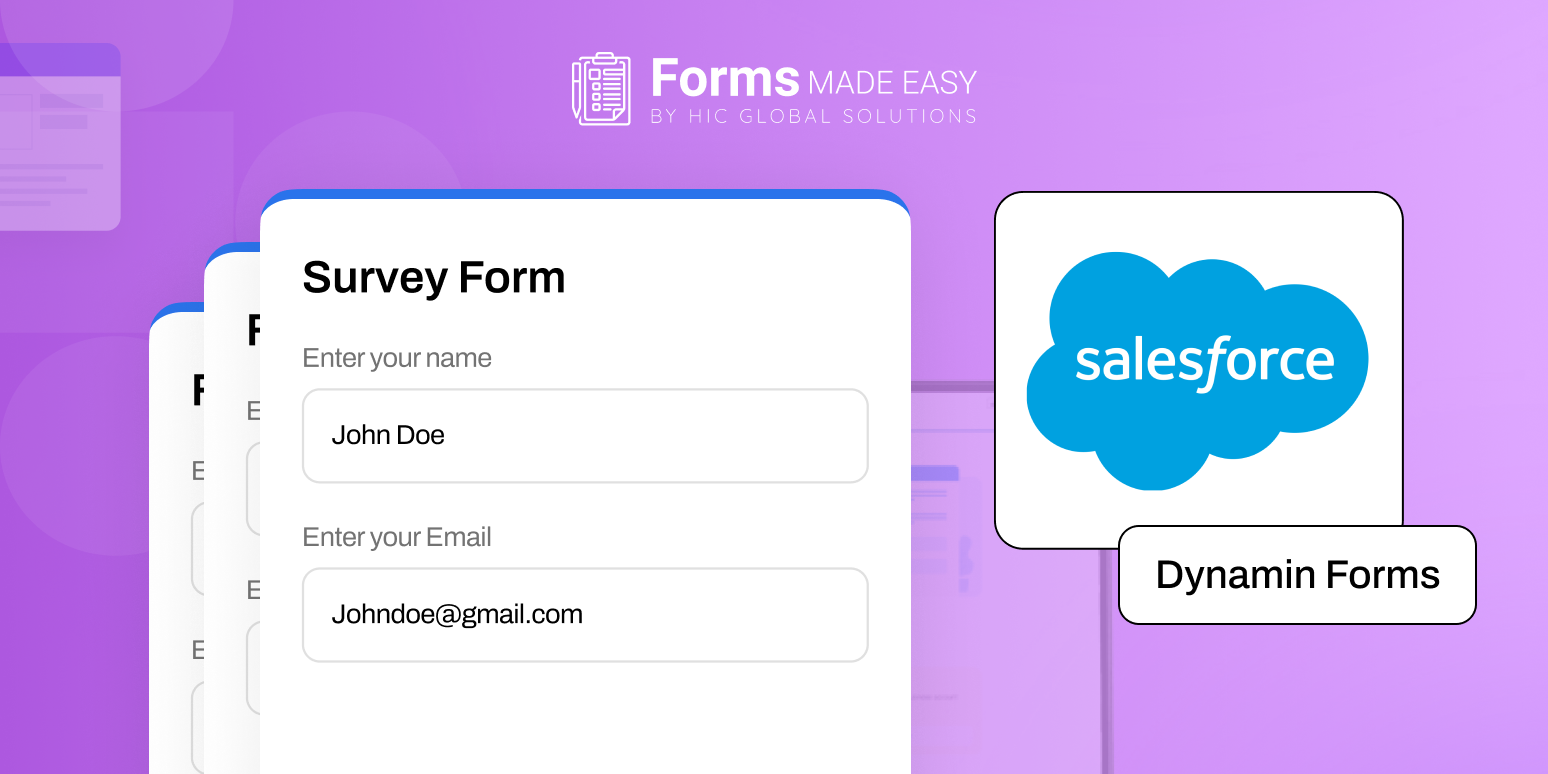
That is why many companies now create dynamic forms in Salesforce instead of using static forms. A dynamic form does not show everything at once. It changes based on what the user selects. So, the form feels shorter, clearer, and easier to complete.
For example, if a user selects “Business Account,” then company details appear. If they choose “Individual,” those fields stay hidden. Then also, if they select a premium service, extra options can open automatically. This makes the form feel intelligent instead of overwhelming.
Earlier, businesses had to build multiple versions of the same form. That took time, effort, and also required maintenance every time something changed. Now, the dynamic form builder can handle different scenarios smoothly. So, explore this write-up and get everything you need to know about dynamic forms in Salesforce!
Let’s Look at How It Actually Works
Dynamic Forms in Salesforce are not just upgraded forms. They are smarter, more responsive ways of collecting information. Instead of showing every single field at once, they adjust based on what the user is doing in that moment.
Think of it like this: the form listens first, then responds.
If someone selects one option, the form understands what that means and then shows the next relevant step. If the user changes their selection, the form adapts again. It doesn’t force unnecessary questions. It doesn’t overload the screen. It simply guides the user in a logical flow.
Here’s how it works:
- A user opens the form.
- They select an option (like service type or category).
- Based on that selection, new fields appear.
- Irrelevant sections stay hidden.
So, the form shows only the required fields and expands automatically based on user input.
Moreover, conditional logic decides when a field should appear. Form rules decide who should see it. In addition to this, you can set rules based on field value, user role, or previous selection, etc. Then the form responds automatically without any manual effort.
According to a study by the Journal of Usability Studies, forms with prefill data capability can improve completion rates by up to 30% compared to static forms. Furthermore, companies reported reduced user frustration because people only saw what was relevant to them.
As Satya Nadella once said, “Our industry does not respect tradition; it only respects innovation.” And honestly, dynamic forms are a small but powerful innovation in the way businesses collect data.
Benefits of Creating Dynamic Forms in Salesforce
When businesses create dynamic forms in Salesforce, they notice improvements almost immediately. With the dynamic form builder, form becomes easier to use, improve data quality, and increase submission rate.
1. Better User Experience
Forms with too many fields at once hamper user experience as they feel stuck before even starting. With smart dynamic forms in Salesforce, you can fix that by only showing what’s needed at that moment. Additionally, it improves the form structure by expanding and collapsing the form according to the action, as everyone prefers filling out the form that only asks what they actually want or are willing to provide.
2. More Accurate Data
When fields appear only when needed, users provide information more carefully. They are not guessing what to fill. In addition to this, smart form rules ensure important sections cannot be skipped when required, etc., which improves overall reporting.
3. Faster Salesforce Form Creation
With a good Salesforce forms builder, you can create dynamic forms in Salesforce without complex coding. You just define conditions and rules. Furthermore, if business requirements change, you can update the logic quickly. Then, you also don’t need to rebuild the entire form from scratch.
4. One Smart Form Instead of Many
Earlier, different teams required different forms. Now, one dynamic form can adjust itself based on the situation. Moreover, this reduces duplication. It also saves time for admins who manage the forms regularly.
The Best Tool in Salesforce to Create Dynamic Forms
To build effective dynamic forms in Salesforce, choosing the right tool is important. A powerful Salesforce forms builder like Forms Made Easy helps you manage everything from logic to sharing in one place. Let’s see what makes it useful.
Conditional Logic
Conditional logic makes the form responsive. If a user selects one option, related fields appear. If they change the selection, the form adjusts again. So the experience feels interactive and guided instead of static.
Smart Form Rules
Form rules allow you to define visibility conditions clearly. You can decide which field appears for which scenario. In addition to this, you can control visibility based on roles or values. Then, sensitive information can remain hidden unless specific conditions are met. Adding form rules in Forms Made Easy is just a click away without needing any technical expertise. You simply define the action you want to trigger, set the condition, and the form responds automatically.
Prebuilt Templates
Instead of starting from scratch, you can use ready-made templates for onboarding, service requests, registrations, lead generation, surveys, etc. Moreover, this saves setup time, as you can just start with already designed templates with all the required fields. It also gives you a structured base that you can customize easily.
Easy Sharing
Once the form is ready, you can share it through a link, embed it on a website, or generate a QR code. Furthermore, this flexibility makes it suitable for both internal teams and external customers.
Customization and Flexibility
You can modify layouts, add branding, adjust sections, add a placeholder name, and update rules anytime. In addition to this, as your business grows, the form can grow with it. Then also you can refine logic based on user behavior or feedback.
Final Thoughts
Creating forms is not just about collecting information. It is about collecting the right information at the right time. When you create dynamic forms in Salesforce with the Salesforce form builder, you make the process easier for users and smoother for teams.
Moreover, with smart conditional logic and form rules, the form behaves logically. Then, it also reduces confusion and improves completion rates naturally.
So instead of showing everything at once and overwhelming users, build a form that thinks step by step. That is the real power of dynamic forms.
If you’re ready to create smarter dynamic forms in Salesforce, get started with Forms Made Easy and simplify the way you collect and manage data.








