


Turn Forms Into Automated Workflows
Design dynamic forms, streamline operations, and eliminate repetitive manual tasks — all without code.
Talk to Our ExpertsBuild Smarter Forms Faster
Create no-code forms inside Salesforce and automate data collection, approvals, and workflows without complexity.
Get StartedSimplify Your Form Workflows
Replace manual processes with intelligent forms that capture, route, and manage data seamlessly in Salesforce.
Book a DemoBringing a new employee on board can be complicated when paperwork, emails, and checklists pile up. Missing details or unclear instructions can make the first days stressful for both HR teams and new hires. This Employee Onboarding Form Template shows how to gather all necessary information clearly while making the onboarding process smooth and organized.
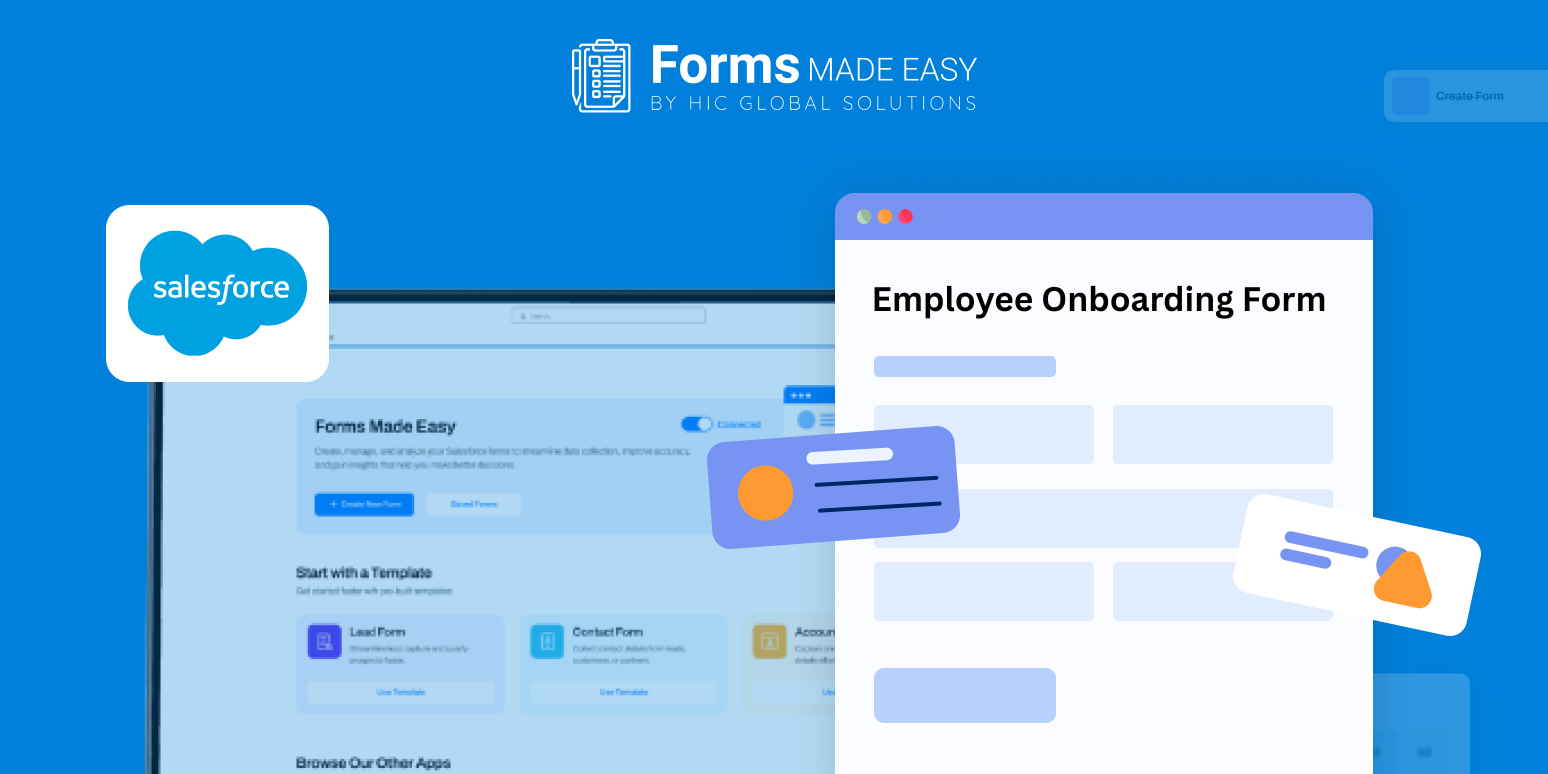
Check out our Employee Onboarding Form Template using Forms Made Easy.
In this blog, you’ll learn how to plan an onboarding form, select the fields that matter most, set up a simple onboarding schedule, and apply rules to make the form adaptable, all using a drag and drop approach that requires no coding. This ensures new employees have everything they need from day one while HR keeps processes consistent.
Build an Employee Onboarding Form from Scratch
With Forms Made Easy, HR teams can design a complete onboarding form starting from scratch. The Salesforce form builder allows you to configure a no code form, giving full control over the information collected without technical complications.
This template shows how an onboarding flow can be structured, helping you decide what to include before creating the actual form.
Add Key Onboarding Fields
Using Salesforce forms, include details such as employee name, contact information, department, role, start date, and documents to upload. You can also capture emergency contacts, benefits selections, and workstation needs. These fields make it easy to prepare every step for a new hire.
All employee data is stored securely within Salesforce, making it easy to access and track without juggling multiple systems.
Customize the Design and Schedule
After defining fields, adjust the look and layout to fit your company’s style. Add branding elements, organize sections clearly, and create an onboarding schedule template within the form to outline orientation sessions, introductions, and key milestones. This helps new hires know what to expect and prepares HR to manage each step.
Apply Rules for a Smarter Form
You can make the form dynamic by adding rules. For example, display role-specific fields, show location-based requirements, or reveal additional questions for certain employment types. Dynamic forms keep the process relevant and prevent unnecessary clutter.
Share with New Employees
Once the form is complete, distribute it via email, internal portals, or secure links. With Salesforce forms, new hires can submit information anytime and from any device, ensuring a smooth start and reducing delays in processing.
Conclusion
A clear onboarding form makes a great first impression. With the Employee Onboarding Form Template, HR can build a form in minutes, style it quickly, and collect all essential details. Salesforce’s no-code setup keeps information accurate, saves time, and helps new hires start smoothly and confidently.








