


Turn Forms Into Automated Workflows
Design dynamic forms, streamline operations, and eliminate repetitive manual tasks — all without code.
Talk to Our ExpertsBuild Smarter Forms Faster
Create no-code forms inside Salesforce and automate data collection, approvals, and workflows without complexity.
Get StartedSimplify Your Form Workflows
Replace manual processes with intelligent forms that capture, route, and manage data seamlessly in Salesforce.
Book a DemoEvents don’t truly finish when they end on the calendar. They finish when feedback is collected and reviewed. Without a proper survey, important opinions and engagement details are often missed.
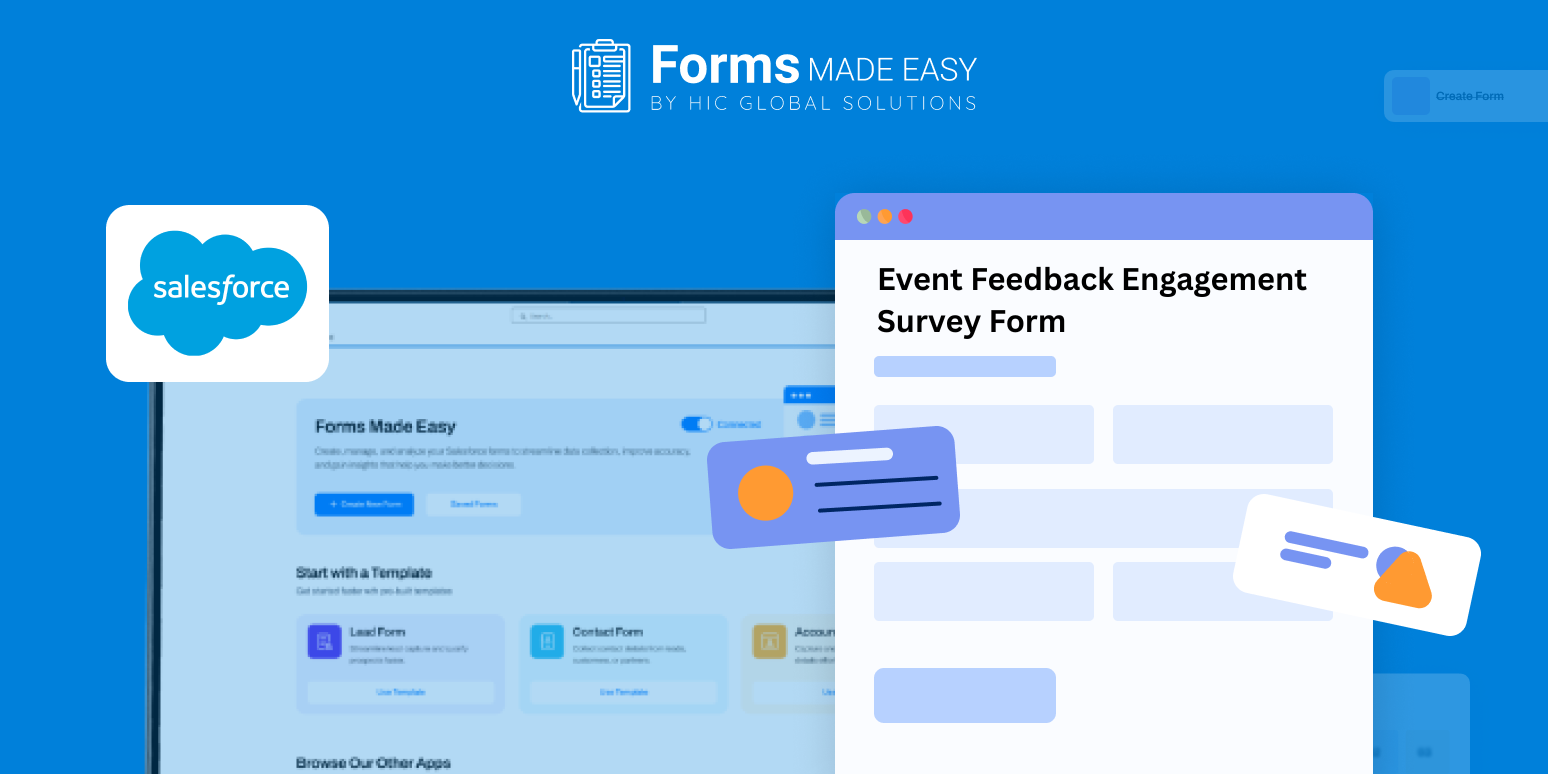
This blog focuses on an event feedback and engagement survey form template and explains how the survey can be created from scratch using a clear structure. A template preview is included to show how an effective feedback form should be organized before it is shared with attendees.
Check out our Event Feedback & Engagement Survey Form Template using Forms Made Easy.
Why Use an Event Feedback Survey Template
A survey template helps standardize the way feedback is collected. It ensures the right questions are asked in the right order.
By reviewing the template first, organizers can understand the flow of the survey and plan improvements before building the final form.
Create the Survey Form from Scratch
Using the Salesforce form builder, surveys can be created easily with a drag and drop interface. Forms Made Easy supports a no code form setup, allowing teams to build surveys without technical effort.
The template acts as a guide while setting up the survey from scratch for conferences, webinars, or internal events.
Add Feedback Fields Using Salesforce Forms
With Salesforce forms, essential fields such as event name, session ratings, speaker feedback, satisfaction score, and comments can be added quickly.
Because these are forms for Salesforce, all responses are stored in a structured format. The same setup can also work as an event evaluation form when more detailed feedback is required.
Customize the Survey for Better Engagement
Once the questions are added, the layout can be adjusted. Branding, spacing, and section order can be updated to keep the form clean and easy to read. A simple design helps improve completion rates.
Use Rules to Make the Survey Dynamic
Basic rules can turn the survey into a dynamic form. Additional questions can appear only when needed, such as after a low rating. This keeps the survey short while still collecting useful insights.
Publish and Share the Survey
After setup, the survey can be published and shared through email, event pages, or post-event links. With Salesforce forms, attendees can submit feedback from any device without difficulty.
Conclusion
Collecting feedback in a structured way makes it easier to understand what worked and what needs improvement. Using an event feedback survey template helps maintain consistency, while a no code form approach allows teams to build and update surveys quickly. With Salesforce forms, all responses remain organized and accessible, helping event organizers turn attendee feedback into clear and actionable outcomes.








