


Turn Forms Into Automated Workflows
Design dynamic forms, streamline operations, and eliminate repetitive manual tasks — all without code.
Talk to Our ExpertsBuild Smarter Forms Faster
Create no-code forms inside Salesforce and automate data collection, approvals, and workflows without complexity.
Get StartedSimplify Your Form Workflows
Replace manual processes with intelligent forms that capture, route, and manage data seamlessly in Salesforce.
Book a DemoIn the digital-first era, businesses can’t afford slow, outdated processes—customers expect instant, accurate, and seamless experiences. For Salesforce users, one of the biggest roadblocks isn’t managing data, but capturing it efficiently through forms like lead submissions, service requests, or feedback surveys.
Traditionally, this required heavy coding, IT involvement, and ongoing fixes that drained time and resources. But with the evolution of no-code platforms and the rise of AI-driven automation, creating Salesforce forms has shifted from being a technical hurdle to an effortless, business-friendly solution.
Enter the Salesforce Form Builder—a smarter, faster, and more effortless way to create Salesforce forms without writing a single line of code.
Why Businesses Need a Smarter Salesforce Form Builder
Every business relies on data, and Salesforce is the go-to CRM for managing it. But getting that data into Salesforce is often a hassle. Manually coded forms:
- Take weeks of development.
- Require IT involvement for even minor updates.
- Lack of flexibility for fast-changing business needs.
That’s where a Salesforce Form Builder makes all the difference. With a no-code approach, business teams not just developers can design, customize, and publish forms directly connected to Salesforce. This means:
- Faster deployment.
- Lower costs.
- More control in the hands of non-technical users.
And when AI is added to the mix, forms become not just smarter but transformative.
What is a Salesforce Form Builder?
A Salesforce Form Builder is an intelligent, no-code tool that makes it possible to design, customize, and deploy forms directly connected to Salesforce without requiring technical expertise. Unlike traditional forms that only serve as data entry points, AI-powered forms actively improve how information is captured, validated, and processed. This makes them not just a convenience, but a powerful driver of efficiency and accuracy for businesses.
Here’s how AI transforms the form-building experience:
AI-Powered Field Mapping
Manually linking form fields with Salesforce objects can be time-consuming and prone to mistakes. With AI, this process becomes automatic. The system intelligently detects the right Salesforce objects (such as Leads, Contacts, or Cases) and maps them to form fields instantly, ensuring smooth data flow with minimal setup.
Example: When creating a lead generation form, the AI automatically maps fields like Name, Email, and Phone Number to Salesforce Lead objects, reducing manual errors.
Predictive Form Suggestions
Instead of starting from scratch, AI analyzes your use case and recommends the most relevant form fields and layouts. Whether you’re building a lead capture form, a service request form, or an event registration form, AI provides templates and suggestions tailored to your needs.
Example: If you select “Customer Support” as your form type, the builder may recommend fields like Case Type, Priority, and Issue Description automatically.
Smarter Data Validation
Poor-quality data is one of the biggest challenges in CRM systems. AI helps prevent this by validating information in real time checking for missing details, incorrect formats, and even duplicate entries before the data is saved in Salesforce. This keeps your CRM clean, accurate, and reliable.
Example: If a user enters “abc123” as an email address, the AI flags it instantly, prompting correction before submission.
Dynamic Personalization
Every user has unique needs, and AI-driven forms adapt dynamically based on input. Instead of showing the same static fields to everyone, forms adjust in real time, asking only relevant questions. This creates a seamless experience for the user while reducing form abandonment rates.
Example: On an event registration form, if the user selects “Virtual Attendance,” fields related to travel or accommodation are automatically hidden.
📌 Also Read: Salesforce Form Builder: FormAssembly vs. 123FormBuilder
The Big Picture
A Salesforce AI Form Builder goes far beyond traditional form creation. It eliminates coding complexity, speeds up setup, and ensures high-quality data entry while offering a personalized, user-friendly experience. By combining no-code simplicity with AI intelligence, it empowers businesses to build forms that are not only quick to deploy but also smarter in how they operate making Salesforce more powerful and effective than ever.
Benefits of Using a No Code Salesforce AI Form Builder
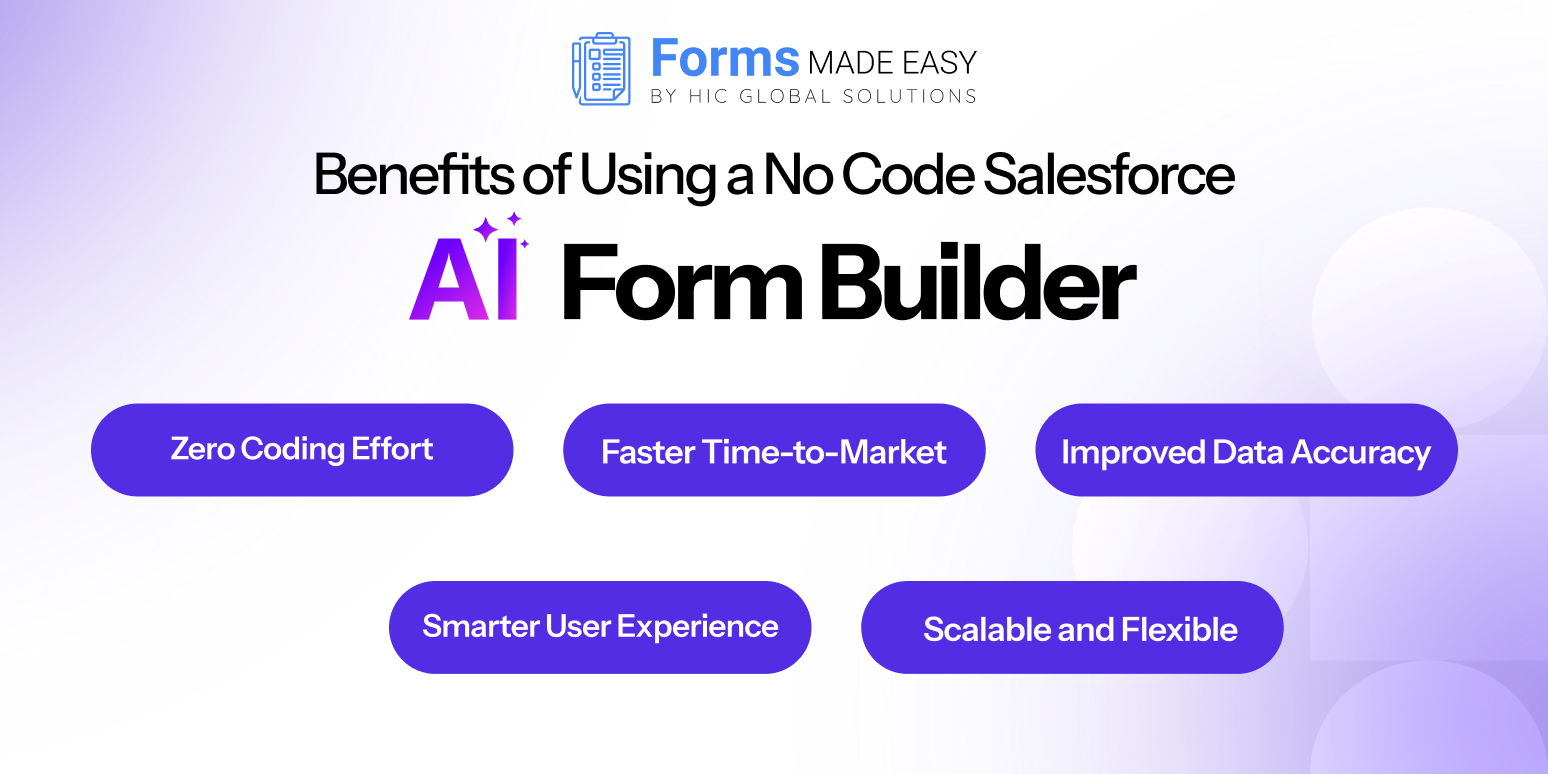
Adopting a No Code Salesforce AI Form Builder is more than just a convenience it’s a strategic shift that helps businesses save time, reduce costs, and enhance customer experiences.
Here’s a closer look at the key benefits:
Zero Coding Effort
One of the biggest advantages is that you don’t need technical expertise to build powerful forms. With an intuitive drag-and-drop interface, business users can design forms on their own without writing a single line of code. This eliminates the constant reliance on IT or developers, allowing marketing, sales, and service teams to move quickly and independently.
Example: A marketing manager can create a lead capture form for a new campaign in just a few minutes instead of waiting days for developer support.
Faster Time-to-Market
One of the biggest advantages is that you don’t need technical expertise to build powerful forms. With an intuitive drag-and-drop interface, business users can design forms on their own without writing a single line of code. This eliminates the constant reliance on IT or developers, allowing marketing, sales, and service teams to move quickly and independently.
Example: A marketing manager can create a lead capture form for a new campaign in just a few minutes instead of waiting days for developer support.
Improved Data Accuracy
Bad data costs businesses millions every year, but AI makes sure your Salesforce forms don’t contribute to the problem. AI-powered validation checks data at the entry point, ensuring accuracy, consistency, and completeness. Duplicate checks further guarantee that the CRM stays clean, reducing clutter and boosting the reliability of reports.
Example: When a customer enters their phone number or email incorrectly, the AI form builder can flag it instantly, preventing inaccurate records from being saved in Salesforce.
Smarter User Experience
Today’s customers expect personalization, and an AI-powered Salesforce form builder delivers exactly that. Forms dynamically adapt based on user responses, showing or hiding questions to create a smooth, relevant experience. This not only improves completion rates but also keeps users engaged.
Example: A service request form can adjust in real time if a customer selects “technical issue,” only the relevant fields for troubleshooting appear, making the form shorter and more intuitive.
Scalable and Flexible
Whether you’re a growing startup or a global enterprise, a no-code Salesforce AI form builder can scale with your needs. It supports multiple use cases across sales, service, and marketing, giving businesses the flexibility to create forms for any situation. From lead generation and event registration to case management and feedback collection, the possibilities are endless.
Example: A small business might start with a simple lead form but later expand to advanced forms for event registrations and customer service workflows all within the same platform.
Real-World Use Cases of Salesforce FormsBuilder
A Salesforce AI Form Builder isn’t just a tool it’s a business enabler that can be applied across industries and departments. From marketing to customer service, it helps organizations capture, organize, and utilize data in ways that improve efficiency and customer satisfaction. Let’s explore some of the most impactful use cases:
Lead Generation Forms
Generating leads is the lifeline of sales teams, and Salesforce forms make the process seamless. With AI-driven forms, businesses can capture lead details directly from websites, landing pages, or digital ads and sync them instantly with Salesforce Sales Cloud. The result? No more manual data entry, faster follow-ups, and cleaner lead records.
Example: A real estate company can use Salesforce forms on its property listing pages to capture buyer inquiries and automatically assign them to the right sales agents.
Customer Support Forms
When customers need assistance, quick resolution matters. Salesforce AI forms can serve as support request portals where users submit their issues. These forms automatically create cases in Salesforce Service Cloud, trigger workflows, and route tickets to the right support agents ensuring faster response times and improved customer satisfaction.
Example: An e-commerce business can allow customers to raise warranty claims via a form, which directly creates a Service Cloud case and alerts the support team.
Event Registration Forms
Whether it’s a webinar, product launch, or annual conference, event success depends on smooth registration. Salesforce AI form builders simplify event management by capturing attendee details, syncing them with Salesforce, and even segmenting them for personalized follow-up campaigns.
Example: A SaaS company hosting a Dreamforce side event can use Salesforce registration forms to track attendees, manage RSVPs, and send automated reminders.
Feedback & Survey Forms
Customer feedback is critical for growth, but collecting and analyzing it manually is a challenge. AI-powered Salesforce forms allow businesses to design interactive feedback surveys, collect responses, and feed them directly into Salesforce dashboards for actionable insights.
Example: A hotel chain can gather guest feedback after checkout, and Salesforce automatically analyzes the responses to identify service improvement areas.
The Bigger Impact
By automating these processes, Salesforce AI forms don’t just save time they improve data accuracy, speed up workflows, and create better customer experiences. From capturing sales leads to resolving customer issues or engaging event attendees, the possibilities are limitless. Businesses that embrace AI-powered, no-code Salesforce forms gain a competitive edge in today’s digital-first marketplace.
Why AI Makes Salesforce Forms Effortless
The traditional form-building process often involved trial-and-error, manual configurations, and constant adjustments. But with AI:
- Field suggestions are automatic.
- Form rules are intelligently set.
- Data flows seamlessly into the right Salesforce objects.
This means less frustration for your team and more accurate, actionable insights for your business.
The Future of Salesforce Forms is No-Code + AI
The combination of no-code simplicity and AI intelligence is redefining how businesses interact with Salesforce. Instead of spending days coding, organizations can now empower their marketing, sales, and service teams to create smarter Salesforce forms quickly and effortlessly.
This shift not only speeds up operations but also democratizes Salesforce usage, putting control directly in the hands of business users.
Take Your Salesforce Forms to the Next Level with Forms Made Easy
If you’re ready to experience the power of a No Code Salesforce AI Form Builder, look no further than Forms Made Easy. Forms Made Easy is the best Salesforce Form Builder tool, designed to help businesses create powerful, no-code forms in minutes. From lead capture to customer feedback, it simplifies data collection, boosts productivity, and ensures seamless Salesforce integration, making form building smarter, faster, and effortless.
With Forms Made Easy, you can:
- Build Salesforce forms in minutes with drag-and-drop tools.
- Leverage AI for smart field mapping, validation, and personalized user journeys.
- Eliminate coding costs and IT bottlenecks.
- Seamlessly integrate forms with Salesforce Sales Cloud, Service Cloud, and beyond.
Whether you’re a small business or an enterprise, Forms Made Easy gives you the flexibility, speed, and intelligence you need to get more out of Salesforce.
👉 Ready to simplify form creation?
Install Forms Made Easy today and start building smarter, faster, and effortless Salesforce forms.
🚀 Experience Forms Made Easy in Action – Book Your Demo Now








