


Turn Forms Into Automated Workflows
Design dynamic forms, streamline operations, and eliminate repetitive manual tasks — all without code.
Talk to Our ExpertsBuild Smarter Forms Faster
Create no-code forms inside Salesforce and automate data collection, approvals, and workflows without complexity.
Get StartedSimplify Your Form Workflows
Replace manual processes with intelligent forms that capture, route, and manage data seamlessly in Salesforce.
Book a DemoDiscover the best Salesforce Form Builder App in 2026 for streamlining your business data, automating and digitizing the workflows, and maintaining precise data integrity within your CRM. Yet the best Salesforce form builder app depends upon one’s needs, budget, business complexity, and data collection.
Let’s start with its basics. So, Salesforce Form Builder App is a software that helps users to create online forms without writing a single code. It directly means you don’t need to be a tech expert to create a variety of forms on your website. Additionally, the best form builder app collects all your customers’ data directly from the form and directly into Salesforce.
There are numerous options available in the marketplace, but choosing the best one is still challenging. Therefore, in this blog, we will dig deep into choosing the right form builder app, features to look for, top Salesforce form builder apps in 2026, and which is the best one for your business. Let’s begin with its necessity.
Why Choosing the Right Form Builder Matters
Picking out the perfect form builder can make a crucial difference in the success of your digital forms. It can impact user experience, developers’ requirements, budget, etc.
Here are the key reasons to consider while choosing the best Salesforce Form Builder App in 2026.
Saves Your Team Time & Efforts:
So form builder apps make the process more efficient and automated by eliminating the demand of expert developers that not only require sufficient time but also huge investment. With the drag and drop feature, businesses can quickly create forms, add custom fields, dynamically add questions, etc.
Enhance User Experience:
A business centric form builder app lets you create a form that is easy to fill, mobile friendly and user focused. It minimizes the chance for user frustration, errors and provides a smooth experience. When users trust the brand they are more likely to convert into potential buyers.
Automate Repetitive Operations:
A dedicated form builder app not only just collects the data; it also helps with sending automatic triggers. For instance sending a welcome message to new leads, assigning them to the right person, generating followups reminder, etc., that keeps your operations running smoothly.
In addition to these, there are various benefits it offers, such as keeping track of each form filling, secure customer data with top security compliances, streamline workflow, offers valuable insights, seamless integration with other Salesforce applications, and more. Now move forward to the features to look for in the top Salesforce Form Builder App.
Key Features to Look for in a Salesforce Form Builder App
Here we will discuss a comprehensive suite of Salesforce form builder app features that you can’t neglect.
Lightning Enabled: This means that the software is compatible with both versions, Salesforce Classic the older one and Salesforce Lightning, the more powerful platform. This way, users can create and deploy forms using the same application regardless of its interface.
Object Mapping & Dynamic Prefill: Leading Salesforce form builder apps like Forms Made Easy offers you the advanced functionality that lets you retrieve your Salesforce data and automatically prefills the user form. Thus, you can utilize the multiple prefill options and real-time prefill functionality.
Drag & Drop Functionality: The most exciting feature of the best form builder app is that you can create the form from scratch without touching a single line of code. Additionally, you don’t need to hire a developer for this task or learn any complicated programming language. Also you will get ready made templates that offer a more unique look and style to your forms.
Digital Document Signing: Moreover with the e-signature feature, businesses using Salesforce can speed up approvals as it makes documents more secure, and work without paper. So, whether it’s related to signing contracts, approving quotes, or confirming orders, this feature connects smoothly with Salesforce while ensuring every document is safe, legal, and authentic.
Payment Integrations: To improve cash flow through the form, this feature is a must. Payment integration streamlines transactions and lets you expedite and optimize user experience and revenue collection. With the best Salesforce Form Builder App in 2026, you can integrate the preferred payment options such as Stripe, PayPal, and many others.
Share Forms Anywhere: Once your form is ready, you have complete control over how and where to share it. You can send it out as a simple link, share an email directly to specific records, etc. Additionally you can embed the form directly into your website page, so users can directly fill it out without leaving the site.
Moreover, these are basic features you really need to look for while selecting the top Salesforce form-building tool. Now, move further to know the best one that is designed perfectly for your industry and business.
Forms Made Easy: How the Best Salesforce Form Builder App Simplifies Workflows
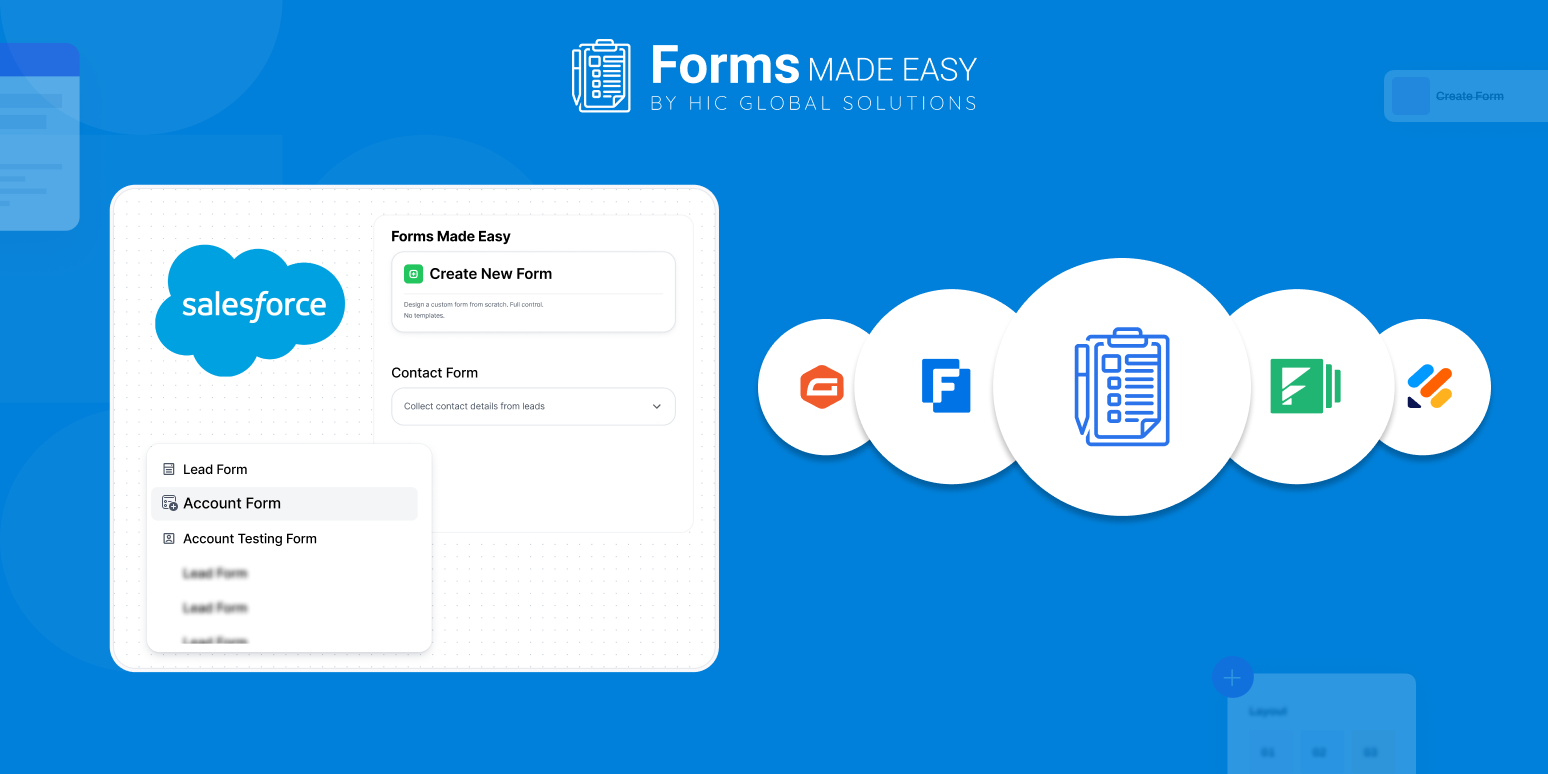
Forms Made Easy is the best Salesforce form builder app, known for its drag-and-drop functionality. It’s your certified go-to form builder app that smoothly syncs your data to unlimited Salesforce objects in minutes. With Forms Made Easy, you can automate data filling and updating records in Salesforce. Additionally, you are not limited to sending data to only specific, pre-defined areas in Salesforce.
Here is the list of some of its top features that can boost and personalize the user experience:
- Drag-and-Drop
- Dynamic Themes
- Share Forms Anywhere
- Centralized Dashboard
- Strong Security and Enterprise-Grade Compliance
- One Tool, Endless Possibilities — Works for Every Industry
Therefore, Forms Made Easy isn’t just a nice-to-have tool; it’s a game-changer for your brand. This software is not just limited to designing forms- it’s about making the entire process smoother and more efficient. It lets you collect data, automate actions, get signatures, accept payments, and smoothly connect with other tools.
Top Salesforce Form Builder Apps in 2026
Here we will discuss the leading Salesforce Form Builder Apps that help businesses collect data more proficiently and integrate it within their CRM.
Forms Made Easy:
Forms Made Easy is recognized and certified as the leading form builder app in 2026, designed with Salesforce in mind. Its versatile use cases make it the best choice for your business. It is used for multiple applications such as customer surveys, lead capture, onboarding new customers, and upcoming event registrations.
- No-code drag-and-drop builder
- Native Salesforce integration
- Conditional logic and smart rules
- Advanced data management & automation
Formstack:
Formstack is a secure and easy-to-use form-building tool to build digital forms, create multiple documents, and integrate with your existing system. It is known for seamless system integration, providing more functions beyond forms, maintaining clean customer data, etc.
- Workflow automation
- Custom themes
- Pre-built templates
- Security and data management
Jotform:
Jotform simplifies professional-looking forms creation and offers you the flexibility to customize it as your brand design, font, style, add a logo, and column. It offers features like conditional logic, workflow automation, payment integration, and generating report.
- Online payment processing
- Customization
- Autofill form fields
- Dynamic forms
Typeform:
Typeform is designed with customized user experience in mind. It optimizes visitor experience by allowing you to create interactive forms, surveys, and quizzes that are centric to providing an interactive user experience. You can customize the form to make it more visually appealing and attract visitors.
- Conversational Design
- Third-Party Integrations
- Multimedia Integration
- No coding needed
Zoho Forms:
It is a web and mobile application where you can create and share your online form for data collection. It offers various functions including PDF generation, offline data collection, signature capture, barcode scanning, and many others. You can create a variety of forms including standard, card, and so on.
- App connectivity
- Document merging
- Mobile Accessibility
- Generate reports
Wrapping Up: The Future of Salesforce Form Builders in 2026
In essence, choosing the top Salesforce forms builder app in 2026 is influenced by multiple factors, including your business demands. However, the industry is driven by key trends and market tactics, including native connectivity with data cloud, AI integration, advanced security compliance, etc.
As per customer review and brand preference, Forms Made Easy is the best choice that brings together ease of use, design flexibility, and powerful integrations with Salesforce. In addition to this, it offers smart automation, security compliance, including HIPAA, SOC 2, and GDPR adherence.
Work smart, collect better, and innovate faster with Forms Made Easy, the comprehensive solution for all your Salesforce form building needs in 2026.
Your Help Hub Awaits – Visit the Form Builder Support Center!








