


Turn Forms Into Automated Workflows
Design dynamic forms, streamline operations, and eliminate repetitive manual tasks — all without code.
Talk to Our ExpertsBuild Smarter Forms Faster
Create no-code forms inside Salesforce and automate data collection, approvals, and workflows without complexity.
Get StartedSimplify Your Form Workflows
Replace manual processes with intelligent forms that capture, route, and manage data seamlessly in Salesforce.
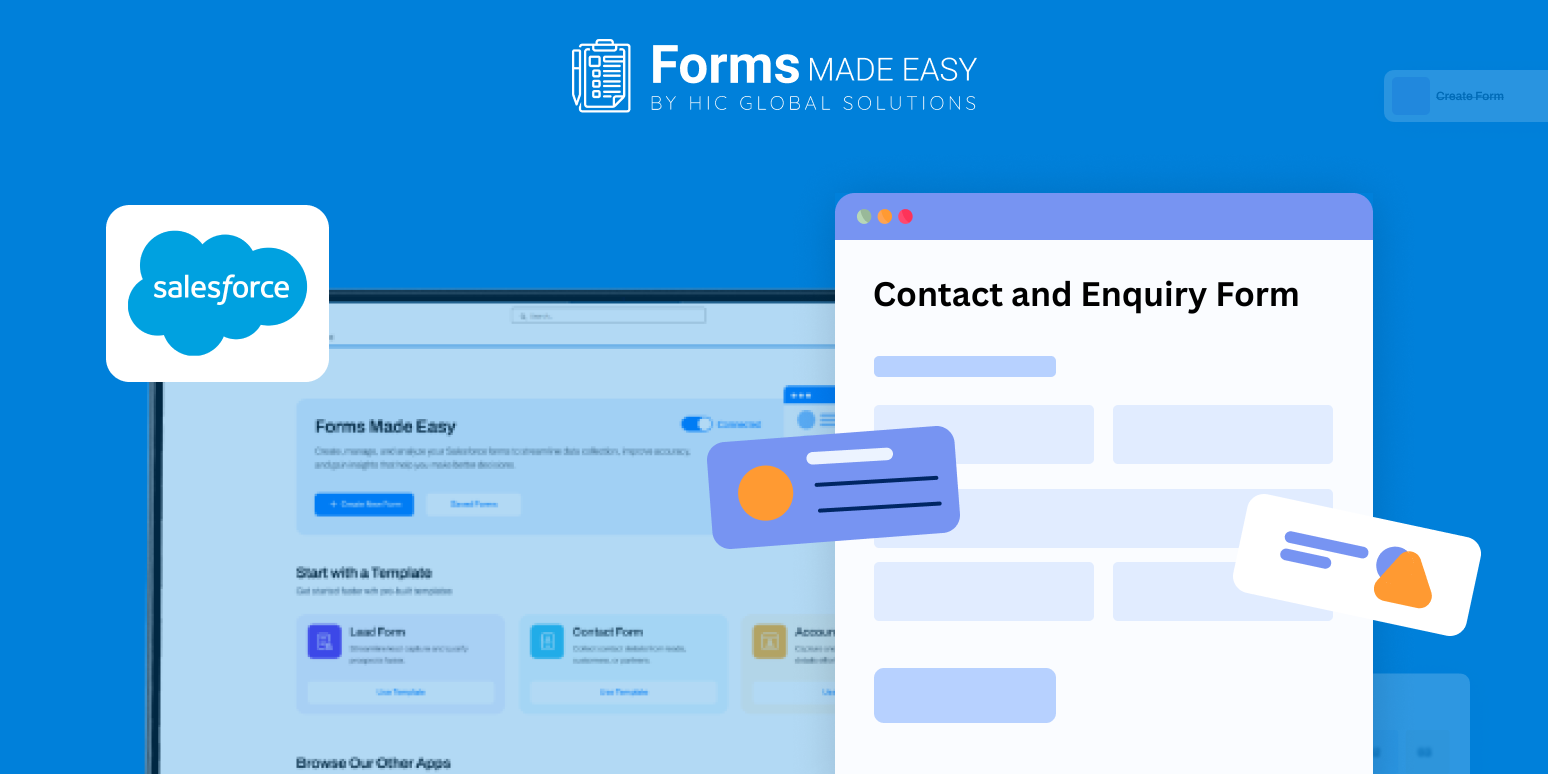
Book a DemoWhen customers reach out, they expect quick and clear responses. Scattered emails or incomplete messages can slow down replies and create confusion. This Contact and Enquiry Form Template shows how a well-organized enquiry form can be structured before building one from scratch.
In this blog, you’ll understand how to plan and create a form that captures all essential details, decide which fields to include, customize the look to match your brand, and apply simple rules to make the form dynamic. Using a drag and drop approach, teams can design a practical form layout without any coding, ensuring both customers and internal teams have a smooth experience.
Check out our Contact and Enquiry Form Template using Forms Made Easy.
Create a Contact and Enquiry Form from Scratch
With Forms Made Easy, teams can build an online enquiry form without relying on developers or technical setup. The Salesforce form builder allows businesses to define exactly what information should be requested, helping avoid unnecessary follow-ups later.
This makes it easier to control how enquiries enter Salesforce from the very beginning.
Define What Customers Can Ask
Using Salesforce forms, you can decide which details matter most, such as who is reaching out, why they are contacting you, and how they prefer to be contacted. These inputs help create a focused customer enquiry form that filters noise and captures meaningful questions.
All enquiry details flow into Salesforce in a clear format, allowing teams to review requests without sorting through emails or messages.
Match the Form to Your Brand Identity
Once the questions are finalized, the form can be styled to reflect your business identity. Fonts, colors, and spacing can be adjusted so the online inquiry form feels consistent with your website and communication style, helping build trust with visitors.
Show Only What’s Needed
Rules can be added to change what users see based on their selections. For example, technical questions can trigger extra fields, while general enquiries stay short. This turns the form into a dynamic form that adapts without overwhelming users.
Make the Form Easy to Access
After setup, the form can be shared wherever customers expect to find it. Add it to your website, include it in email signatures, or share it as a direct online enquiry form link. With Salesforce forms, enquiries can be submitted at any time, from any device.
Conclusion
Clear communication starts with asking the right questions. By using Forms Made Easy, businesses can create a structured enquiry form that improves response quality and reduces delays. A no-code approach combined with Salesforce ensures customer questions are captured accurately and handled efficiently, keeping conversations organized from the first message.








