

Turn Forms Into Automated Workflows
Design dynamic forms, streamline operations, and eliminate repetitive manual tasks — all without code.
Talk to Our ExpertsBuild Smarter Forms Faster
Create no-code forms inside Salesforce and automate data collection, approvals, and workflows without complexity.
Get StartedSimplify Your Form Workflows
Replace manual processes with intelligent forms that capture, route, and manage data seamlessly in Salesforce.
Book a DemoRaising funds is about trust; when donors struggle with unclear forms or too many steps, good intentions fade fast. A simple, transparent donation experience encourages people to give with confidence. A clear fundraising form template helps organizations collect contributions smoothly while keeping donor information organized.
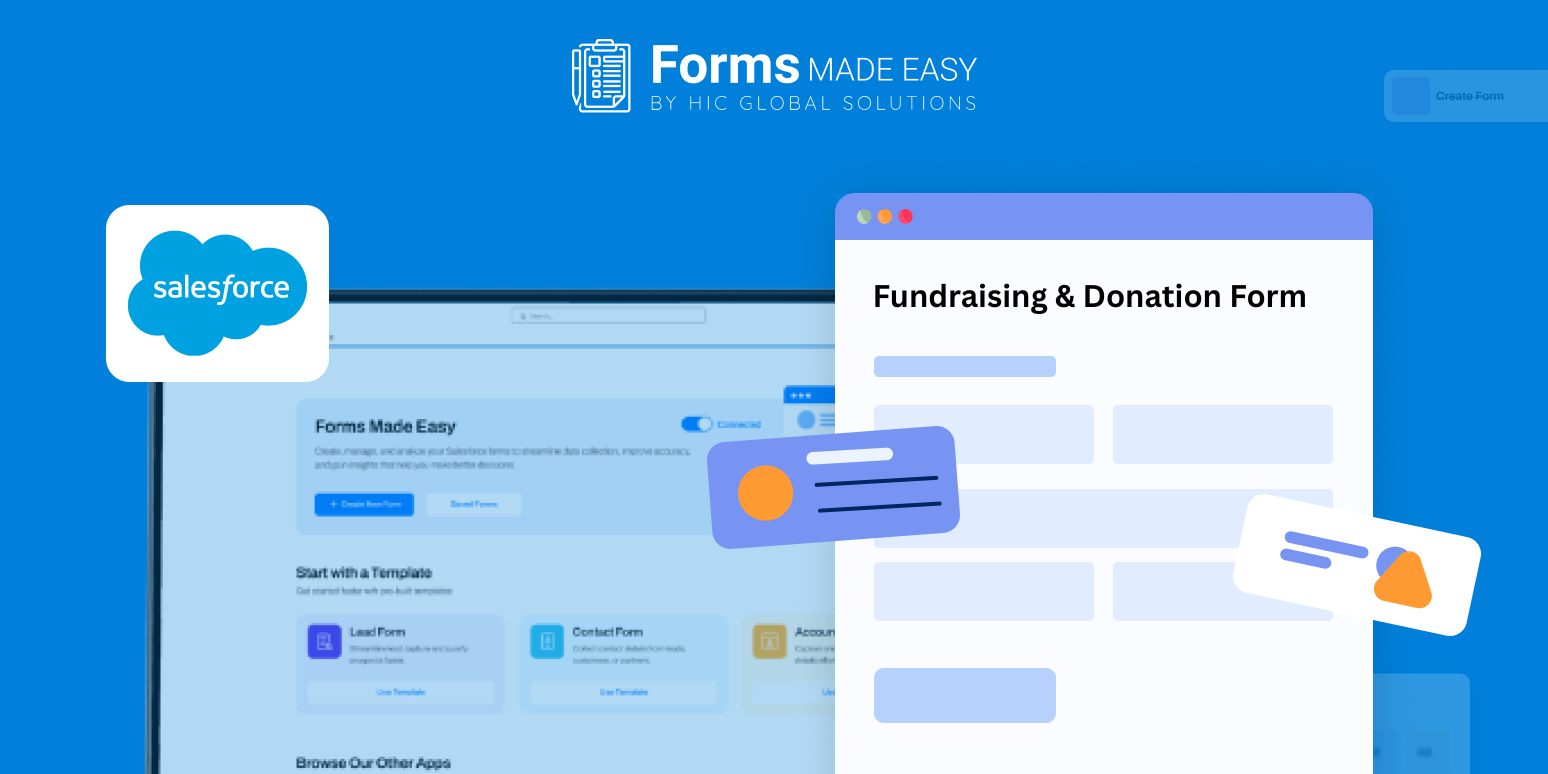
Check out our Fundraising & Donation Form Template using Forms Made Easy.
To support this, we’ve shared a sample donation form that shows how a fundraising and donation form can be structured. It highlights essential sections, clean spacing, and the right details to collect, giving you clarity before you start building your own form.
Create the Form from Scratch
With Forms Made Easy, you can build your donation form from the ground up using an intuitive drag and drop interface. The Salesforce form builder lets you create a no code form, so teams can set up fundraising forms without technical effort. The template helps you understand the donation flow before adding any fields.
Add Donation Fields Using Drag and Drop
Using Salesforce forms, you can add fields such as donor name, contact details, donation amount, payment preference, and optional messages. This makes it easy to design a clean for donation form template that captures everything needed in one step.
You can also include sections inspired by a donation request letter template or align it with a fundraising template for donations. Since it’s built using forms for Salesforce, all donor data stays structured and ready for follow-up.
Customize the Look for Donor Confidence
After adding fields, adjust the design to reflect your cause. Add your logo, use calming colors, and keep the layout distraction-free. Forms Made Easy helps you style a donation form that feels genuine and easy to complete, while still supporting elements like a donation receipt template for transparency.
Add Rules to Simplify Giving
You can apply simple rules to turn the form into a dynamic form. Show additional fields only for recurring donations or display receipt options when required. A dynamic form keeps the process short and donor-friendly.
Publish and Start Accepting Donations
Once the fundraising form template is ready, you can publish it and share it in multiple ways. The form can be embedded directly on your website, the form URL can be copied for easy sharing, donations can be requested through email campaigns, or a QR code can be generated for quick access during events or promotions.
Conclusion
The shared template gives a clear picture of how donation information should be collected and presented. With Forms Made Easy, you can quickly build a reliable fundraising form using a flexible no code form approach and manage contributions efficiently inside Salesforce, so you can focus more on impact and less on administration.