

Turn Forms Into Automated Workflows
Design dynamic forms, streamline operations, and eliminate repetitive manual tasks — all without code.
Talk to Our ExpertsBuild Smarter Forms Faster
Create no-code forms inside Salesforce and automate data collection, approvals, and workflows without complexity.
Get StartedSimplify Your Form Workflows
Replace manual processes with intelligent forms that capture, route, and manage data seamlessly in Salesforce.
Book a DemoQuality inspections are important, but honestly, they are not always as simple as they look.
There is a lot happening behind one inspection. Product checks, safety requirements, measurements, approvals, comments, and different quality steps all need to come together properly. And when teams have to manage all these things every day, even small gaps can create bigger problems later.
This is where a quality inspection form connected with Salesforce can make the process much smoother. In this blog, we will look at how manufacturers can automate quality checks, create better workflows, and keep quality information connected in a simpler way.
Why Manufacturing Teams Need Smarter Quality Inspection Workflows
Handling Different Quality Requirements Easily
Every manufacturing business has its own quality process.
One company may focus more on product measurements, another may need safety checks, and someone else may have completely different inspection requirements. So, having the same fixed process everywhere does not always work.
A digital quality inspection form helps teams create workflows based on their actual requirements and collect the information that really matters for their operations.
Keeping Quality Information Connected With Business Data
Quality data does not work alone.
It usually connects with products, production details, equipment information, suppliers, and other important business records. When everything stays connected, teams can understand what is happening without searching in different places.
Using a Salesforce manufacturing form helps businesses connect inspection records with Salesforce data and create a smoother way of managing quality activities.
Creating More Consistent Inspection Processes
Quality checks need consistency.
When different teams follow different steps, reviewing results later can become confusing. A proper quality inspection checklist helps inspectors follow the required process and capture important details during every inspection.
Additionally, teams can add required fields, validation rules, and specific checkpoints so important information is collected properly every time.
Helping Teams Take Faster Actions
An inspection result is usually just the beginning.
If there is a quality issue, teams may need approvals, notifications, follow-ups, or corrective actions. Without connected workflows, these small steps can take more time than expected.
With automation, the right people can get updates quickly and teams can move forward without unnecessary waiting.
How Manufacturers Can Automate Quality Inspection Forms Using Salesforce
Create Forms Based on Actual Manufacturing Needs
Every manufacturing process has its own way of working.
Some teams need detailed inspections, while others focus on specific production checks or compliance requirements. A Salesforce form builder allows businesses to create forms according to their own workflow instead of adjusting their process around a fixed form.
Teams can include product details, inspection results, measurements, comments, images, approvals, and other important information.
Additionally, when requirements change, forms can be updated easily without rebuilding everything again.
Design Flexible Forms Without Heavy Development
Manufacturing processes keep changing.
New products are introduced, inspection standards get updated, and teams need forms that can keep up. A drag and drop form builder makes it easier to create and adjust forms visually.
Instead of waiting for every small technical change, teams can modify fields, sections, and layouts based on their current needs.
Automate Quality Inspection Checklists
A quality inspection checklist helps inspectors know exactly what needs to be checked.
It removes confusion because important steps are already included in the workflow. Also, teams can make sure every inspection follows the same structure while still keeping flexibility where needed.
Capture Inspection Data Directly in Salesforce
Manufacturing decisions depend on accurate information.
When inspection data is captured directly in Salesforce, teams can connect quality records with other operational information and get better visibility into what is happening.
Moreover, managers can review quality patterns, identify repeated issues, and understand where improvements are required without waiting for separate updates.
Connect Inspection Results With Automated Workflows
A completed inspection usually triggers the next step.
Maybe a manager needs to approve something, maybe another team needs an update, or maybe a corrective action needs to start. Salesforce workflows help connect these actions together so the process keeps moving.
For example, if an inspection fails, the system can automatically notify the responsible person and create a follow-up activity.
Improve Quality Visibility Across Operations
Modern manufacturing depends on connected information.
A quality inspection form integrated with Salesforce helps teams maintain better visibility into inspection history, quality results, and operational activities.
In addition to this, connected quality data helps managers understand trends and make decisions with more confidence. Thus, teams are not just collecting information, they are actually using it.
A Better Way to Build Manufacturing Forms in Salesforce
There are many ways businesses can create digital forms today.
But finding the right approach is where things become a little tricky. Some solutions may work for basic needs, while others may require more technical effort than expected. Therefore, businesses need something that fits naturally with their Salesforce environment.
A Salesforce-native solution helps manufacturing teams create forms, collect information, and manage workflows while keeping everything connected in one place.
Automating Quality Workflows With Forms Made Easy
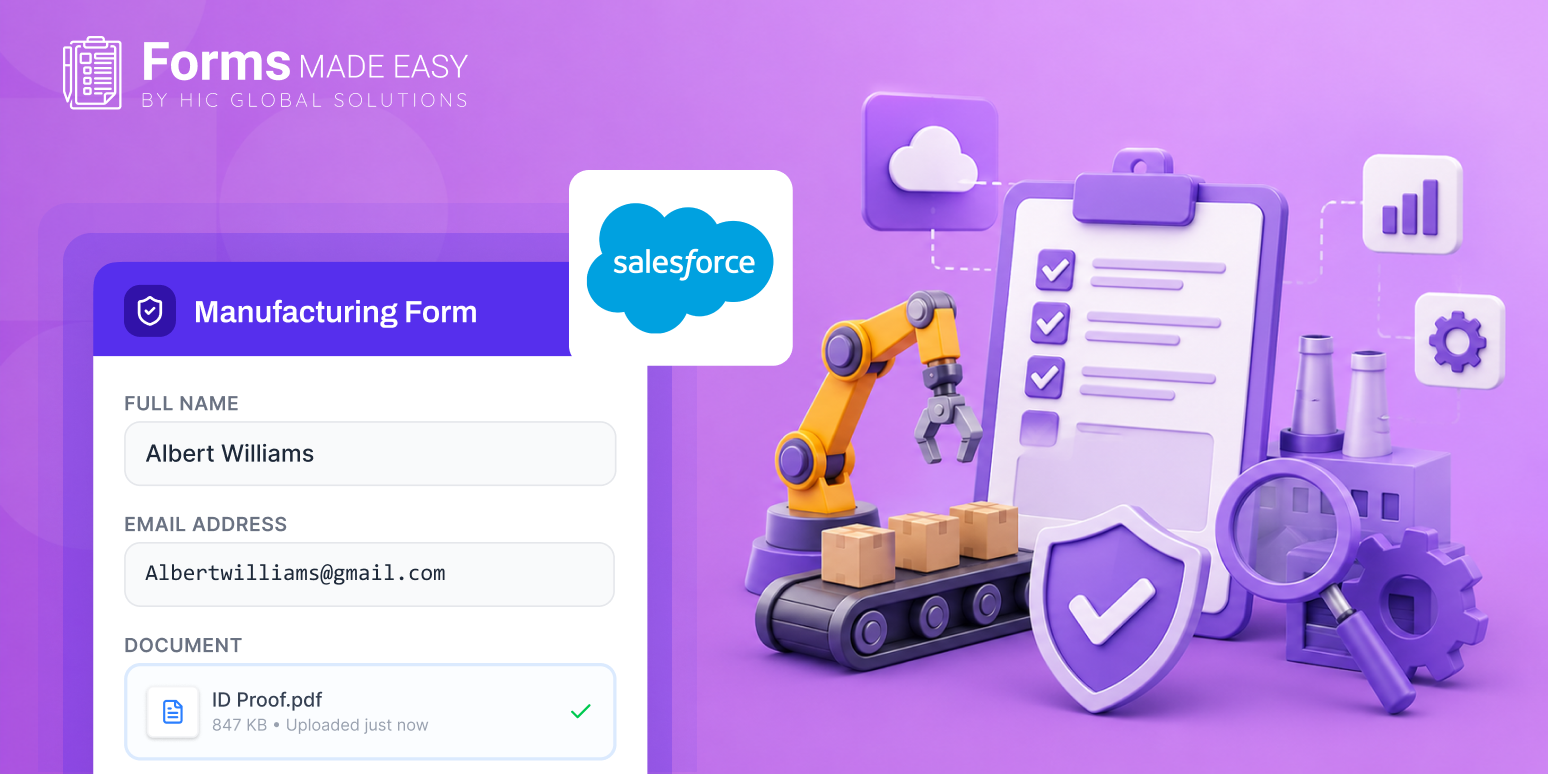
Forms Made Easy is a Salesforce-native form builder that helps manufacturing teams create and manage digital forms directly inside Salesforce.
Instead of handling forms separately, businesses can create connected workflows where form submissions work with existing Salesforce records and processes.
With Forms Made Easy, businesses can:
- Create customized manufacturing forms inside Salesforce
- Build forms using a drag and drop form builder
- Connect forms with Salesforce objects and records
- Create dynamic fields based on business needs
- Add conditional logic for smarter form experiences
- Capture inspection information directly in Salesforce
- Automate approval and workflow actions
- Support signatures and attachments
- Maintain better visibility into form submissions
The combination of Salesforce forms and automation helps manufacturing teams create a smoother quality process where information moves between people, teams, and systems without unnecessary complications.
Conclusion
Quality inspections are a daily part of manufacturing, but the process behind them does not have to feel difficult.
A connected quality inspection form helps businesses collect accurate information, maintain consistent inspection steps, and keep quality operations connected with Salesforce.
With Salesforce form builder capabilities and solutions like Forms Made Easy, manufacturers can create workflows that match their actual requirements. Because at the end of the day, quality teams should focus on improving products and solving problems, not spending time fixing disconnected processes, etc.