


Turn Forms Into Automated Workflows
Design dynamic forms, streamline operations, and eliminate repetitive manual tasks — all without code.
Talk to Our ExpertsBuild Smarter Forms Faster
Create no-code forms inside Salesforce and automate data collection, approvals, and workflows without complexity.
Get StartedSimplify Your Form Workflows
Replace manual processes with intelligent forms that capture, route, and manage data seamlessly in Salesforce.
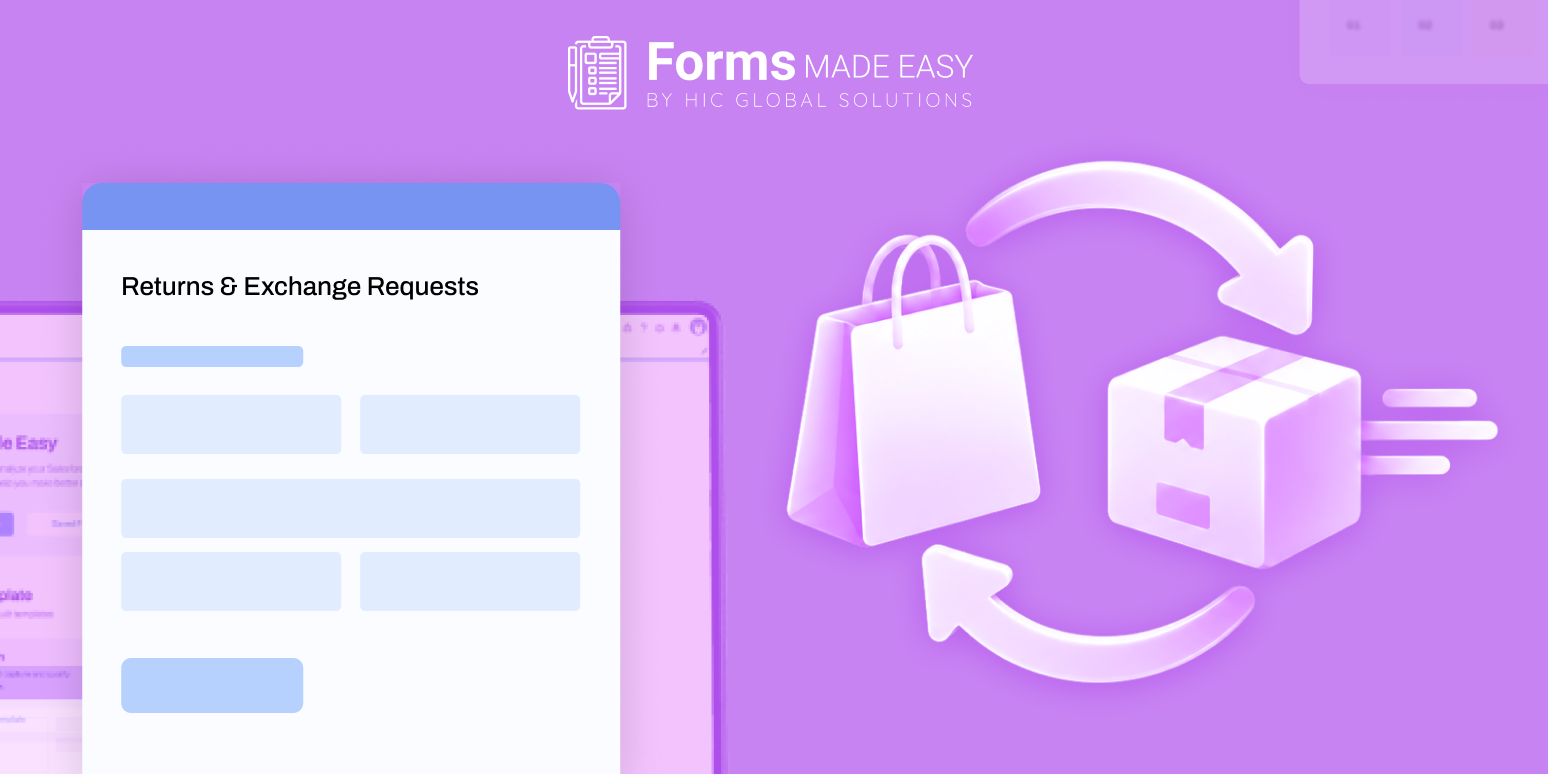
Book a DemoReturns and exchanges significantly impact customer perceptions of a brand, with 63% of US consumers abandoning purchases due to unfavorable return policies. A streamlined process is essential for retailers to handle requests efficiently while providing necessary details for internal teams. Implementing a well-designed retail form can simplify the collection of vital information upfront, reducing back-and-forth communication. Key improvements include clear submission channels, relevant return reasons, easy exchange options, and transparent next steps after submission. Utilizing Salesforce forms can enhance this process, enabling retailers to manage requests effectively and improve the overall customer experience.
Returns and exchanges are part of retail, but the way a business handles them can influence what a customer thinks about the brand. A slow response or unclear next step can turn a simple request into another support issue.
That matters even more as shoppers compare return policies before buying. A 2026 study by Loop found that 63% of US consumers had walked away from a retailer or abandoned a purchase because of its return policy.
For retailers, the challenge is to make the process straightforward for customers while giving internal teams the details they need to check eligibility and act quickly. A well-designed retail form can help collect those details from the start. In this blog, we will look at ways to improve returns and exchanges and how Salesforce forms can support the process.
Why Returns and Exchanges Need a Better Process
A return request can involve several details: the original order, product, purchase date, reason for return, item condition, preferred resolution, and supporting photos. If these details arrive through scattered messages, staff may need to contact the customer again before they can make a decision.
The cost is not only the extra work. Shopify’s 2026 returns guidance points out that returns affect inventory, working capital, and customer experience. A clear request journey helps retailers collect the information needed to make the next decision without unnecessary back-and-forth.
Ways to Make Return and Exchange Requests Easier
Customers should not have to guess whether to email support, call a store, or send a message on social media.
A dedicated Retail form linked from the returns policy, order confirmation, or help page gives them a clear starting point.
Keep the first screen focused on the information needed to identify the purchase and understand the request.
Ask for more details only when they are relevant to the selected return or exchange reason.
A request is easier to review when the team can identify the order and item straight away.
Capture details such as order number, email address, product or SKU, purchase date, quantity, and the item the customer wants in exchange.
Where the form connects with Salesforce, existing customer or order information may be used to prefill known fields.
This reduces repeated typing and helps the team work with more complete records.
Salesforce forms can also capture return reasons and photos of damaged or incorrect items when evidence is needed.
Return reasons can help retailers spot patterns, but a long list of vague options does not help anyone.
Use clear choices such as wrong size, damaged item, incorrect product, arrived late, or no longer needed.
A Retail form can show follow-up questions based on the selected reason.
For example, a damaged-item request may ask for a photo, while a size exchange may ask for the preferred replacement size or colour.
This keeps the form relevant without asking every customer to answer every question.
A customer who wants another size or colour may prefer an exchange over a refund.
Show the available resolution choices clearly and collect the replacement product, size, colour, or variant where applicable.
The 2026 IMRG and nShift research found that 66.1% of surveyed UK shoppers would likely accept an exchange offered at the point of return instead of a refund.
The result is a useful reminder to make exchanges visible rather than treating them as an afterthought.
A confirmation message should tell customers that their request has been received and explain what happens next.
If the request needs a review, say so.
If customers need to send the item back, explain when and how return instructions will be shared.
Internally, teams should be able to see the request status and the information already submitted.
A consistent process for reviewing, approving, receiving, inspecting, and resolving requests makes it easier to avoid missed updates.
Return reasons can reveal issues that are easy to miss when each request is handled separately.
A rise in sizing complaints may point to unclear size guides, while repeated damage reports could indicate a packaging or delivery issue.
Review requests by product, category, location, and reason.
This helps teams identify recurring problems and decide whether product descriptions, quality checks, packaging, or policy wording need attention.
Where a Salesforce Form Builder Fits Into the Returns Process
A Salesforce form builder can give retailers a structured way to collect return and exchange information and store it against the right Salesforce records. Rather than treating every request as a separate email, teams can capture consistent details in a form and use them in their existing customer workflows.
With Salesforce retail forms, businesses can create different request journeys for damaged products, size exchanges, incorrect orders, warranty queries, or other post-purchase needs. The form can ask for the details relevant to each case and send the submitted information into Salesforce for the team to review.
A form does not replace return eligibility rules, warehouse inspection, refund processing, or a dedicated returns management system. It helps organise the information that those steps depend on. Salesforce forms can therefore support the request and information-capture stage of a wider returns workflow.
Manage Retail Requests With Forms Made Easy
Forms Made Easy is a Salesforce-native form solution that helps businesses create forms and capture information directly in Salesforce. Retail teams can use it to build a Retail form for return requests, exchange preferences, damaged-item reports, or post-purchase feedback.
Using this Salesforce form builder, teams can create forms with fields, sections, branding, and conditional rules. This AI form builder can also generate a form template from a plain-language description, giving teams a starting point they can adjust to their process.
Useful capabilities for retail request workflows include:
- Prefilled forms: Populate available Salesforce information so customers do not need to enter details the business already has.
- AI Formula Generation: Create formulas using prompts instead of building every formula manually.
- Conditional form rules: Show relevant follow-up fields based on the reason selected, such as asking for an image when an item is damaged.
- Multi-object forms: Capture information for related Salesforce records in one submission, where the workflow requires it.
- File uploads: Let customers attach product photos, receipts, or other supporting documents.
- Save and Resume: Allow customers to save a longer request and return to complete it later.
- Smart Upsert: Update an existing matching record instead of creating a duplicate when the configured matching criteria are met.
- Submission exports: Export submitted information for reporting and further review.
- Payment collection: Collect online payments through an integrated payment gateway when a workflow requires a payment, such as an eligible fee or price difference.
- Multiple sharing options: Share forms through links and other available channels, including unique links with expiry or one-time access settings.
Retailers can configure Salesforce retail forms around their own return policies and internal review steps. For example, one form can collect the order details and reason for return, while conditional fields gather photos or replacement preferences only when needed.
Wrapping Up
A smoother returns process starts with asking for the right information and making the next step clear. Retailers that offer straightforward request forms, useful exchange choices, and timely updates can reduce avoidable follow-ups while giving customers a better post-purchase experience.
A well-planned retail form, supported by Salesforce retail forms and connected customer records, can make requests easier to review and manage. Forms Made Easy gives Salesforce teams a flexible way to build these forms around their own workflows.