
loader
Logo Menu Icon
Blog

Stay ahead with the latest tips, trends, and expert insights

Product Overview

Discover what’s new, improved, and fixed in our latest updates

Support Center

Get quick answers and step-by-step guidance whenever you need help

Resource Image

Build dynamic, AI-powered, no-code web-to-lead forms in Salesforce with Forms Made

Create Your First Form

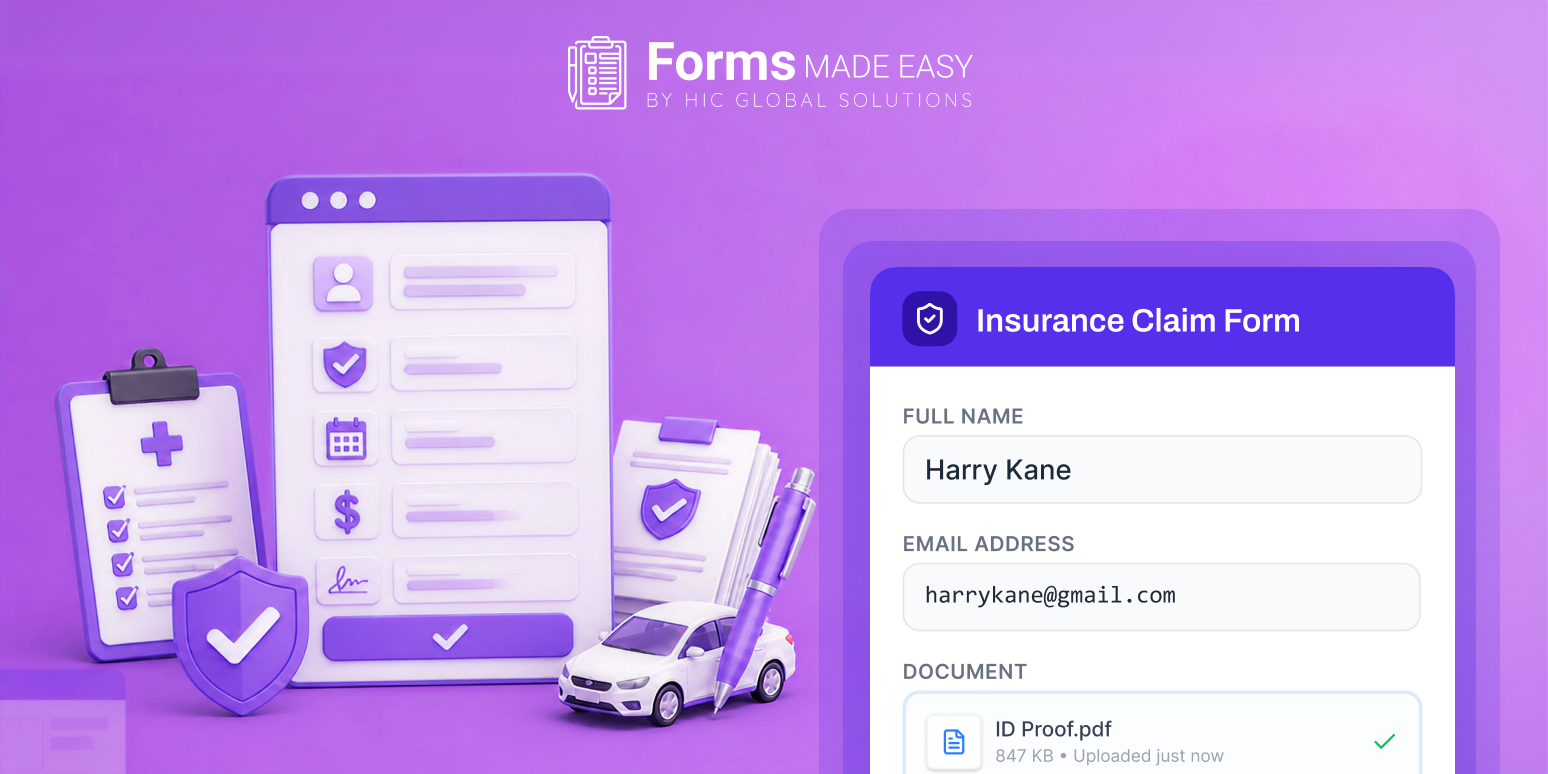
How Salesforce Forms Simplify Insurance Verification and Claims Collection

Share article via
Published on July 9, 2026 | By 5 Mins Read
How Salesforce Forms Simplify Insurance Verification and Claims Collection

Turn Forms Into Automated Workflows

Design dynamic forms, streamline operations, and eliminate repetitive manual tasks — all without code.

Talk to Our Experts

Build Smarter Forms Faster

Create no-code forms inside Salesforce and automate data collection, approvals, and workflows without complexity.

Get Started

Simplify Your Form Workflows

Replace manual processes with intelligent forms that capture, route, and manage data seamlessly in Salesforce.

Book a Demo

Insurance verification and claims collection are two of the most important processes for healthcare providers, insurance agencies, and businesses handling policy claims. However, collecting customer information, verifying insurance details, and managing claim documents manually often takes more time than expected. Missing information, repeated follow-ups, and paperwork can slow down the entire process.

This is where Salesforce forms helps businesses simplify the complete process. Instead of relying on paper forms or collecting information through multiple channels, businesses can create digital forms that collect the required details in one place. This helps teams verify insurance information faster and process claims without unnecessary delays.

With the blog, delve in to check out how Salesforce form builder helps simplify insurance verification and claims collection. Let’s get started.

Key Areas Where Salesforce Form Builder Simplifies Insurance Verification and Claims Collection

It is very much understood that insurance verification involves collecting customer details, policy information, supporting documents, and approval records. Managing all these manually can become difficult as the number of requests increases. Let’s check out the key areas where Salesforce form builder plays a major role.

Collect Insurance Information Without Manual Entry
With the Salesforce form builder, businesses can create digital forms to collect policy details, customer information, contact details, and required documents from one place. This helps reduce manual data entry and keeps the information organized from the beginning. Now that your teams receive complete information through a single form, you will be able to begin the verification process much faster.
Faster Claims Collection
Claims collection becomes easier when customers can submit all the required details without sending multiple emails or visiting the office repeatedly. The forms can be designed to collect claim information, supporting documents, medical records, invoices, or any additional information required during the claims process. This helps your team review requests without waiting for missing details.
Improve Data Accuracy
Incomplete forms often result in claim delays. Using a Salesforce form template allows businesses to standardize the information collected from every customer. With predefined fields and required sections, customers provide complete information before submitting the form. This helps reduce errors and improves the quality of data entering your Salesforce system.
Secure Document Collection
Insurance verification often requires important documents such as identity proof, insurance cards, policy documents, and claim records. With Salesforce form builder, businesses can securely collect these documents through online forms instead of requesting them through multiple emails. This keeps everything organized and easier to access whenever required.
Better Customer Experience
Nobody likes filling out lengthy paperwork or answering the same questions multiple times. Digital forms make the process much simpler for customers by allowing them to complete everything in one place. This helps businesses respond faster while giving customers a smoother experience throughout the verification and claims process.

Benefits of Using Salesforce Form Template

Now that you know how digital forms simplify the overall process, let’s check out why using a Salesforce form template makes the work even easier.

Ready to Use
Instead of creating every form from the beginning, a Salesforce form template provides a ready-made structure that can be customized based on your business requirements. This helps businesses save time while maintaining consistency across different insurance processes.
Easy to Customize
Every insurance process is different. Some forms require policy details, while others may require claim information or supporting documents. A Salesforce form template allows you to add fields, remove unnecessary sections, and customize the form according to your workflow.
Maintain Consistency
Using the same template across departments ensures everyone collects the same information. This reduces confusion and helps teams process requests more efficiently.

Forms Made Easy: The Salesforce-Native Forms Solution

We have seen how Salesforce form builder simplifies insurance verification and claims collection while making the overall process easier for both businesses and customers. With Forms Made Easy, creating and managing online forms becomes simple without requiring complex development.

Some of the key features of Forms Made Easy include:

  • Ready-to-use form templates for different business processes
  • Drag-and-drop form builder for quick form creation.
  • Conditional logic to display fields based on user responses.
  • Secure file upload support for insurance and claim documents.
  • Digital signature support for faster approvals.
  • Automatic Salesforce record creation.
  • Mobile-friendly forms that work across devices.
  • Workflow automation to reduce manual tasks.
  • Easy customization without writing code.

Forms Made Easy is easy to set up, simple to configure, and helps businesses collect accurate information directly inside Salesforce while reducing manual work for every team involved.

Conclusion

From collecting customer information to managing supporting documents and improving data accuracy, digital forms help businesses complete every process more efficiently.

Using a Salesforce form template also helps maintain consistency while reducing manual work for your teams. This way, businesses can focus more on serving customers instead of spending time managing paperwork.

To get started, install Forms Made Easy from AppExchange today and simplify your insurance verification and claims collection process with easy-to-build Salesforce forms.
Frequently Asked Questions

Salesforce forms collect complete information before submission, minimizing back-and-forth communication. Using Forms Made Easy, teams receive accurate data instantly, helping verify insurance details and process claims more efficiently.

Absolutely. No-code Salesforce form builders let users create insurance verification forms using drag-and-drop tools. Forms Made Easy makes customization simple, enabling teams to launch forms without developer assistance.

Salesforce forms use Salesforce security capabilities to protect submitted information. Forms Made Easy helps businesses collect sensitive insurance data securely while supporting compliance with organizational security requirements.

Yes. Salesforce forms can be customized for healthcare providers, insurance agencies, brokers, and financial service organizations. Forms Made Easy adapts to different verification and claims workflows without requiring complex configuration.

Recent Posts

Why Scholarship Application Forms Become an Administrative Nightmare During Peak Intake

Scholarship programs are designed to help students move forward academically, but for institutions, peak application season often creates operational pressure…

Why Manual Quality Control Checklists Are Slowing Down Manufacturing Operations

Manufacturing has changed dramatically over the last decade. Production lines are faster, customer expectations are higher, and quality standards continue…

Salesforce Form Builder
Why Forms Made Easy is the Best Tool for Salesforce Form Builder

Collecting data should feel simple. But for many businesses, capturing leads, feedback, registrations, or service requests becomes unnecessarily complicated. Clunky…