


Turn Forms Into Automated Workflows
Design dynamic forms, streamline operations, and eliminate repetitive manual tasks — all without code.
Talk to Our ExpertsBuild Smarter Forms Faster
Create no-code forms inside Salesforce and automate data collection, approvals, and workflows without complexity.
Get StartedSimplify Your Form Workflows
Replace manual processes with intelligent forms that capture, route, and manage data seamlessly in Salesforce.
Book a DemoA lot of businesses collect customer information every day, but the real problem usually starts after the form gets submitted. Teams often end up managing scattered records, incomplete details, manual entries, and disconnected workflows that take extra time to organize properly inside the CRM.
Salesforce already includes different options to create forms and capture customer information directly into the platform. But as lead volumes increase and workflows become more detailed, businesses often need a better forms builder that can handle everything without adding technical complexity.
That is exactly why modern forms in Salesforce are becoming much more advanced now. So, in this blog, we’ll explore how Salesforce forms simplify lead capture and data management, what native options are available, why advanced form builders matter, and how Forms Made Easy helps create dynamic forms and streamline workflows inside Salesforce.
Native Salesforce Options to Create Forms in Salesforce
Before businesses start using advanced tools, Salesforce itself already provides several built-in option to create forms in Salesforce environments for lead collection and customer data management.
These native features are useful for organizations that want simple CRM-connected forms without starting with external software immediately.
Web-to-Lead Forms for Lead Collection
One of the most commonly used native Salesforce features is Web-to-Lead.
This feature allows businesses to generate HTML forms directly from Salesforce and place them on websites or landing pages. Whenever someone submits the form, Salesforce automatically creates a lead record inside the CRM.
Businesses usually use Web-to-Lead forms for:
- Website inquiry submissions
- Demo request forms
- Contact us pages
- Newsletter signups
- Campaign lead collection
Salesforce mentions that businesses can capture up to 500 leads per day using Web-to-Lead functionality.
And honestly, for smaller businesses or basic lead capture form requirements, this setup works fairly well in the beginning.
Web-to-Case for Customer Support Requests
Salesforce also provides Web-to-Case functionality for customer service operations.
Instead of capturing leads, this feature allows businesses to collect customer support requests through online forms and automatically convert them into cases inside Salesforce.
This helps support teams centralize customer issues directly inside CRM workflows instead of handling requests manually through emails or spreadsheets.
Native Page Layout Forms Inside Salesforce
Another way businesses manage forms in Salesforce is through standard page layouts and record forms.
Salesforce allows teams to create forms connected directly to CRM objects, such as:
- Leads
- Contacts
- Accounts
- Opportunities
- Cases
This helps businesses manage customer information internally while keeping records centralized inside Salesforce workflows.
Experience Cloud Forms
Businesses using Salesforce Experience Cloud can also create external forms for communities, customer portals, and partner portals.
These forms help businesses collect:
- Customer onboarding information
- Partner registration details
- Support inquiries
- Event registrations
- Service requests
This becomes useful for organizations managing large customer ecosystems through Salesforce.
Also, a report from Gartner in 2026 points out that around 70% of applications are now being built using low-code or no-code tools, which includes form builders like this. So it is not just one platform doing it, it is more of a broader shift.
Why Businesses Eventually Move Beyond Native Salesforce Forms
Native Salesforce capabilities are useful in many situations, but as businesses scale, teams often realize they need more flexibility, automation, and customization than standard forms can provide.
And honestly, this is usually the point where companies start looking for a proper forms builder solution instead of depending completely on basic native functionality.
Limited Design Flexibility Creates Challenges
Standard forms in Salesforce usually focus more on functionality than user experience.
For businesses wanting branded forms, dynamic layouts, modern designs, or conditional visibility rules, native options often start feeling restrictive.
This becomes especially noticeable for marketing campaigns, lead generation landing pages, and customer onboarding workflows.
Dynamic Form Logic Is Often Limited
Modern businesses rarely use static forms anymore.
Many organizations now need dynamic form builder capabilities where forms change automatically based on user selections or customer responses.
For example:
- Showing different fields based on products selected
- Triggering workflows based on customer type
- Displaying region-specific sections dynamically
- Personalizing form experiences automatically
Without advanced dynamic form builder tools, businesses often end up relying heavily on developers for customizations.
File Upload Requirements
A major limitation businesses often face with native lead capture form setups is file upload handling, which includes storage capacity and file size restrictions
Many workflows now require customers to upload:
- Identity documents
- Contracts
- Invoices
- Images
- Supporting business files
This becomes difficult to manage properly with standard native form functionality alone.
Payment Collection Is Not Built Natively
Businesses managing registrations, bookings, applications, or purchases often need forms connected with payment gateways.
Standard Salesforce forms generally do not handle this process directly, which pushes businesses toward external tools or advanced Salesforce form builder platforms.
Advanced Automation Requires More Flexibility
Businesses now expect forms to do much more than collect data. Modern workflows usually require:
- Real-time lead routing
- Automated notifications
- CRM updates
- Approval workflows
- Customer follow-up sequences
- Conditional automation logic
And honestly, trying to manage all of this manually inside native Salesforce configurations can become time-consuming quite quickly.
Why a Salesforce Form Builder Makes Lead Capture Easier
As customer journeys become more digital, businesses need faster and more connected ways to capture information without creating extra operational work for teams.
This is exactly where a dedicated Salesforce form builder becomes useful.
Instead of building forms manually through code or relying completely on static CRM forms, businesses can create smarter workflows that connect directly with Salesforce data and automation processes.
Faster Lead Collection Across Channels
A modern lead capture form helps businesses collect leads from: websites, landing pages, event campaigns, partner portals, registration workflows, customer inquiry pages, etc.
And because the data syncs directly into Salesforce, teams spend less time manually entering records later.
Better Data Accuracy
Manual lead entry often creates duplicate records, missing information, and formatting issues. A proper forms builder helps businesses standardize customer data collection while improving accuracy during submissions.
According to Salesforce’s official CRM overview, organizations using Salesforce report measurable performance improvements, including up to +85% faster deal closures and +30% sales revenue growth.
Improved Customer Experience
Customers expect forms to feel simple and smooth.
A modern dynamic form builder allows businesses to reduce unnecessary fields, personalize form flows, and create cleaner user experiences without making forms look overwhelming.
Easier Automation and Workflow Management
Businesses can also connect forms directly with Salesforce automation processes.
This allows:
- Instant lead assignment
- CRM updates
- Automated email notifications
- Workflow triggers
- Customer onboarding sequences
Without needing manual intervention after every form submission.
Best Salesforce Form Builder for Lead Capture and Customer Data Collection
When businesses start looking for more advanced forms in Salesforce, many teams want a solution that works natively inside Salesforce instead of depending heavily on disconnected third-party systems.
This is where Forms Made Easy is getting attention among Salesforce users.
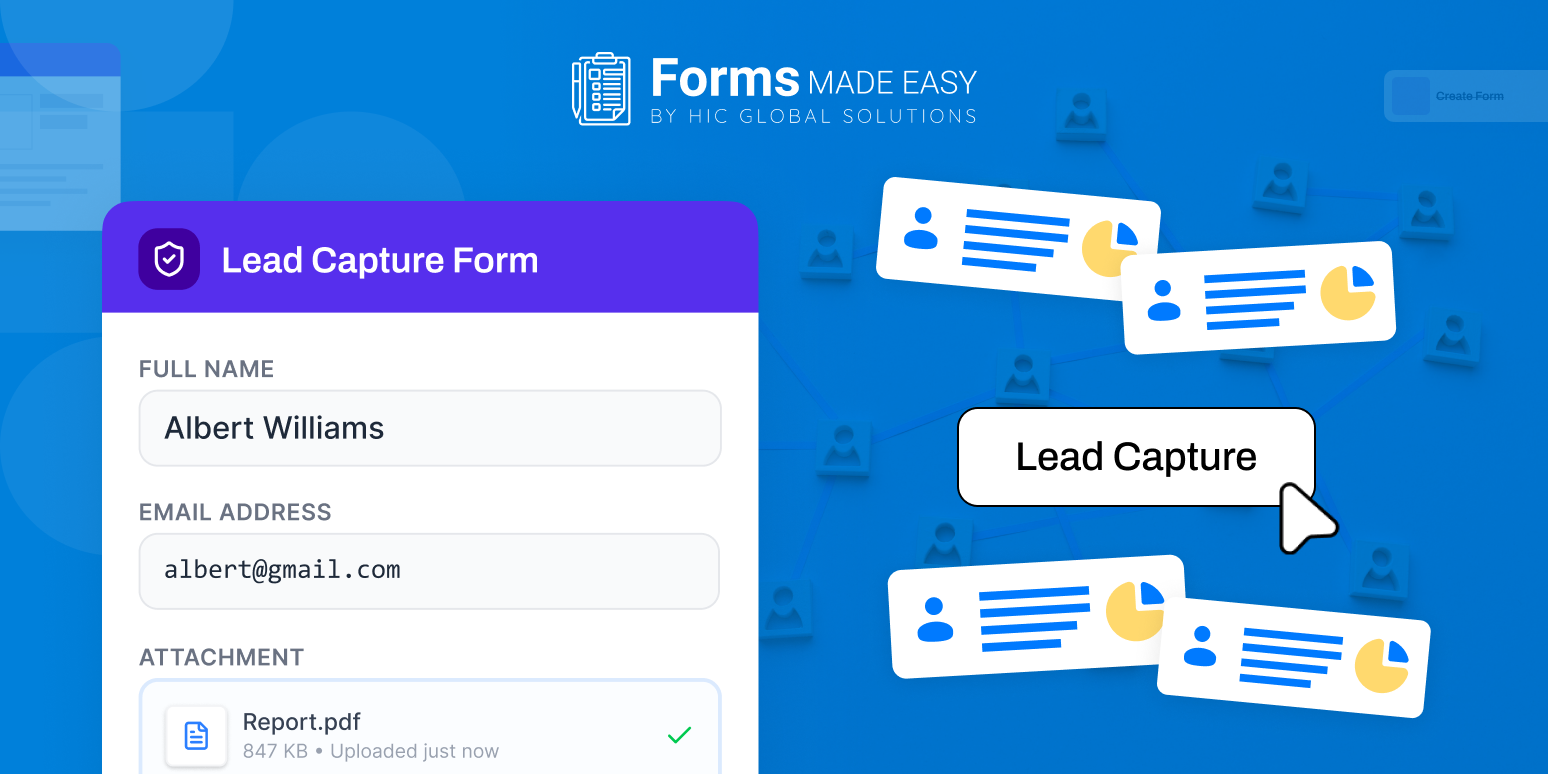
Forms Made Easy is designed as a no-code form builder that helps businesses create dynamic forms, automate lead collection, and manage customer data directly inside Salesforce environments.
So, let’s explore the key functions:
Drag-and-Drop Forms Builder Experience
One reason businesses prefer Forms Made Easy is the simplicity of the Salesforce form builder interface.
Teams can:
- Directly drag and drop any field in the form
- Add Salesforce fields directly
- Customize layouts easily
- Build forms faster without development support
- Manage workflows through a no-code setup
This becomes especially useful for sales, marketing, and operations teams managing forms regularly.
A 2026 study from Forrester mentions that companies using no-code tools have reduced their dependency on development teams by around 40%, especially for things like form creation.
Dynamic Form Builder Capabilities
It also supports dynamic form builder functionality, allowing businesses to create forms that respond intelligently based on user inputs.
This helps businesses personalize customer experiences while keeping forms cleaner and easier to complete.
Salesforce Form Templates for Faster Setup
Another useful feature is access to Salesforce form templates. Instead of creating every form manually from the beginning, businesses can use prebuilt Salesforce form templates for common use cases like:
- Lead generation
- Registrations
- Feedback collection
- Customer onboarding
- Service requests
This helps teams launch workflows much faster.
Better Lead Capture Form Management
It also improves lead capture form workflows with features like:
- Real-time Salesforce syncing
- Conditional logic
- File uploads
- Multi-step forms
- Pre-filled customer data
- Embedded website forms
And honestly, this becomes important for businesses handling larger customer data volumes daily.
Native Salesforce Integration
One major advantage is that Forms Made Easy works directly within Salesforce environments instead of functioning like a disconnected external platform.
This helps businesses maintain centralized customer data while simplifying automation and CRM workflows.
Forms in Salesforce Are Becoming More Advanced
Customer data collection is no longer just about simple contact forms. Businesses now expect forms in Salesforce to support:
- Automated workflows
- Personalized customer experiences
- Real-time CRM synchronization
- Multi-step processes
- Omnichannel lead capture
- Smarter customer data management
And honestly, as businesses continue scaling digitally, form workflows are becoming much more connected with automation, CRM operations, and customer engagement strategies overall.
Salesforce also highlights the growing focus on connected customer experiences and unified CRM operations powered by automation and AI-driven workflows.
Also, Gartner’s Magic Quadrant for Enterprise Low-Code Application Platforms shows that businesses increasingly depend on low-code and no-code platforms to improve development and reduce dependence on traditional coding tools.
Conclusion
Salesforce already provides several useful native ways to create form in Salesforce environments through features, and these tools offer a solid starting point for lead collection and customer data management.
But as workflows become more advanced, companies usually need more flexibility, automation, dynamic experiences, and deeper Salesforce integration than native forms alone can provide.
This is exactly why platforms like Forms Made Easy help businesses create dynamic forms, manage Salesforce form templates, automate customer workflows, and simplify data collection directly inside Salesforce without heavy coding requirements.
Businesses looking to simplify lead capture and customer data management can also install the app directly from the Salesforce AppExchange for a more connected, no-code form management experience.








