

Turn Forms Into Automated Workflows
Design dynamic forms, streamline operations, and eliminate repetitive manual tasks — all without code.
Talk to Our ExpertsBuild Smarter Forms Faster
Create no-code forms inside Salesforce and automate data collection, approvals, and workflows without complexity.
Get StartedSimplify Your Form Workflows
Replace manual processes with intelligent forms that capture, route, and manage data seamlessly in Salesforce.
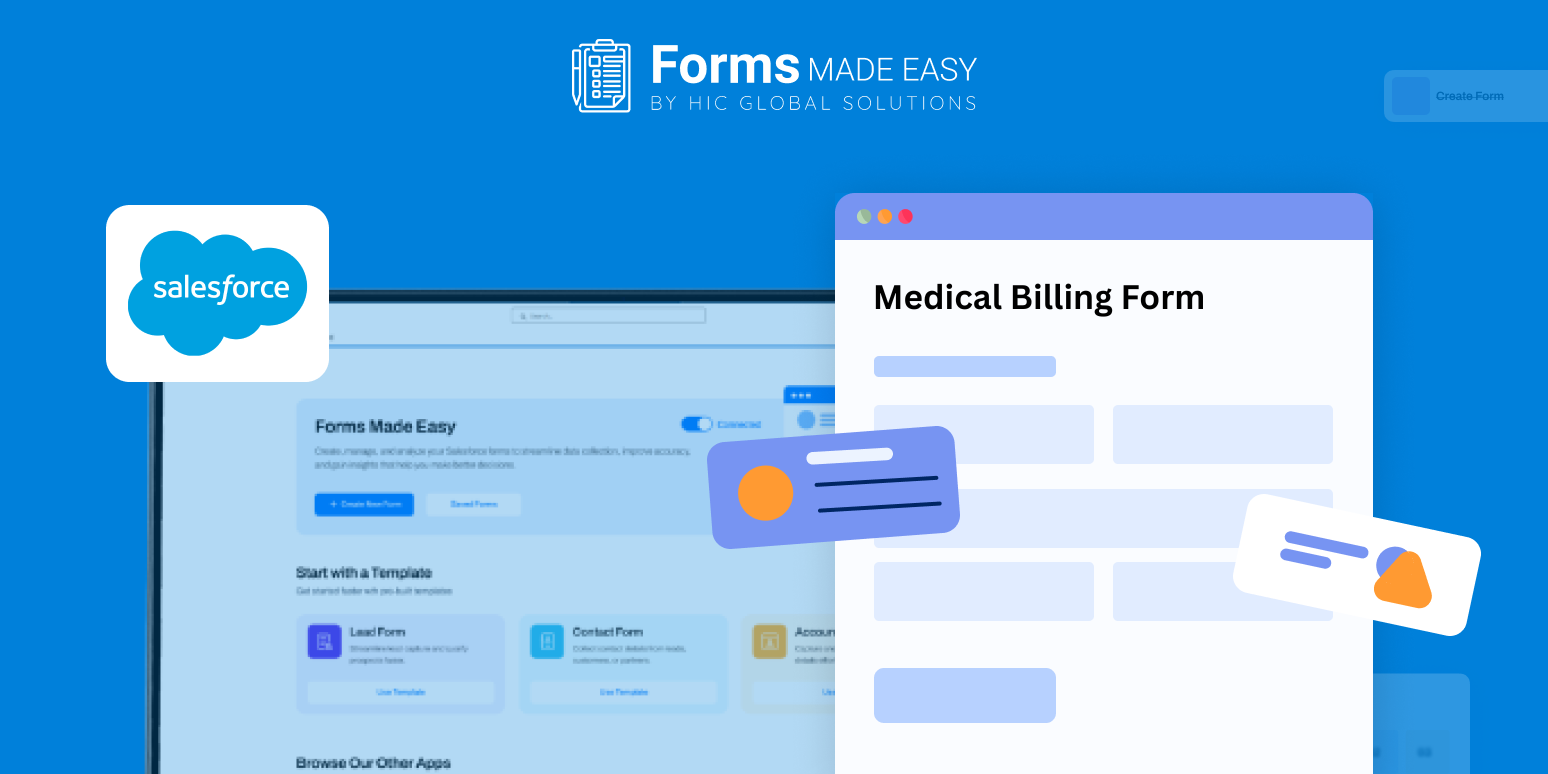
Book a DemoAccurate billing starts with a clear structure. A well-designed Medical Billing Form helps healthcare teams capture patient, insurance, and service details consistently. The provided sample template, built using Salesforce forms, demonstrates clean styling and highlights crucial billing fields such as patient information, payer details, services rendered, and authorization data. In this blog, we’ll briefly explain how to create a billing form using Forms Made Easy.
Check out our Medical Billing Form Template using Forms Made Easy.
To create a medical bill form from scratch, begin by using the drag and drop form builder to add essential billing fields. You can follow the field layout shown in the template to ensure no critical billing information is missed.
Build and Customize the Billing Form
Using a Salesforce form builder like Forms Made Easy, you can create a no code form by adding, removing, or rearranging fields to match your billing workflow. This makes it easy to move beyond static medical bill templates and design a flexible billing form using forms for Salesforce.
Improve Accuracy with Smart Logic
Apply conditional rules to transform your Medical Billing Form into a dynamic form. Show or hide insurance fields based on responses and prefill known patient data to reduce manual entry. A dynamic form helps improve billing accuracy and speeds up processing.
Share Across Multiple Touchpoints
Once your medical bill form is ready, you can embed it on your website, share it via email, or generate QR codes for front-desk use, making billing data collection quick and accessible.
Conclusion
The sample template outlines essential billing fields, layout, and styling best practices while showcasing how Salesforce forms simplify billing workflows. With forms for Salesforce, you can quickly deploy a scalable Medical Billing Form that replaces rigid medical bill templates and supports efficient, error-free billing without complex setup. So, create your form now.