


Turn Forms Into Automated Workflows
Design dynamic forms, streamline operations, and eliminate repetitive manual tasks — all without code.
Talk to Our ExpertsBuild Smarter Forms Faster
Create no-code forms inside Salesforce and automate data collection, approvals, and workflows without complexity.
Get StartedSimplify Your Form Workflows
Replace manual processes with intelligent forms that capture, route, and manage data seamlessly in Salesforce.
Book a DemoStandard order forms work fine, until a customer wants something different. Custom sizes, special materials, unique packaging, or personal notes often get lost in emails and calls. A structured custom order form gives customers a clear way to explain their requirements while helping teams avoid costly mistakes.
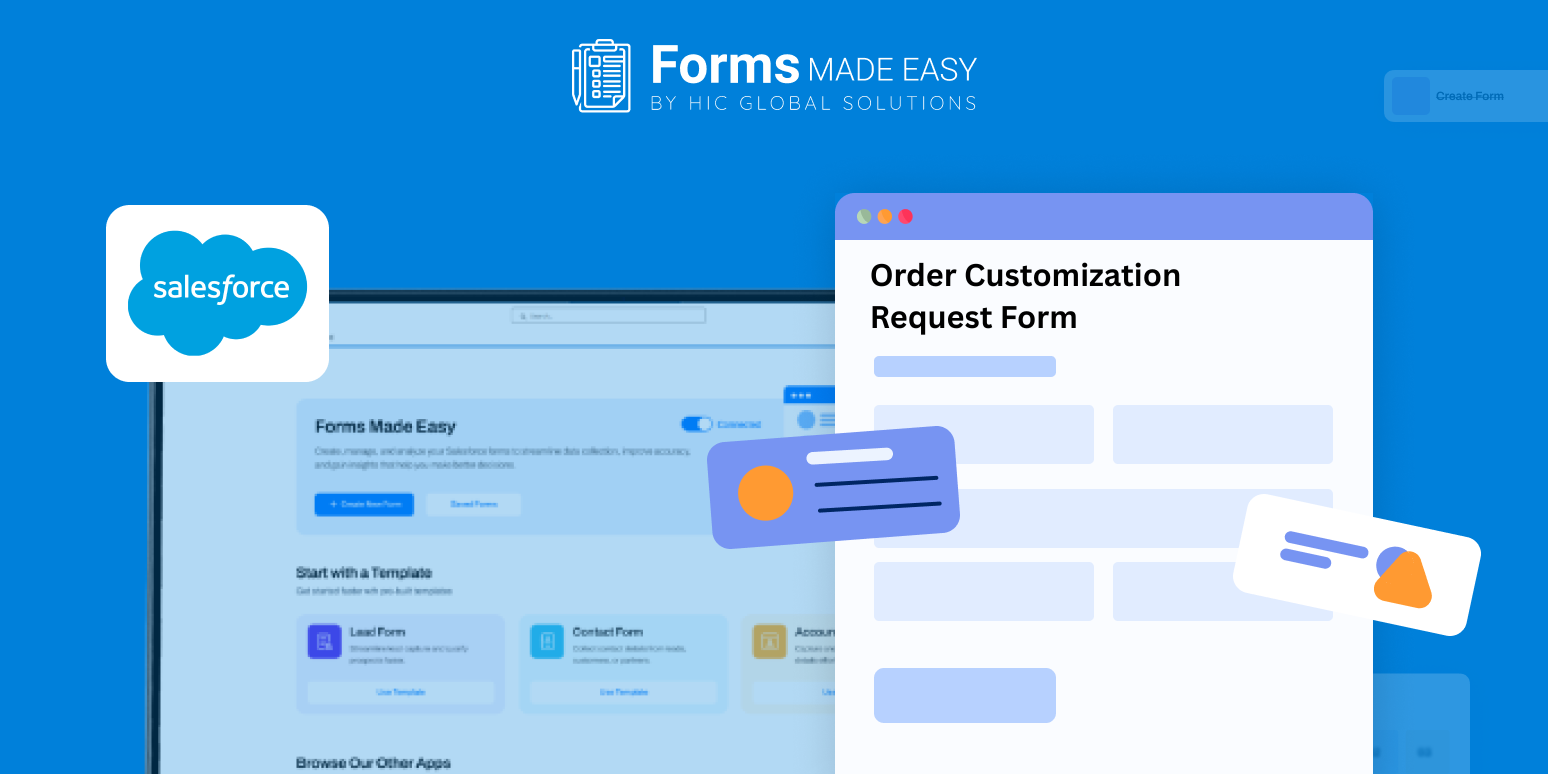
To make this easier, we’ve shared a sample form that shows how a customization request can be organized. It highlights how to capture product details, modification instructions, reference files, and confirmation notes so you understand what information is needed before building your own form.
Create the Form from Scratch
With Forms Made Easy, you can start building your form from the ground up using a simple drag and drop experience. The Salesforce form builder allows you to create a no code form, making it easy for operations or sales teams to set up without technical help.
Check out our Order Customization Request Form Template using Forms Made Easy.
The sample layout helps you visualize the request flow before adding any fields.
Add Customization Fields Using Drag and Drop
Using Salesforce forms, you can include fields such as product name, base order reference, customization type, size or color options, quantity, special instructions, and file uploads. These fields help you design a clear custom order form template that captures precise customer requirements.
You can also structure it as a reusable order form template for different product categories. Since it’s built using forms for Salesforce, all customization data stays organized and easy to track.
Customize the Layout for Clarity
After adding fields, refine the layout to keep instructions easy to follow. Group related options, use clear labels, and keep spacing clean so customers don’t feel overwhelmed. Forms Made Easy helps you design a professional-looking order form template that reduces confusion and follow-up questions.
Add Rules to Prevent Errors
You can apply simple rules to turn the form into a dynamic form. Show extra options only when a specific customization is selected or reveal file upload fields when required. A dynamic form helps ensure requests are complete before submission.
Publish and Collect Requests Smoothly
Once the custom order form is ready, publish it and share it via your website, email, or direct links. With Salesforce forms, customers can submit customization requests anytime, and teams receive structured details instantly.
Conclusion
The sample form gives you a clear idea of how customization requests should be captured and organized. With Forms Made Easy, you can quickly build a flexible custom order Salesforce form template using a no code form approach and manage personalized orders efficiently within Salesforce, without miscommunication or manual rework.








