


Turn Forms Into Automated Workflows
Design dynamic forms, streamline operations, and eliminate repetitive manual tasks — all without code.
Talk to Our ExpertsBuild Smarter Forms Faster
Create no-code forms inside Salesforce and automate data collection, approvals, and workflows without complexity.
Get StartedSimplify Your Form Workflows
Replace manual processes with intelligent forms that capture, route, and manage data seamlessly in Salesforce.
Book a DemoHandling support requests efficiently starts with capturing the right details upfront. Without a clear process, tickets can get delayed, missed, or confusing. A support ticket submission form ensures every request arrives structured, so teams can respond faster and more accurately.
This blog shows how to plan and create a support form from scratch. You will get to know how to organize fields, define sections, and design the workflow so every submission gives agents the information they need. This support form template shows the overall layout and flow of the form, which you can easily adjust and customize based on your specific requirements.
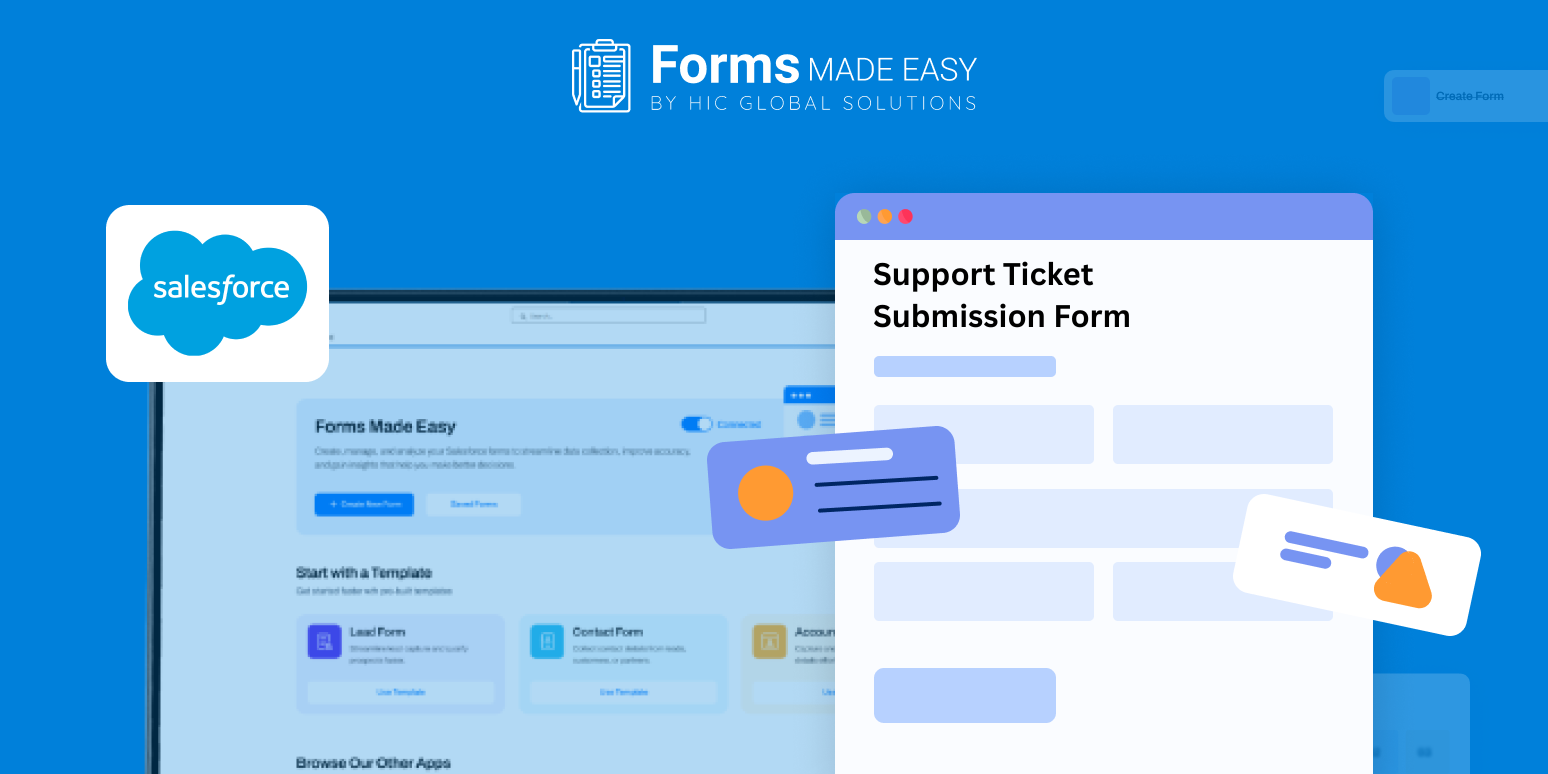
Check out our Support Ticket Submission Form Template using Forms Made Easy.
Build Your Support Form Step by Step
With Forms Made Easy and the Salesforce form builder, creating a support ticket template is simple. Using drag and drop, teams can quickly arrange fields, adjust sections, and set up forms without coding. This makes it easy to adapt forms whenever processes change, keeping the system flexible and user-friendly.
Capture Essential Ticket Details
A good support form template collects all key information in one place: contact info, issue type, urgency level, descriptions, and attachments. Properly structured forms mean agents don’t have to chase missing details, and every submission is stored in Salesforce for easy tracking.
Customize Layout and Sections
Each team has unique workflows, so layouts should be tailored. Organize sections logically, apply branding, and highlight priority areas. Adding a small onboarding schedule template section can help when tickets involve employee setup or training tasks, making assignments clear from the start.
Make the Form Dynamic
Static forms often overwhelm users with irrelevant questions. A dynamic support ticket template adapts to inputs, showing additional fields only when needed, triggering escalation steps for urgent issues, or routing tickets based on category. This saves time and reduces errors for both users and support teams.
Publish and Share
Once the form is ready, it can be embedded on portals, shared via email, or distributed internally. With Salesforce forms, all support ticket submissions are accessible anytime, from any device, ensuring seamless communication and faster response times.
Conclusion
A well-planned support form template improves response speed, reduces mistakes, and makes issue management simpler. By combining a support ticket template with a Salesforce form builder teams can handle support ticket submissions efficiently, keep workflows organized, and provide a better experience for both users and agents.








