

Turn Forms Into Automated Workflows
Design dynamic forms, streamline operations, and eliminate repetitive manual tasks — all without code.
Talk to Our ExpertsBuild Smarter Forms Faster
Create no-code forms inside Salesforce and automate data collection, approvals, and workflows without complexity.
Get StartedSimplify Your Form Workflows
Replace manual processes with intelligent forms that capture, route, and manage data seamlessly in Salesforce.
Book a DemoA successful volunteer program depends on clear information from the very first interaction. When applications are missing availability, skills, or contact details, organizing volunteers becomes time-consuming.
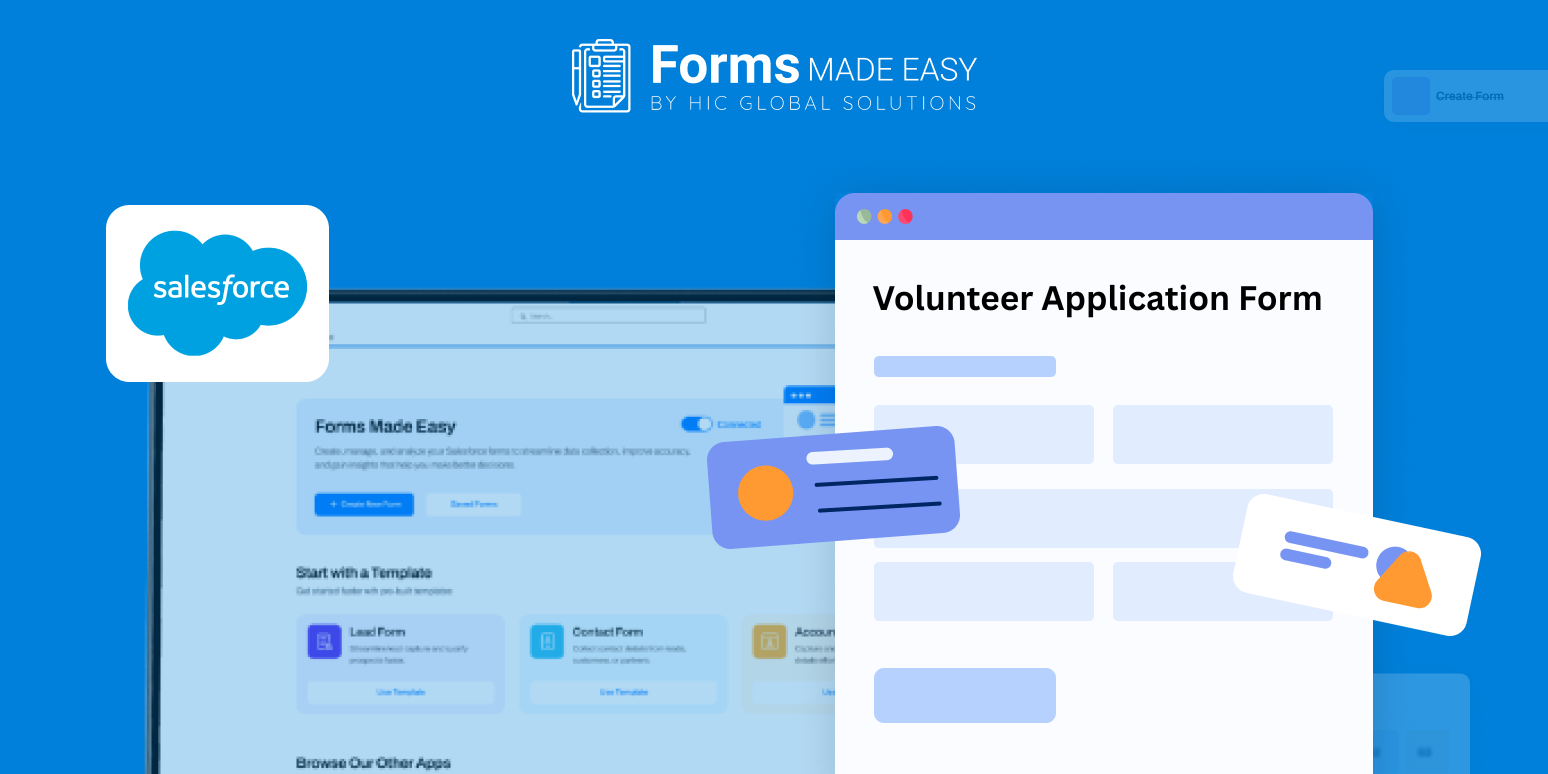
This blog highlights a volunteer application form template and explains how the form can be created from scratch with a practical structure. A template preview is shared to demonstrate how volunteer details should be collected before the form is published.
Check out our Volunteer Application Form Template using Forms Made Easy.
Start with a Ready Reference
Reviewing a sample template makes it easier to plan your form layout. It shows how information can be grouped logically and how a simple flow improves completion rates.
Using a predefined structure helps reduce errors and keeps volunteer submissions consistent across programs.
Build the Form Using Salesforce Form Builder
With the Salesforce form builder, organizations can design volunteer forms without complexity. The drag and drop interface allows fields to be added and reordered quickly.
Since Forms Made Easy follows a no code form approach, teams can build volunteer forms independently without relying on developers.
Add Volunteer Information Using Salesforce Forms
Through Salesforce forms, you can collect volunteer names, contact details, interests, skills, availability, and consent in a structured way.
Because these are forms for Salesforce, all volunteer data remains centralized and easy to review. The same setup can also be reused as a volunteer registration form or adapted into different volunteer application templates for various initiatives.
Adjust the Layout to Match Your Cause
Once the fields are in place, the form design can be refined. Branding elements, section spacing, and layout alignment can be adjusted to keep the form approachable.
Forms Made Easy allows you to create a volunteer form that reflects your organization’s purpose while staying easy to complete.
Use Logic to Keep the Form Focused
Rules can be applied to convert the form into a dynamic form. Role-specific questions can appear only when needed, while irrelevant sections remain hidden.
This approach shortens the application process and improves response quality.
Publish and Share the Volunteer Form
Once the volunteer application form template is ready, it can be shared in multiple ways. You can embed the form on your website, copy the form URL for direct sharing, send it through email invitations, or generate a QR code for quick access during events or campaigns.
With Salesforce forms, volunteers can submit applications anytime, from any device.
Conclusion
A clear and structured volunteer application process saves time and improves coordination. Reviewing a ready template helps define the right flow, while a no code form approach allows teams to build and update forms easily. With Salesforce forms, volunteer information stays organized inside Salesforce, making it easier to manage sign-ups and focus on creating meaningful impact.