


Turn Forms Into Automated Workflows
Design dynamic forms, streamline operations, and eliminate repetitive manual tasks — all without code.
Talk to Our ExpertsBuild Smarter Forms Faster
Create no-code forms inside Salesforce and automate data collection, approvals, and workflows without complexity.
Get StartedSimplify Your Form Workflows
Replace manual processes with intelligent forms that capture, route, and manage data seamlessly in Salesforce.
Book a DemoIf you’ve ever worked with customer data inside Salesforce, you already know one thing, it’s not the lack of data that creates problems, it’s the inconsistency.
Teams spend a lot of time collecting information, but somewhere between manual entry, repeated inputs, and small errors, the quality of that data starts to drop. And once that happens, everything built on top of it, reports, decisions, customer communication, gets affected.
This is exactly where a forms builder starts becoming more than just a simple tool. It becomes part of how businesses maintain accuracy at scale.
Over time, companies have realized that improving data quality is not about adding more validation rules. It’s about reducing the chances of mistakes in the first place. And that’s where prefill form functionality plays a bigger role than most people initially expect.
Why Data Accuracy Keeps Breaking Down
The thing about data errors is that they rarely come from complex systems. They come from very normal, everyday actions.
Someone fills out a form quickly and skips a detail. Another person enters the same name but formats it differently. A customer submits their information again, even though it already exists somewhere in the system.
When teams create forms in Salesforce across different departments, small inconsistencies like this start to add up. What looks minor at first slowly turns into duplicated records, mismatched fields, and reporting gaps.
And the tricky part is, you don’t notice it immediately. The data still looks fine. It’s only later, when things don’t match or reports feel off, that the problem becomes visible.
How Pre-Fill Forms Improve Data Accuracy in Salesforce
Reducing Small, Everyday Input Mistakes
Most data issues don’t come from big errors, they come from small ones that happen repeatedly.
When people are asked to type the same information again and again, mistakes are almost guaranteed. It’s not even about oversight, it’s just how repetitive tasks work.
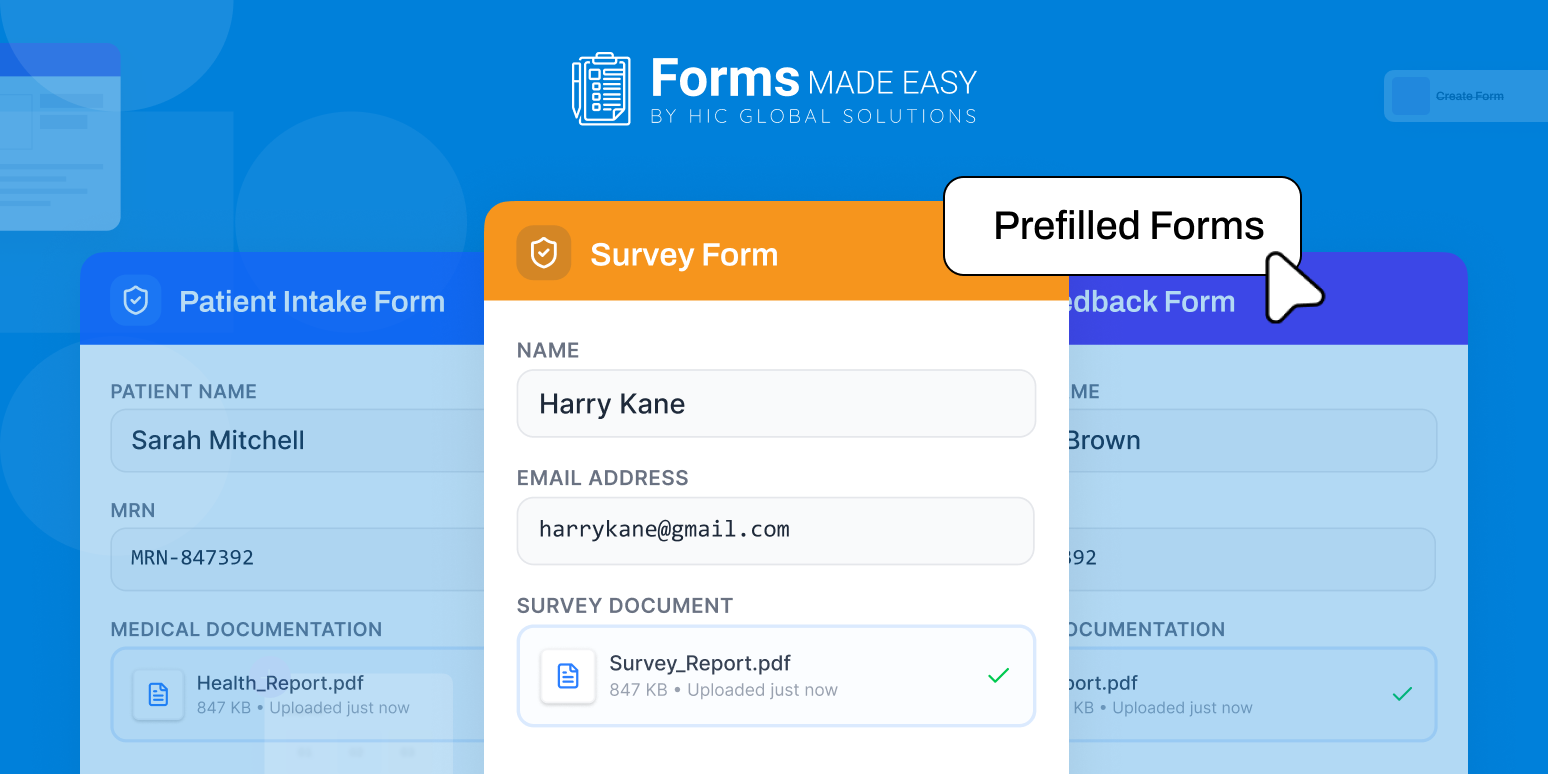
A prefill form changes that dynamic in a very simple way. It pulls in the information that already exists and fills it automatically. The user just checks it, updates it if needed, and moves on.
When this is built into a Salesforce form builder, those small errors start disappearing quietly in the background. And over time, that has a much bigger impact than people expect.
Keeping Data Consistent Without Extra Effort
Accuracy is important, but consistency is what makes data usable.
You might have the right information, but if it’s entered differently across records, it still creates confusion. Slight variations in names, addresses, or formatting can break reports and segmentation.
Using a forms builder with prefill form functionality helps avoid that completely. Instead of re-entering data, the system reuses what already exists.
So instead of creating new versions of the same information, you’re maintaining one consistent version across the board.
Avoiding Duplicate Records at the Source
Duplicates are one of those problems that seem small until they’re everywhere.
They usually happen when the same person or data gets entered multiple times through different forms or processes. And cleaning them up later is never as simple as it sounds.
A prefill form helps stop that from happening in the first place.
By connecting new submissions to existing records reduces the chances of duplicate entries being created. When used properly within forms in Salesforce, this keeps your data cleaner without needing constant maintenance.
Making Forms Feel Easier to Complete
There’s also a human side to all of this that often gets ignored.
When a form appears lengthy or repetitive, users are more likely to rush through it. This often leads to increased data entry errors and reduced accuracy in submissions.
A dynamic form builder works alongside prefill form functionality to fix that. It reduces unnecessary fields, shows only what’s relevant, and keeps the experience simple.
So instead of filling out everything from scratch, users are mostly reviewing and confirming.
It may seem like a small change, but it directly affects how accurate the final data is.
The Role of a Dynamic Form Builder
Not all forms are built the same way anymore. A dynamic form builder adds another layer of intelligence to how forms behave.
Instead of showing every field to every user, forms can adjust based on the data already available. If certain information is already filled through a prefill form, those fields can be skipped or simplified.
This reduces clutter and makes the experience feel more natural.
It also improves completion rates, because users are not overwhelmed with unnecessary inputs. When combined with forms in Salesforce, this creates a system where data collection feels less like a task and more like a guided process.
Forms Made Easy: A Practical Salesforce Form Builder That Actually Works
If you look at how most teams handle forms inside Salesforce, the challenge is rarely about creating a form; it’s about making sure that form actually works well in real workflows.
That’s where Forms Made Easy stands out. It’s not trying to be overly complex or technical. It focuses on doing the core job properly, making forms in Salesforce easier to build, easier to manage, and far more reliable when it comes to collecting data.
As a native Salesforce form builder, it fits naturally into the system rather than operating like an external add-on. Teams can create forms in Salesforce that are directly connected to their existing objects, workflows, and processes, without needing constant adjustments or workarounds.
What makes it especially useful is how it balances simplicity with flexibility. You’re not forced into rigid structures, but at the same time, you’re not dealing with unnecessary complexity either.
In practical terms, it helps businesses move away from repetitive data entry and toward a more structured, accurate way of collecting information.
Some of the capabilities that make a real difference in day-to-day use include:
- Support for prefill form functionality, allowing existing Salesforce data to automatically populate fields, reducing manual input and improving accuracy.
- Dynamic form builder behavior, where forms adjust based on user input, keeping the experience clean and relevant instead of overwhelming.
- Compatibility with Salesforce form templates and unlimited prebuilt templates, helping teams maintain consistency across different departments and use cases.
- As a Salesforce native solution, it seamlessly handles of forms in Salesforce, ensuring that submitted data is mapped correctly and stored without duplication or formatting issues
Another practical advantage is how easy it is to get started. Instead of going through a long setup process, businesses can simply install Forms Made Easy directly from Salesforce AppExchange and begin configuring forms within their existing environment.
That ease of setup, combined with how naturally it fits into Salesforce workflows, is what makes it a reliable choice for teams that want to improve data accuracy without adding extra complexity.
Final Thoughts
At the end of the day, improving data accuracy is not about fixing mistakes after they happen. It’s about designing processes where mistakes are less likely to happen in the first place.
A drag-and-drop form builder plays a bigger role in this than most businesses expect. When combined with prefill form functionality and a dynamic form builder, it changes how data is collected entirely.
Instead of repeated manual input, you get structured, consistent, and reliable information flowing into Salesforce.
And when forms in Salesforce start working this way, the system itself becomes more powerful.
Because accurate data doesn’t just make reporting better, it makes every decision built on top of it stronger.








